Add a person's emergency contact
Who to ring if something happens to a person on site. The office can fill it in; the person can also do it themselves in the app, under their details.
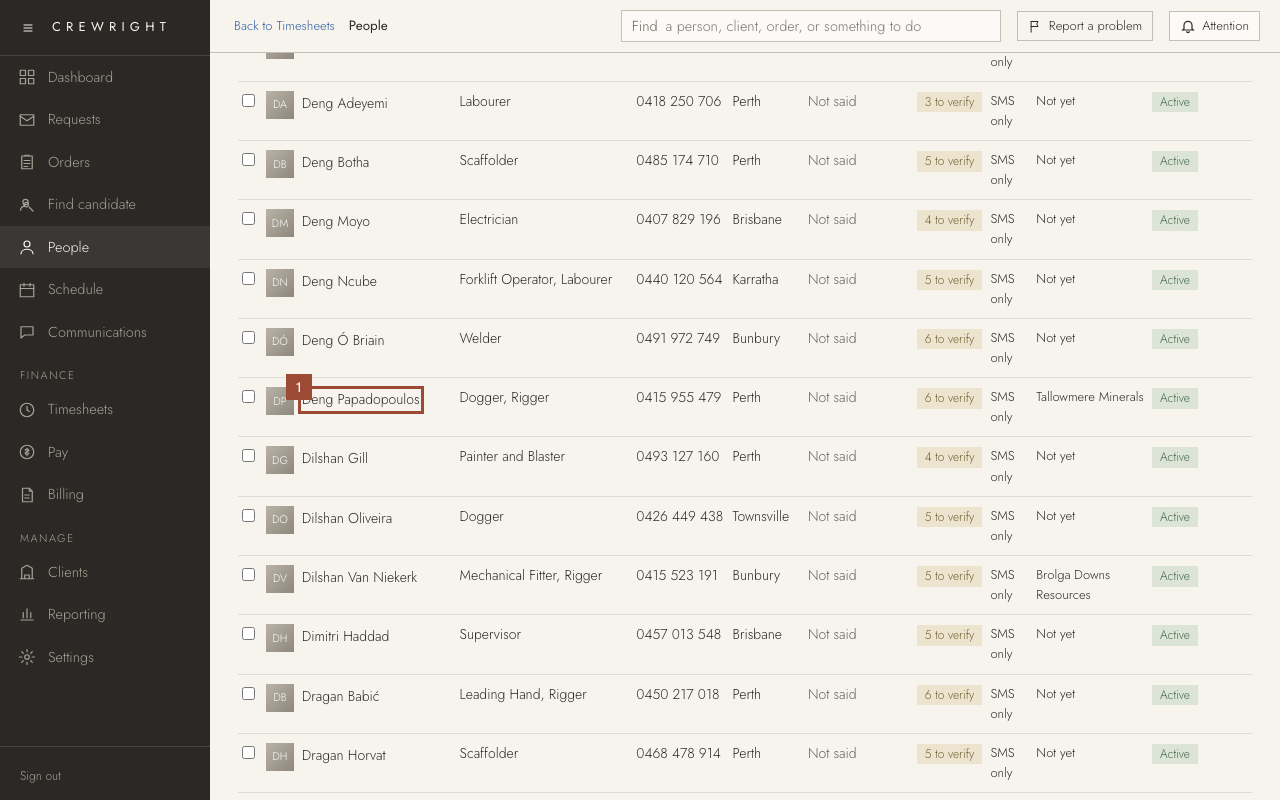
1. On People, open the person.
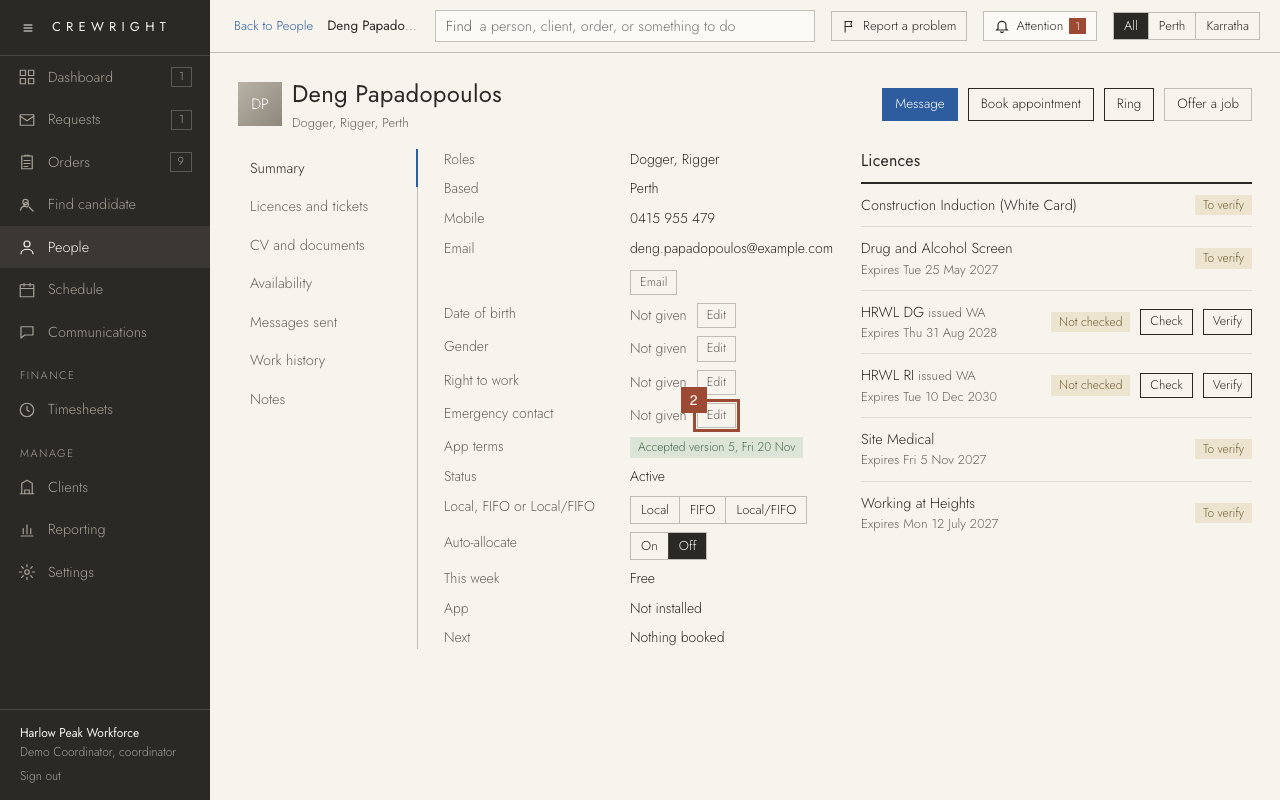
2. On their Summary, press Edit beside Emergency contact.
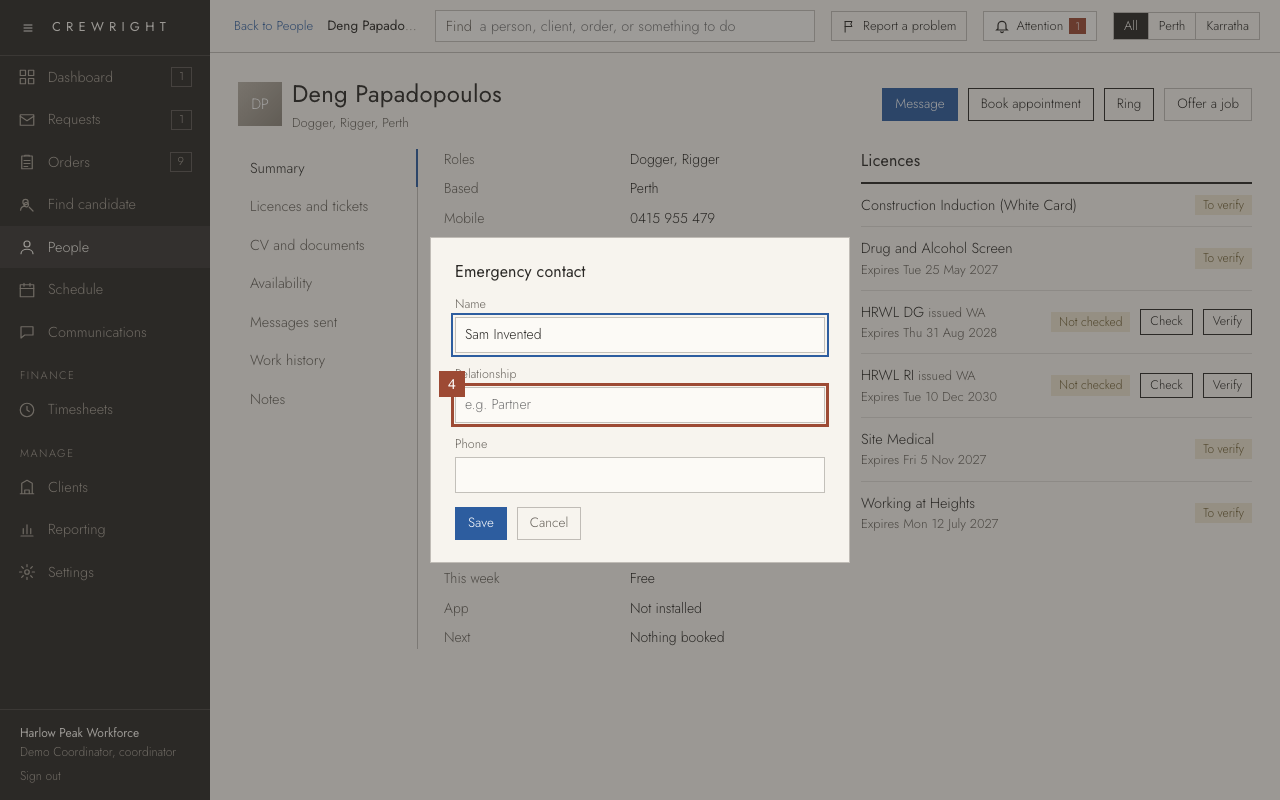
3. Type the contact's Name…
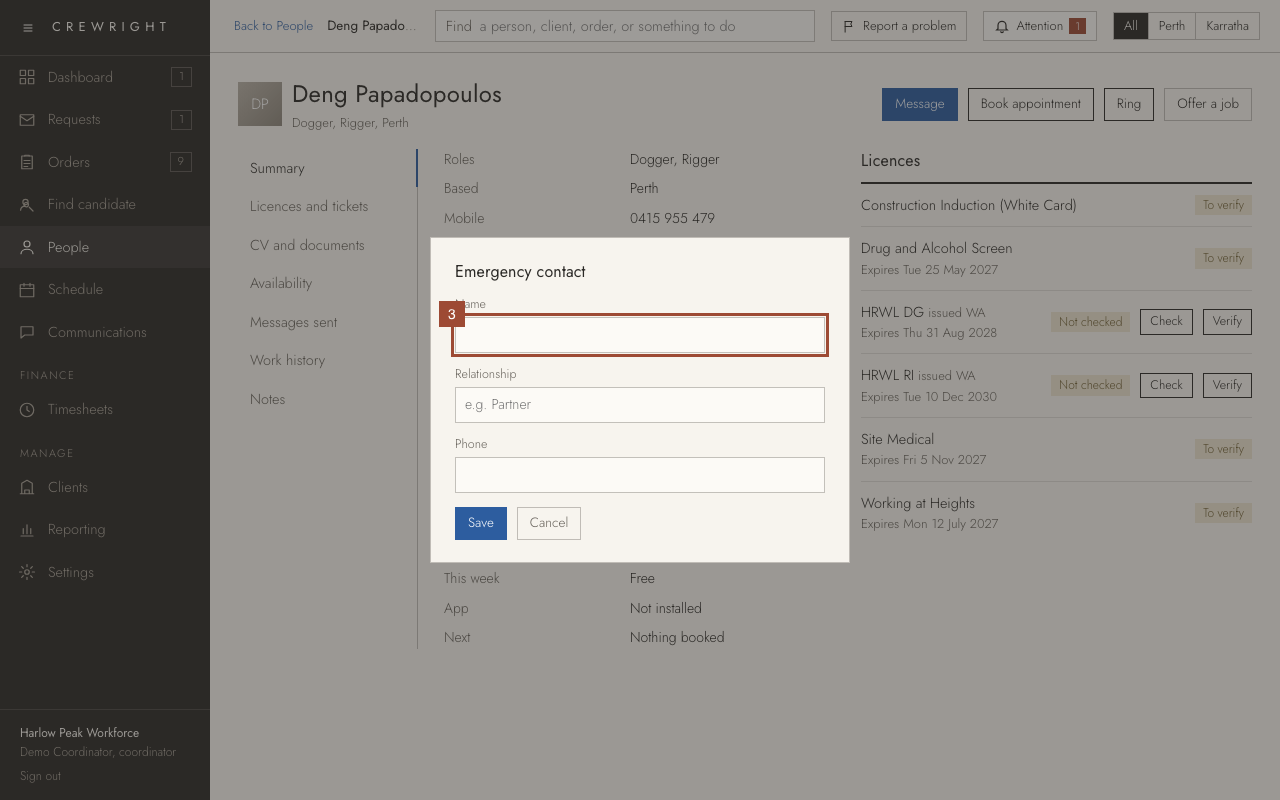
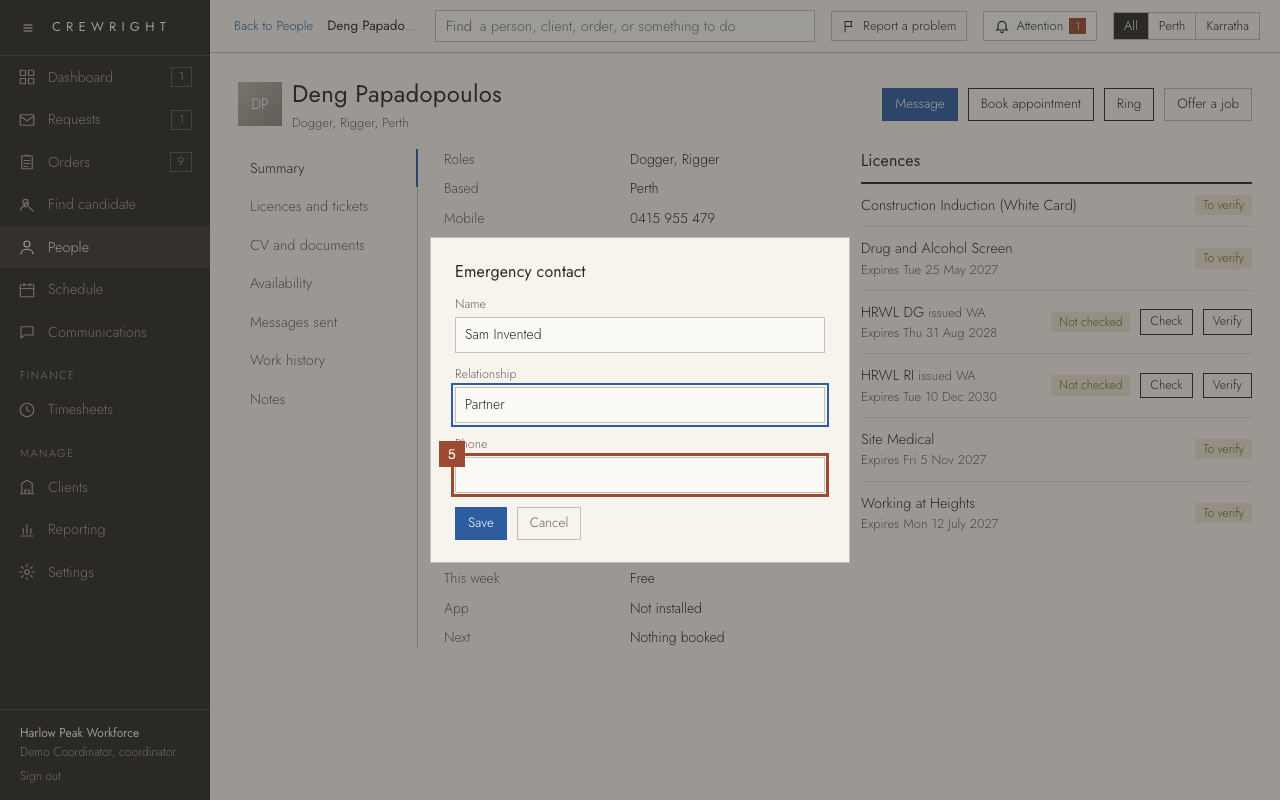
4. …how they are related…
5. …and their Phone number.
6. Press Save.
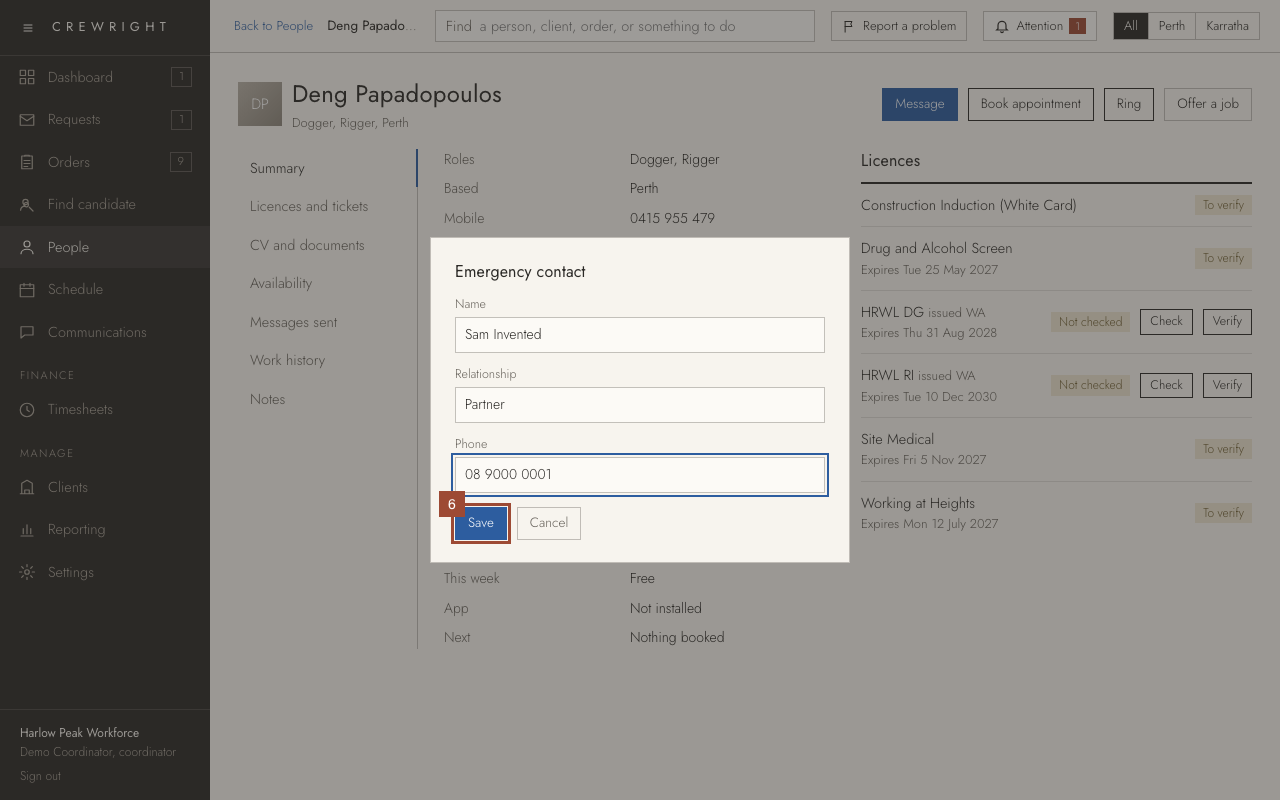
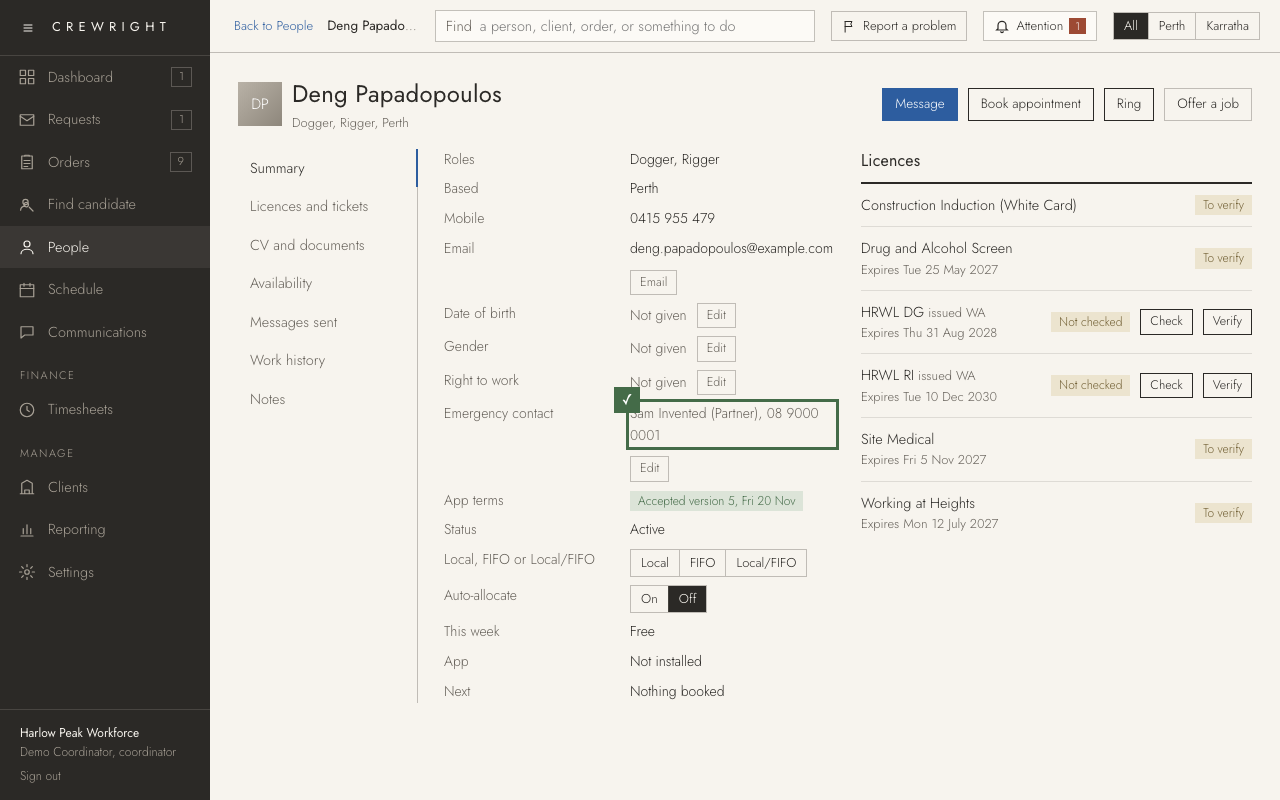
Done Done. It shows on the person's Summary, and the number can be rung from here.