Help · Owner (setting up the company)
Add office staff in one go
When new coordinators start, add them all at once: one line each — name, email, role. Each gets an invitation to choose a password.
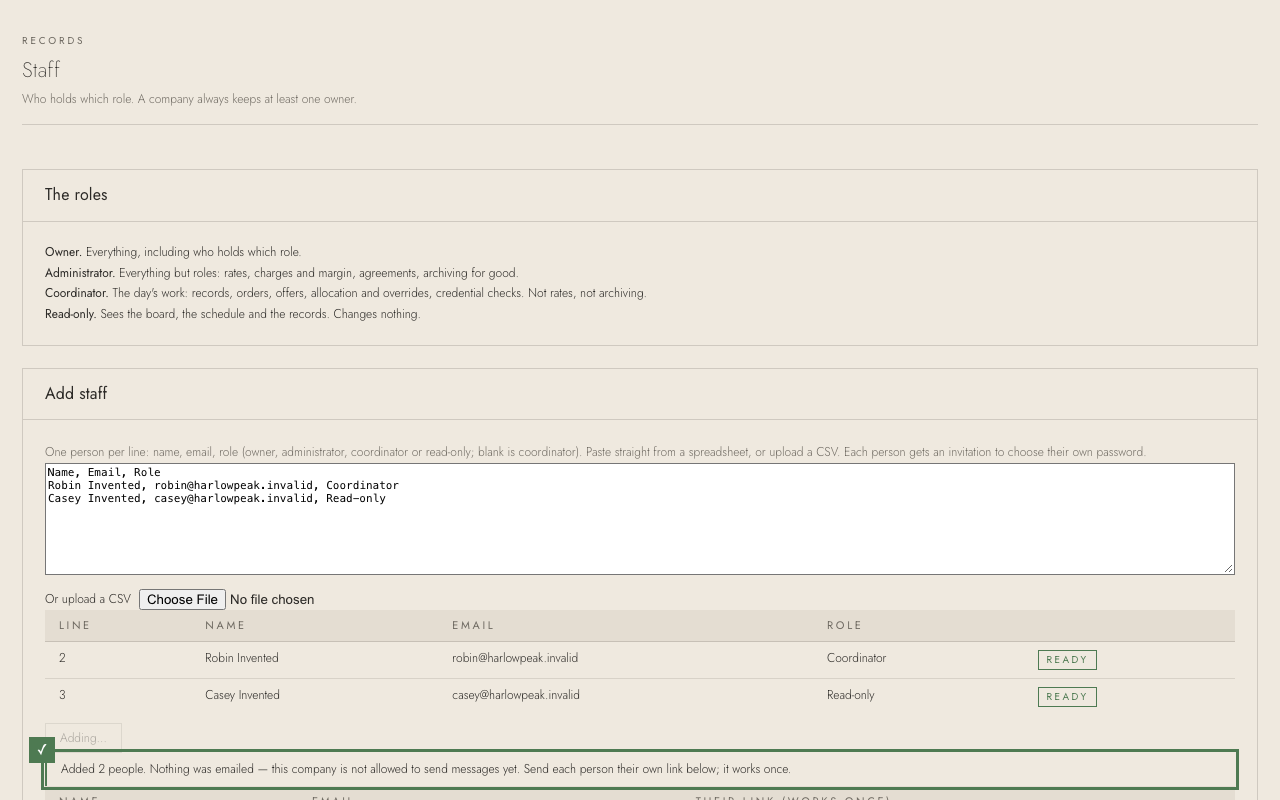
1. Under Add staff, paste the list — straight from a spreadsheet, or typed: name, email, role. A blank role means coordinator. (Or upload a CSV.)
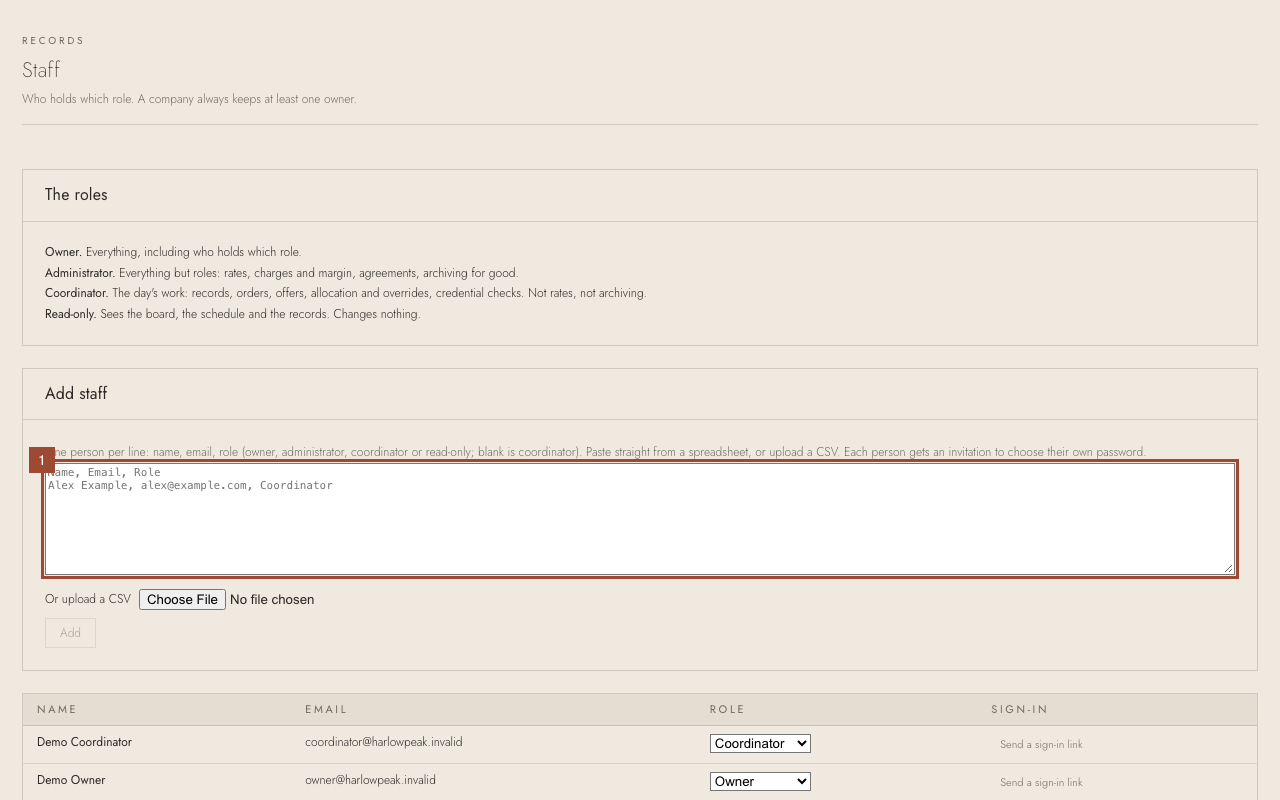
2. Every line is checked as you type. A line marked in red says what to fix; nobody is added until every line says Ready.
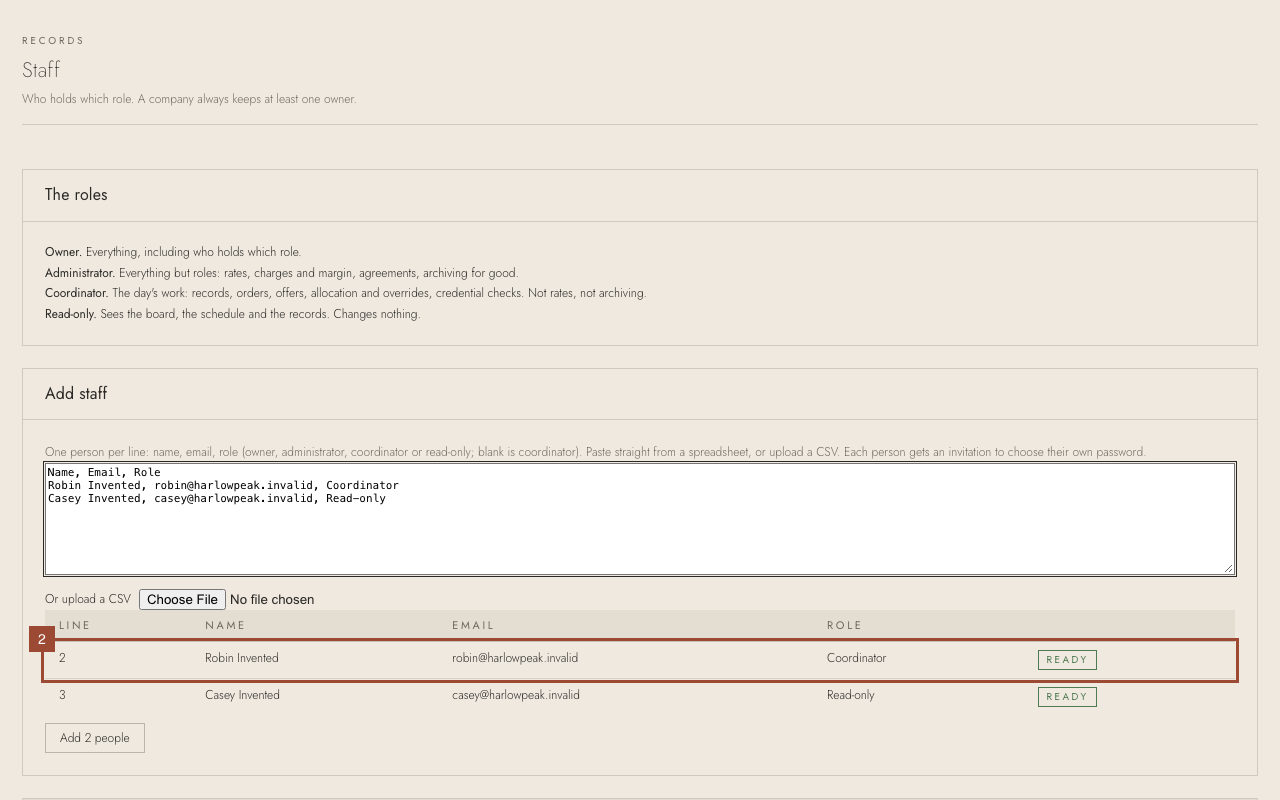
3. Press Add 2 people.
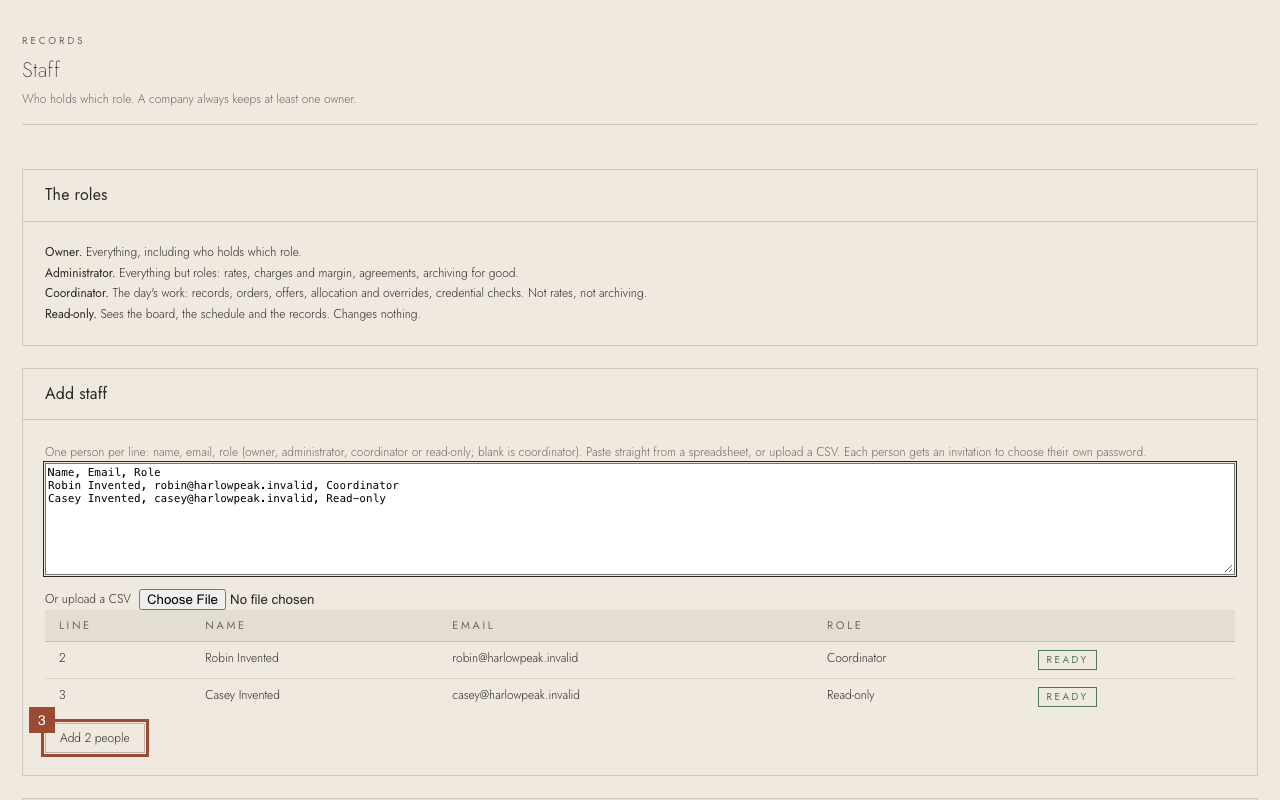
✓ Done. While the company may not send messages, nothing is emailed: copy each person's link and send it to them yourself. It works once. They choose a password, and they are in.