Help · Worker (the phone app)
Add the app to your home screen (Android)
Open the link the office texted you (it ends in /crew) in Chrome. Then keep the app on your home screen, so it opens like any other app.
1. The first time you open it, it shows Keep Crewright on your phone.
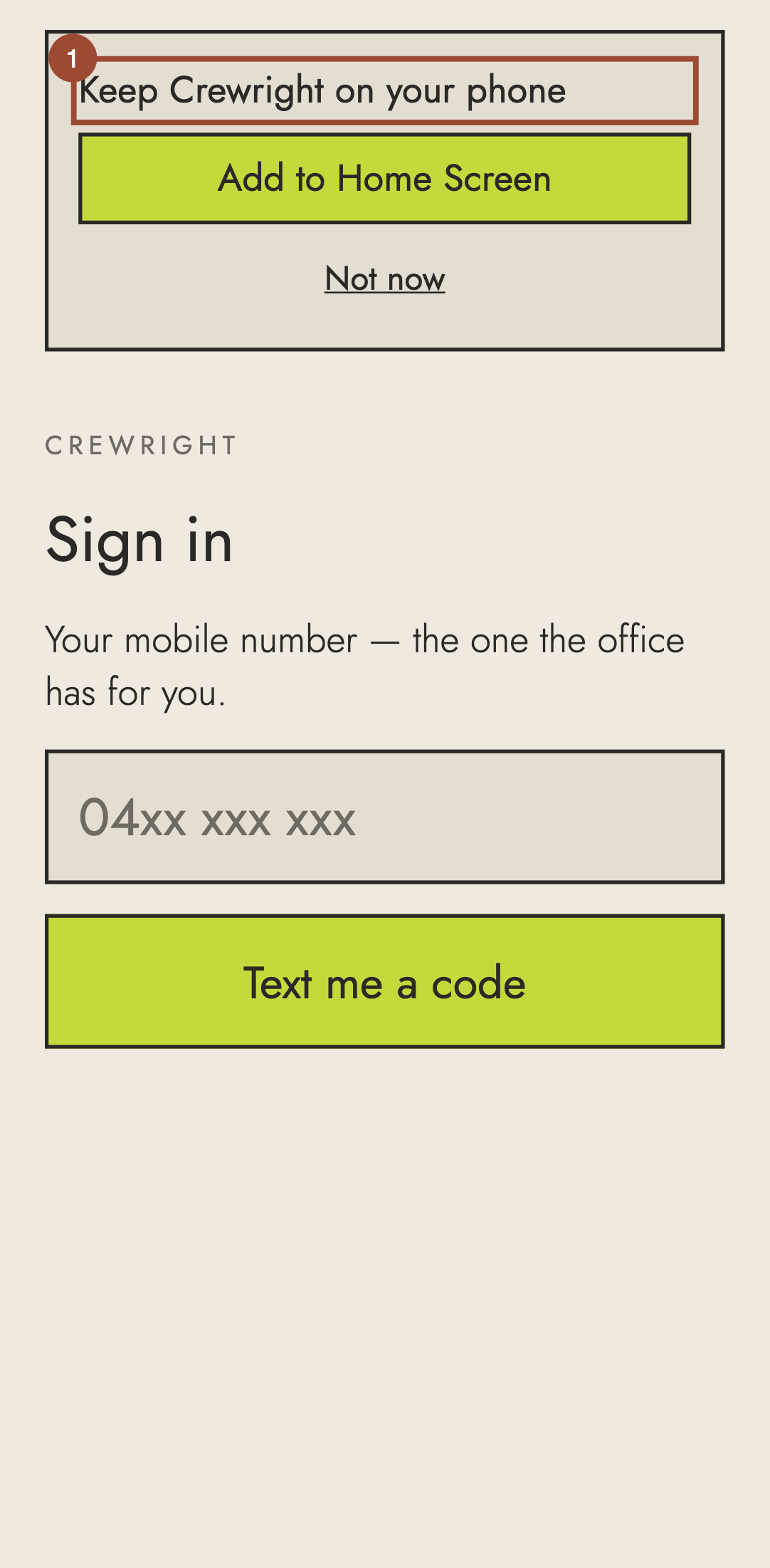
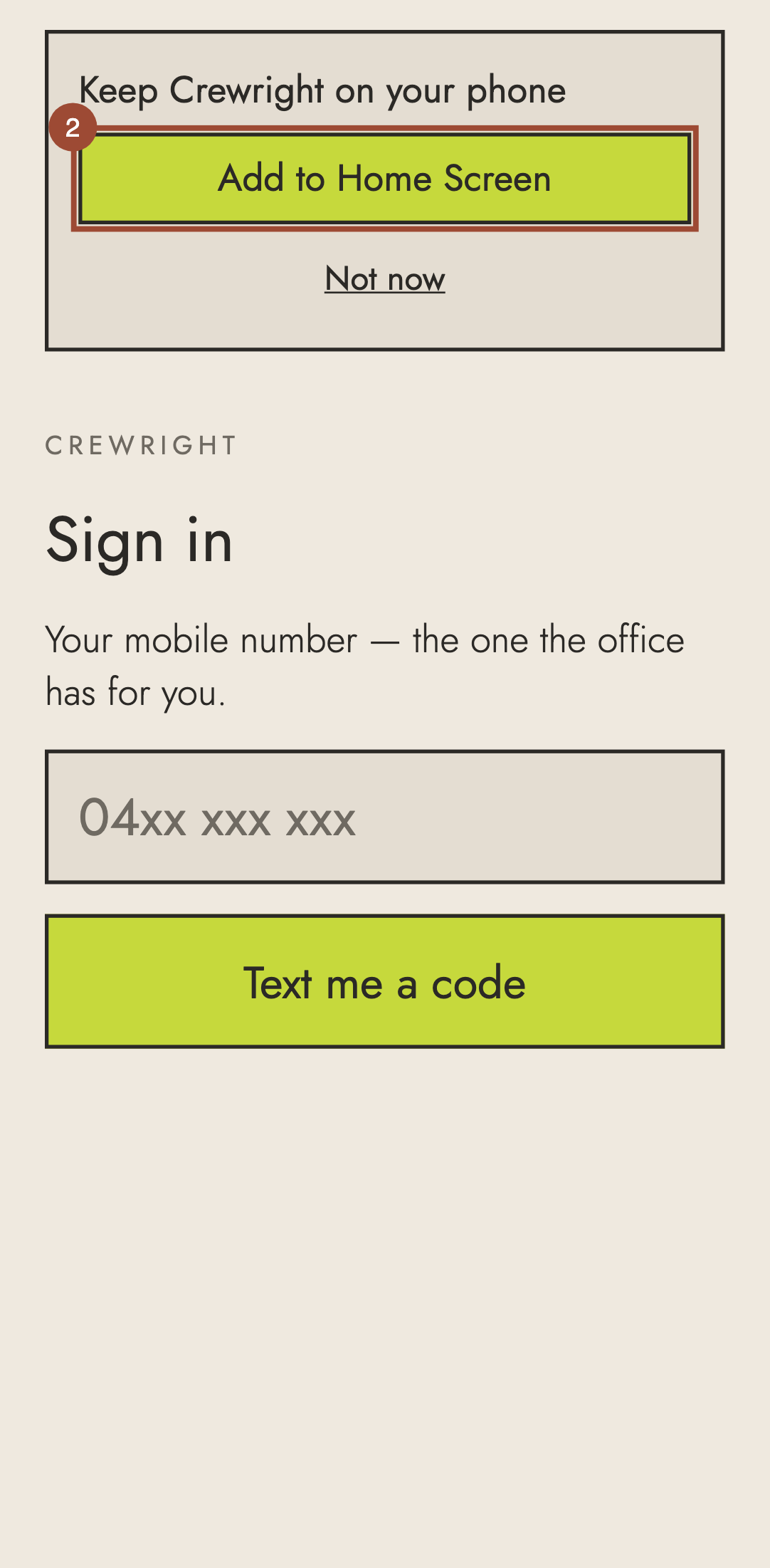
2. Press Add to Home Screen, then Install in the window Chrome shows.
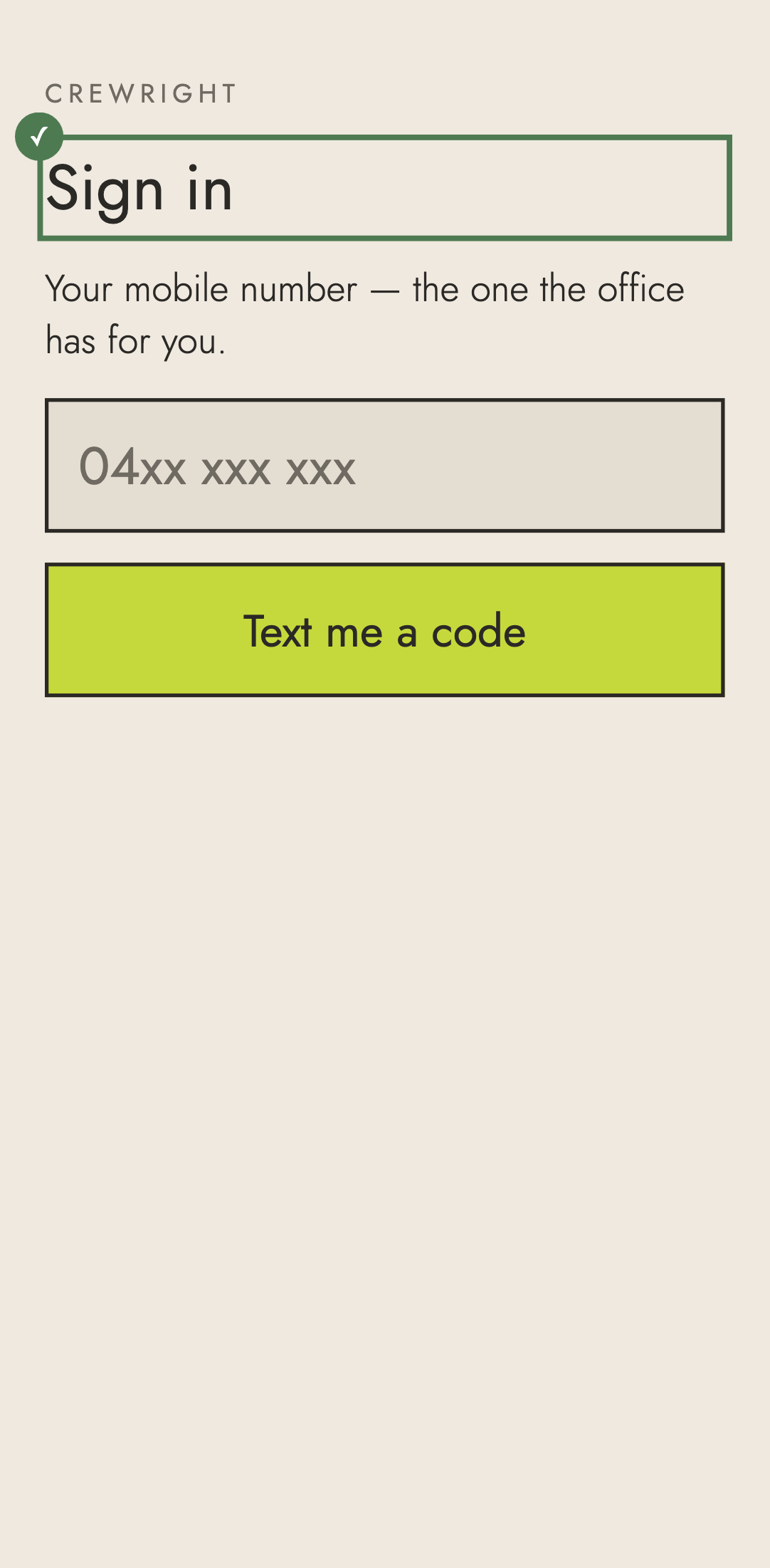
✓ Done. Open Crew from its icon from now on, and sign in once.