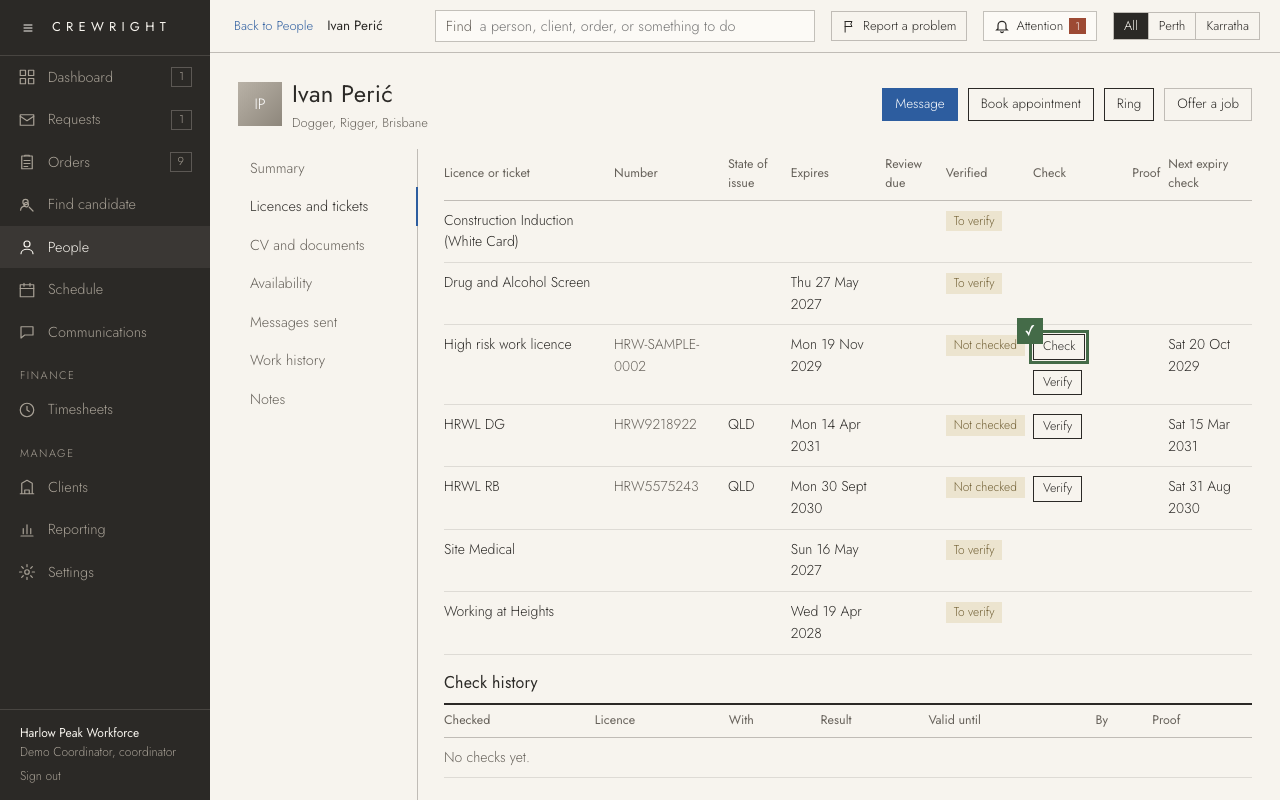
Check a high risk work licence
You check WA high risk work licences on the WorkSafe WA register yourself, when you choose: for several people at once, or for one licence. Crewright does not search the register by itself.
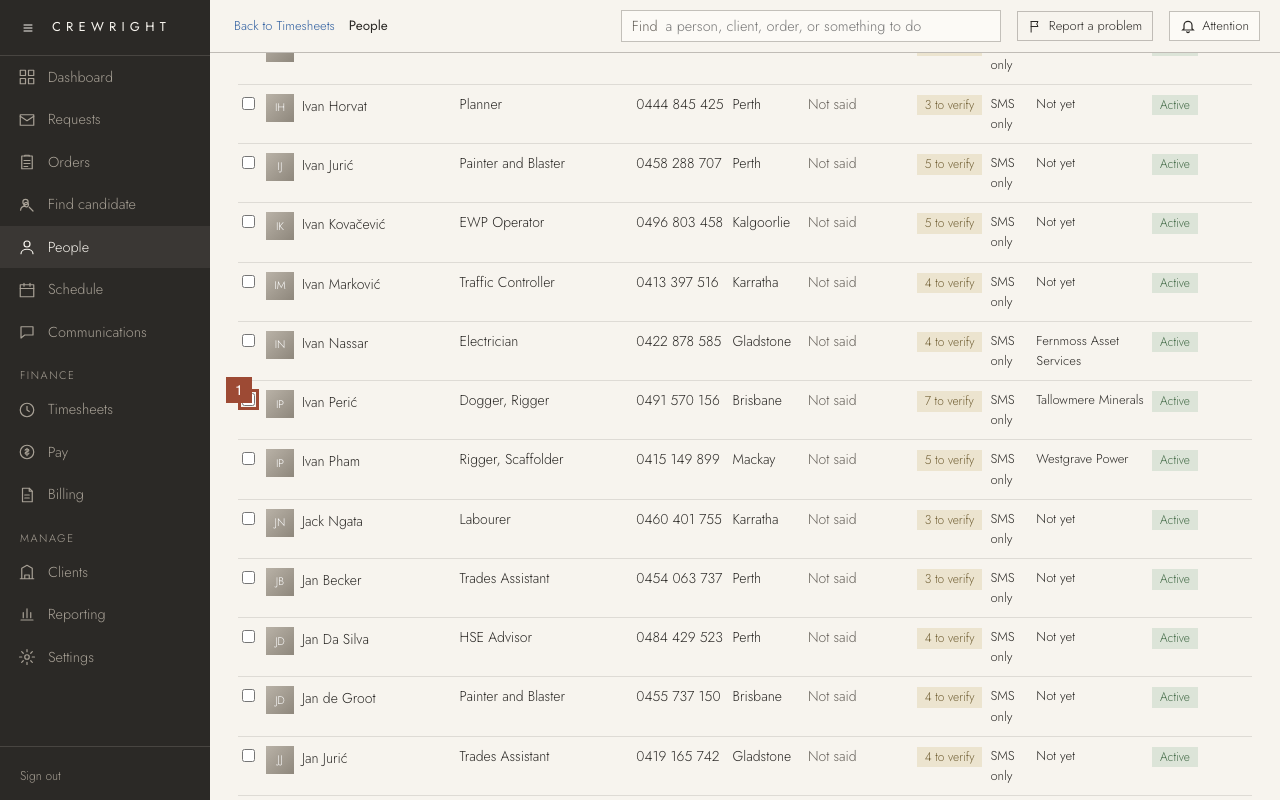
1. On People, tick each person to check. You can tick as many as you need.
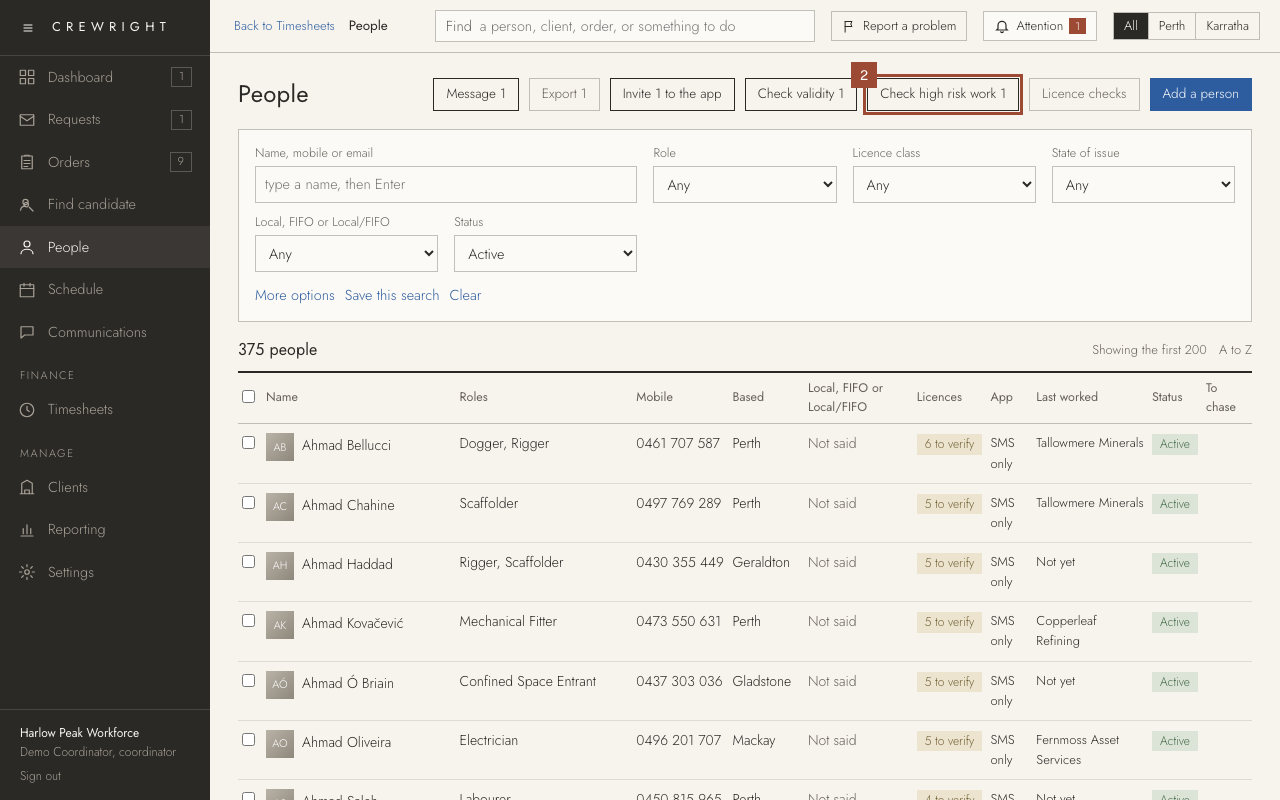
2. Press Check high risk work 1, then OK. Crewright searches the WA register for each person's licence, five seconds apart, and saves what the register says to their record. Up to 25 at a time.
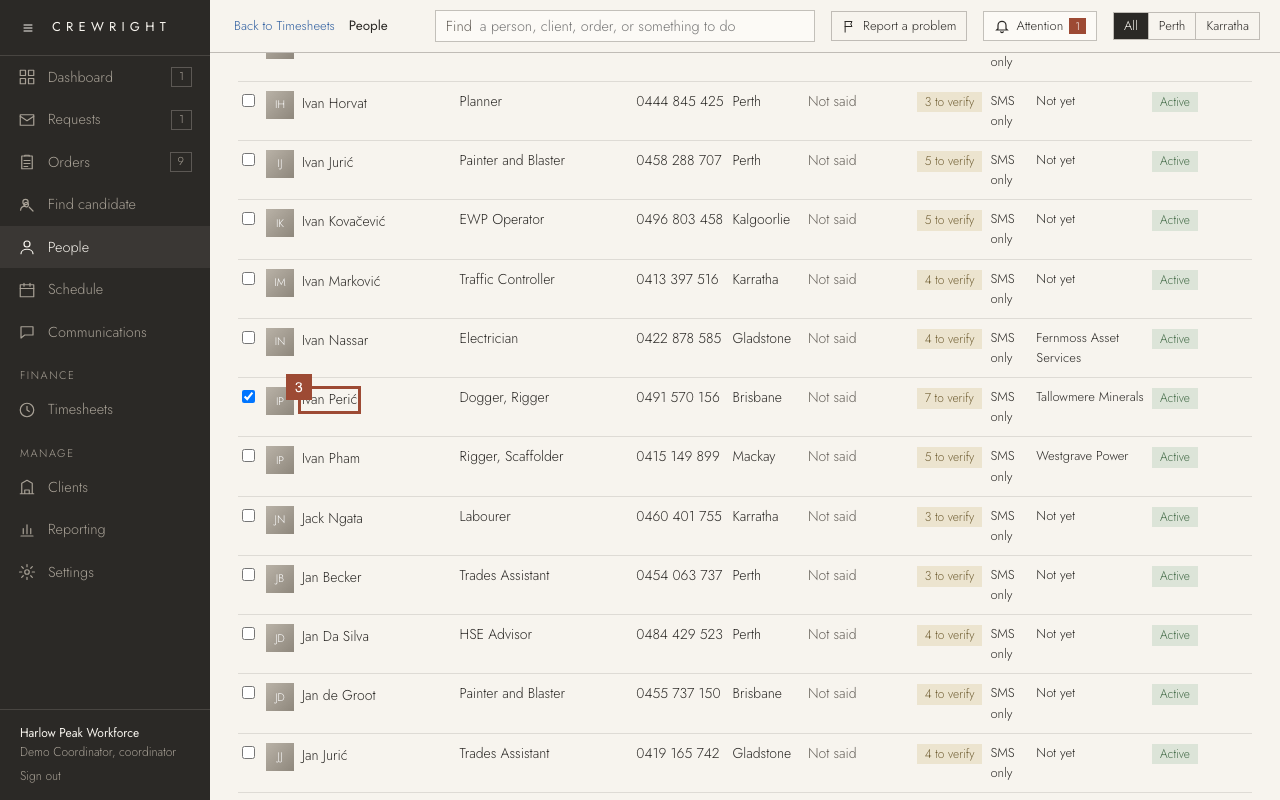
3. To check one licence and see the answer first, open the person.
4. Open Licences and tickets.
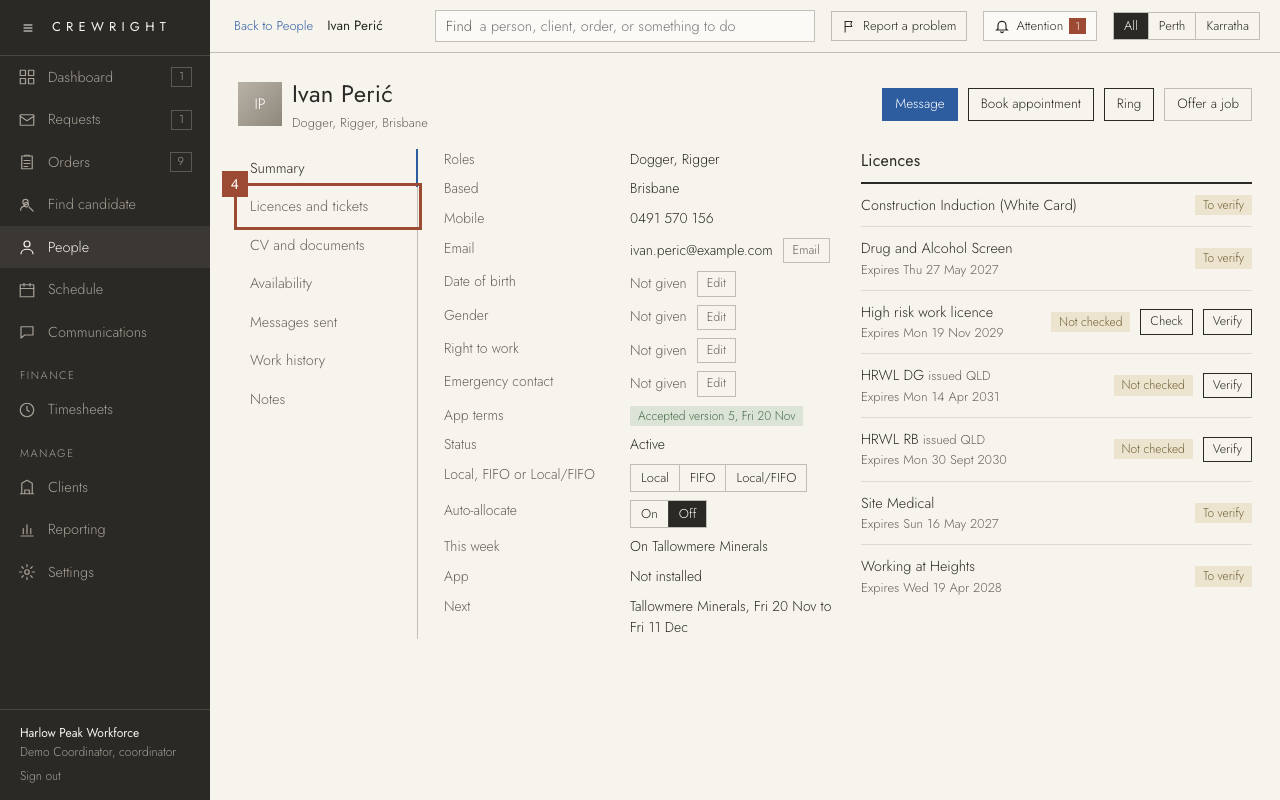
5. Press Check on the licence. Crewright searches the register and shows the result, the expiry and the classes. Press Save to keep it, with Set their tickets from these classes ticked if you want their tickets set for you.
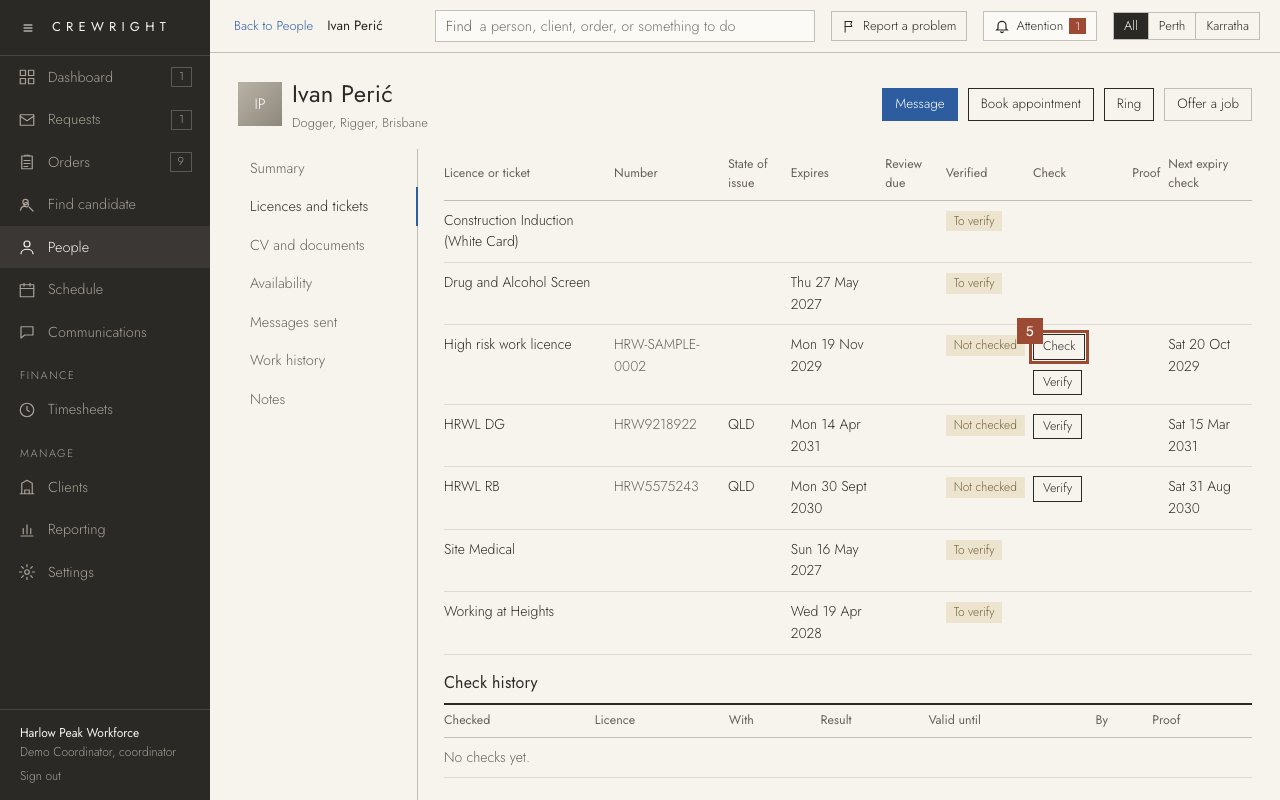
Done Each check is kept under Check history on this tab, with a PDF. A licence the register shows as expired, suspended, cancelled or not found goes on the attention list. (This practice company holds invented licences, so nothing here is sent to the register.)