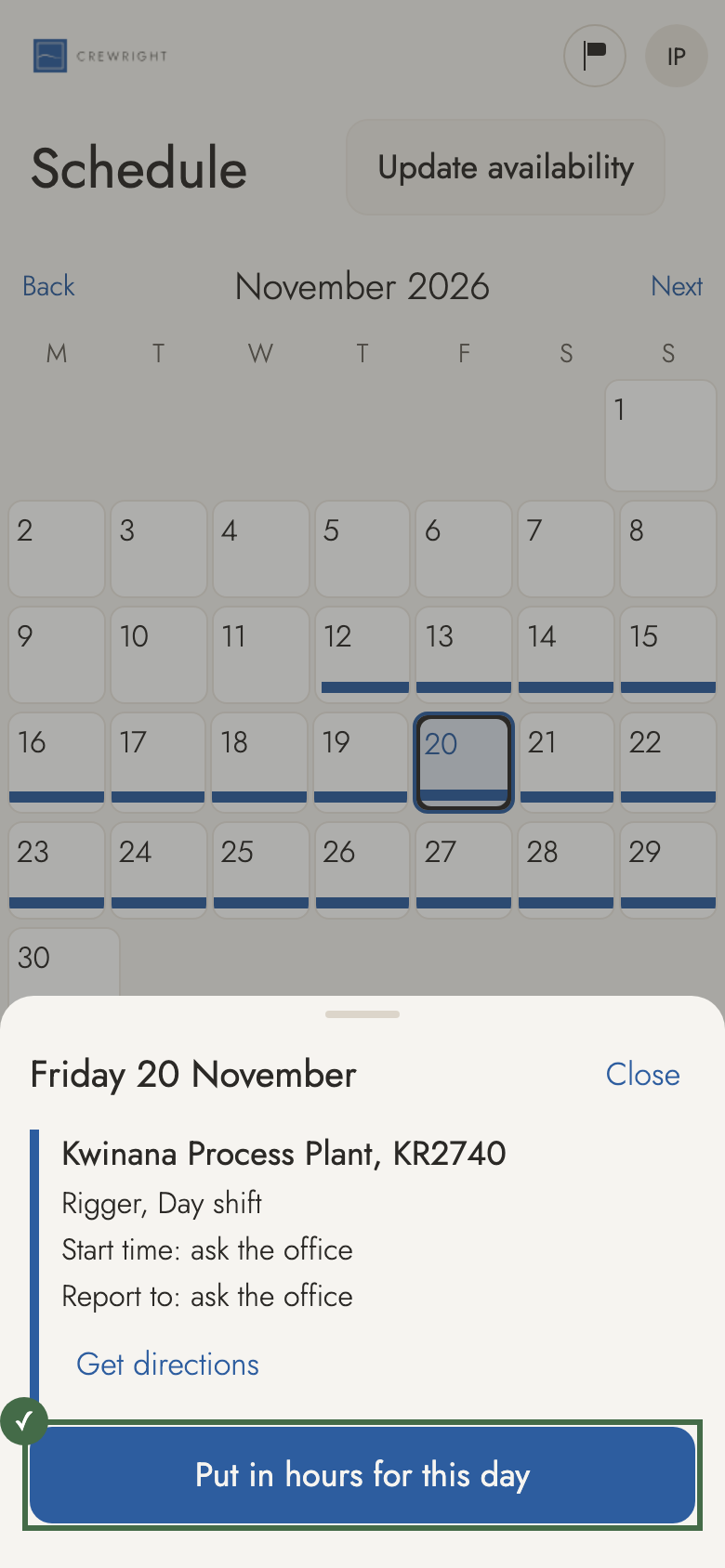
Check your schedule
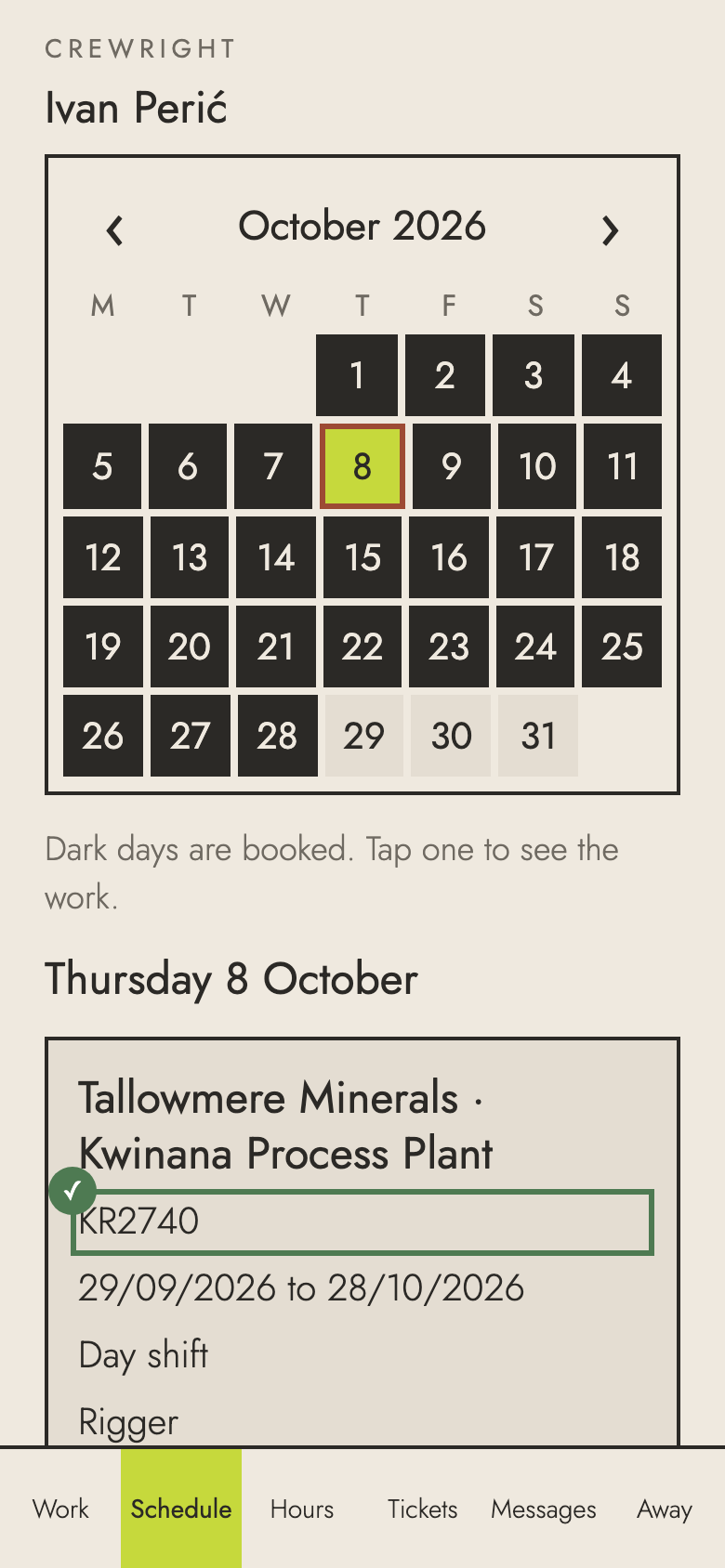
Schedule shows your month: the work you have confirmed, the days you have put your hand up for, and your time off. Nothing pencilled in shows as booked.
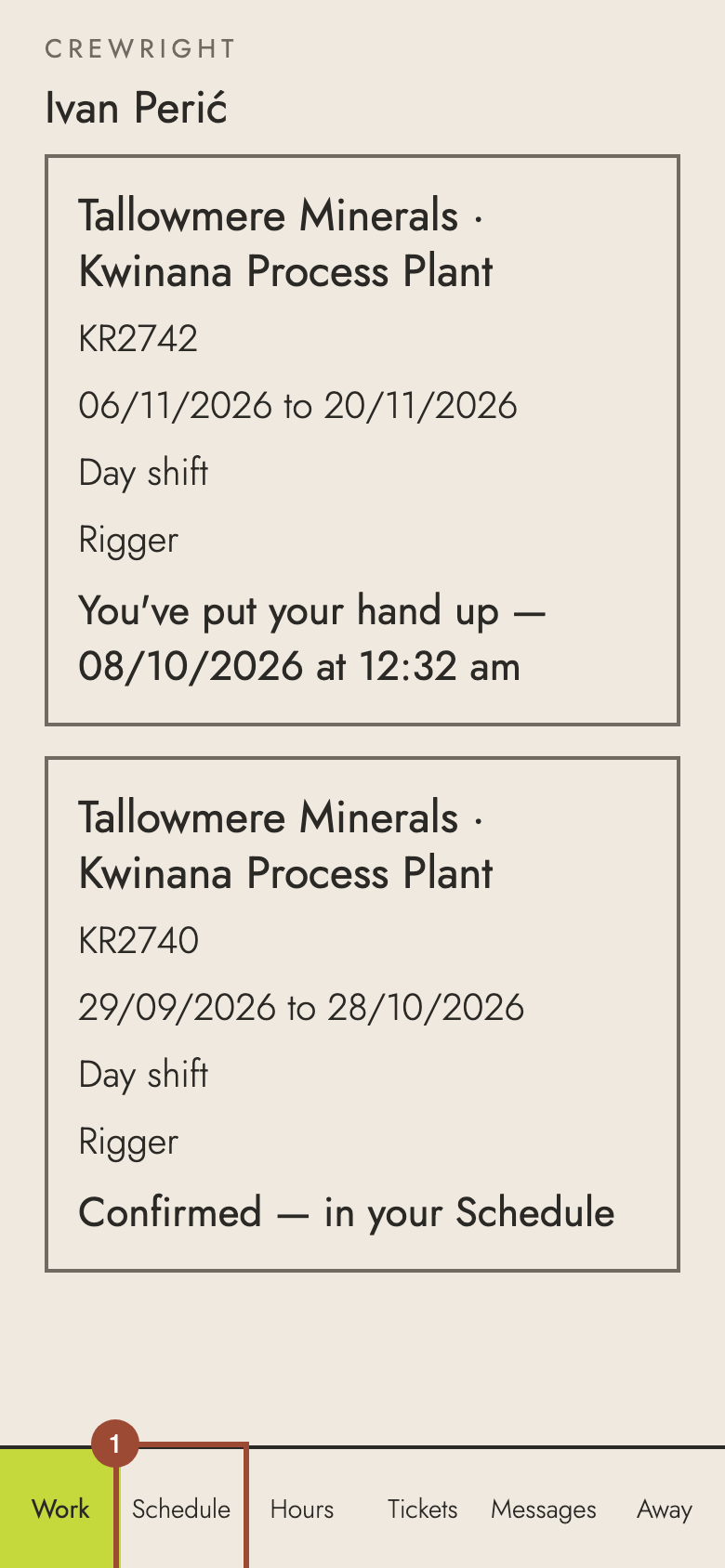
1. Open Schedule. Your work is a bar along each day.
2. Tap a day to see it.
Done The day: the site, the start time, the job and who to report to — with Put in hours for this day on the day. Pull down on Schedule to check for changes.