Help · Worker (the phone app)
Confirm your licence class
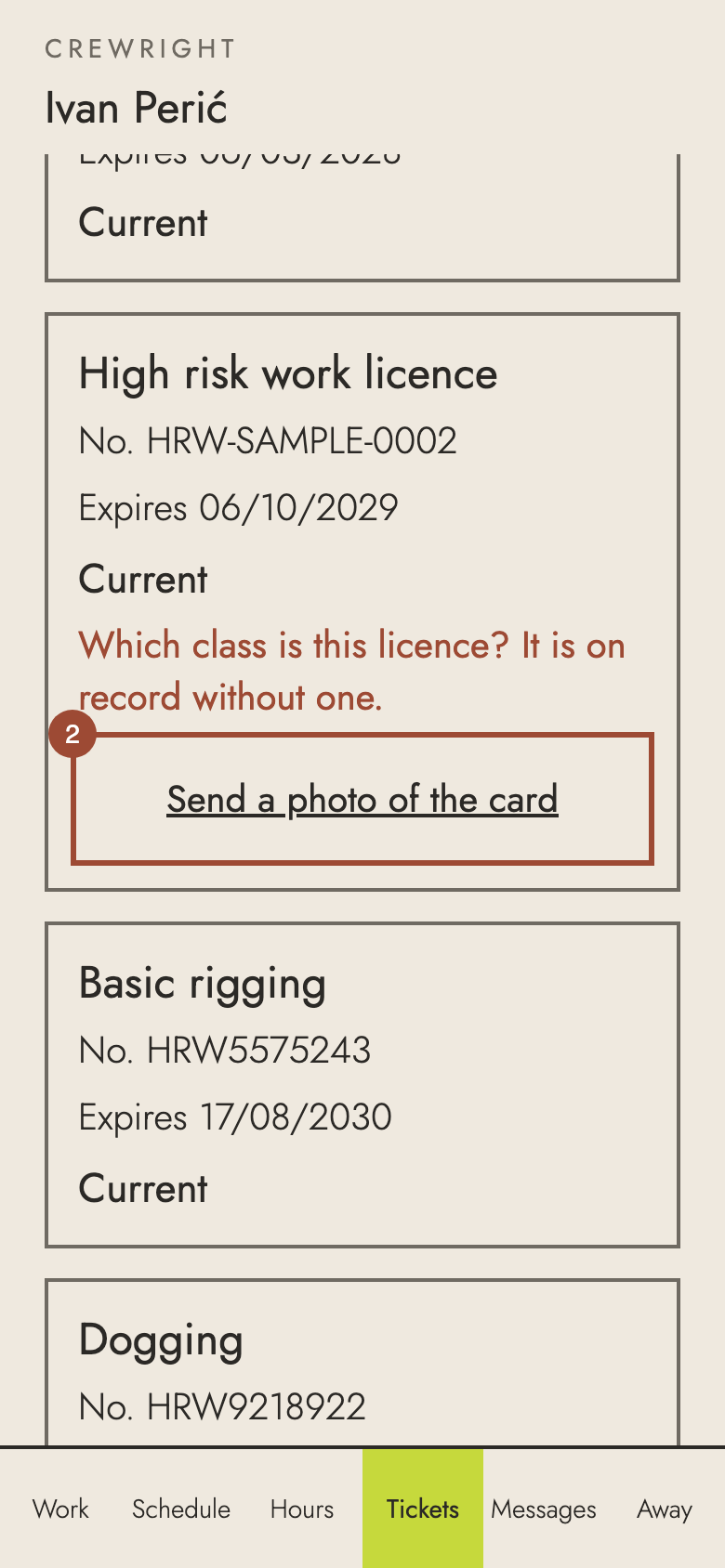
If the office has your high-risk licence without its class, Tickets asks "Which class is this licence?". Send a photo of the card and say which class it is.
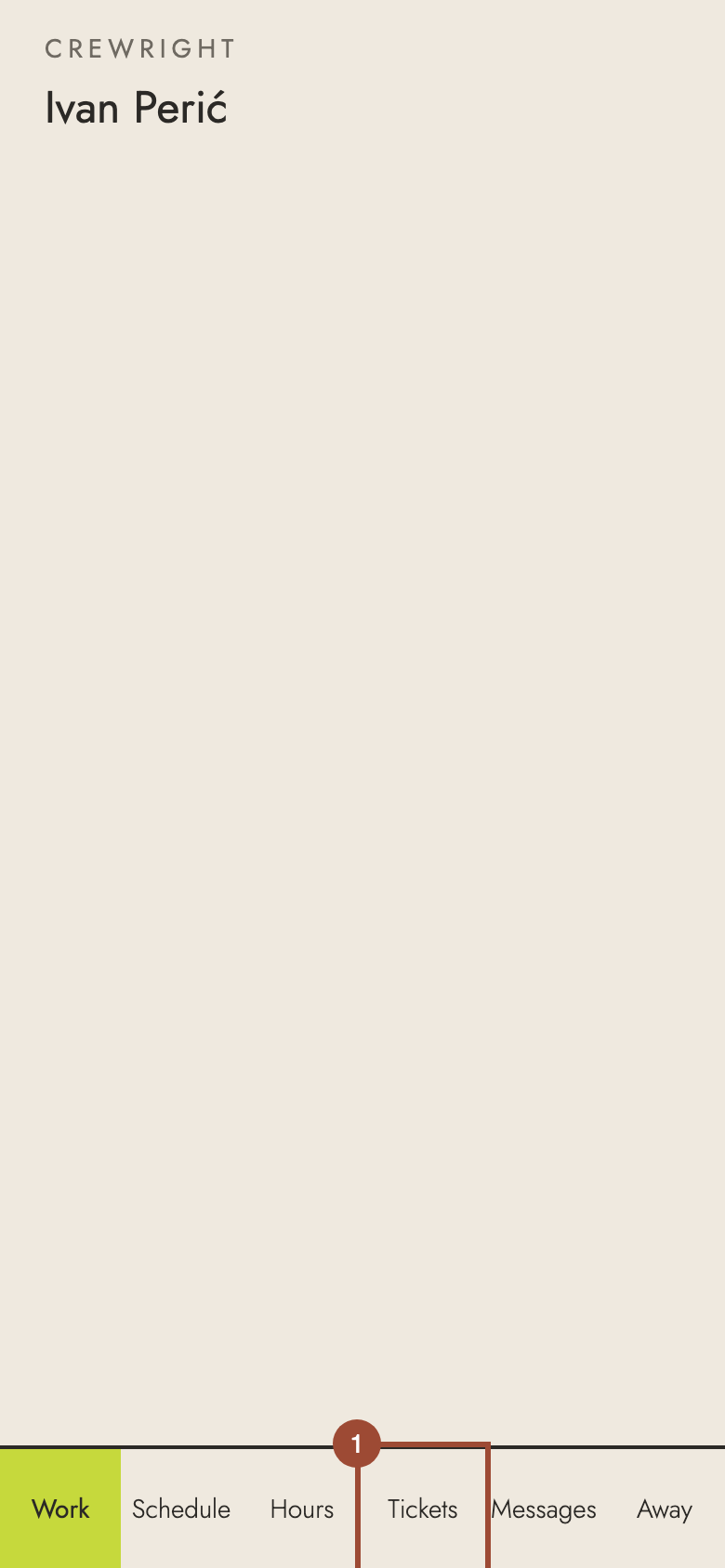
1. Open Tickets.
2. Under Which class is this licence?, press Send a photo of the card.
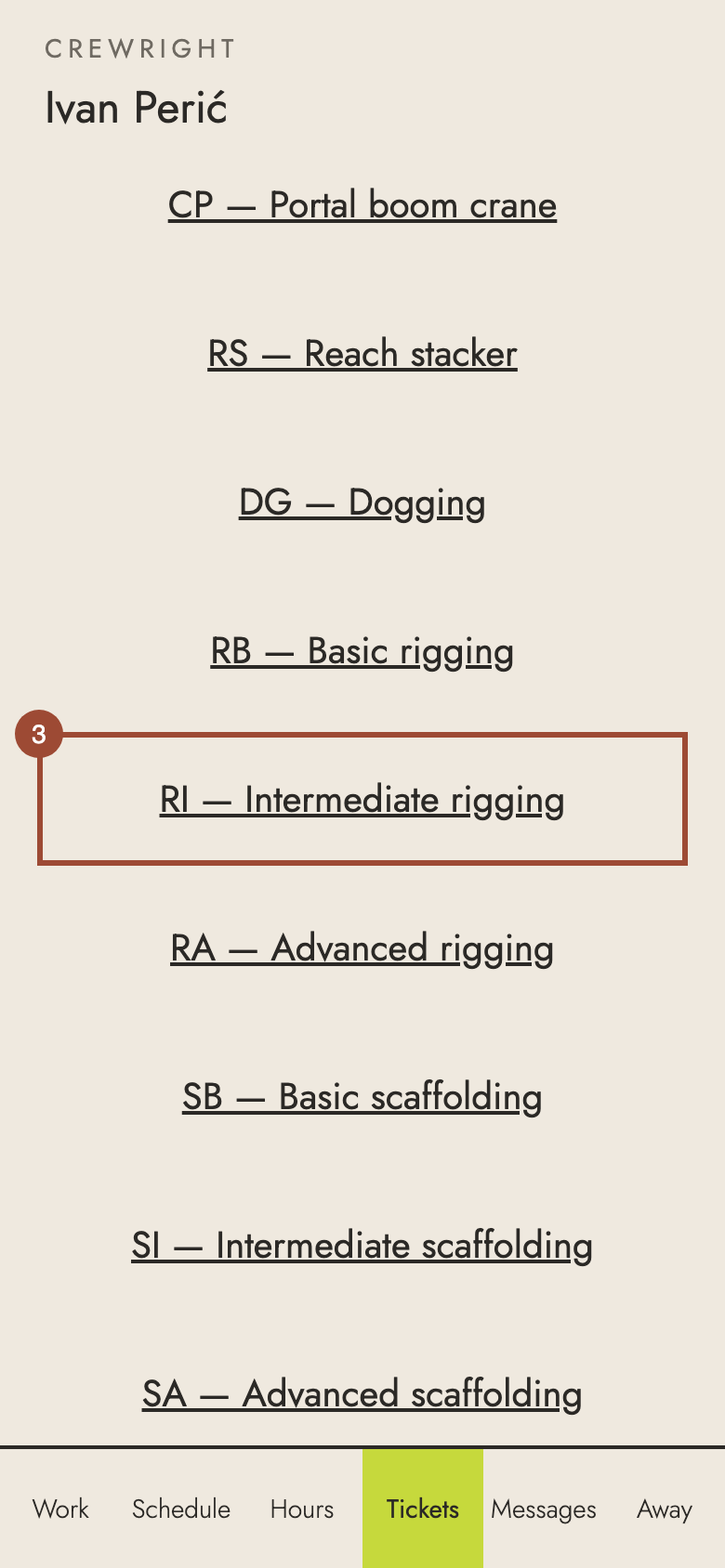
3. Choose the class on the card: here, RI — Intermediate rigging.
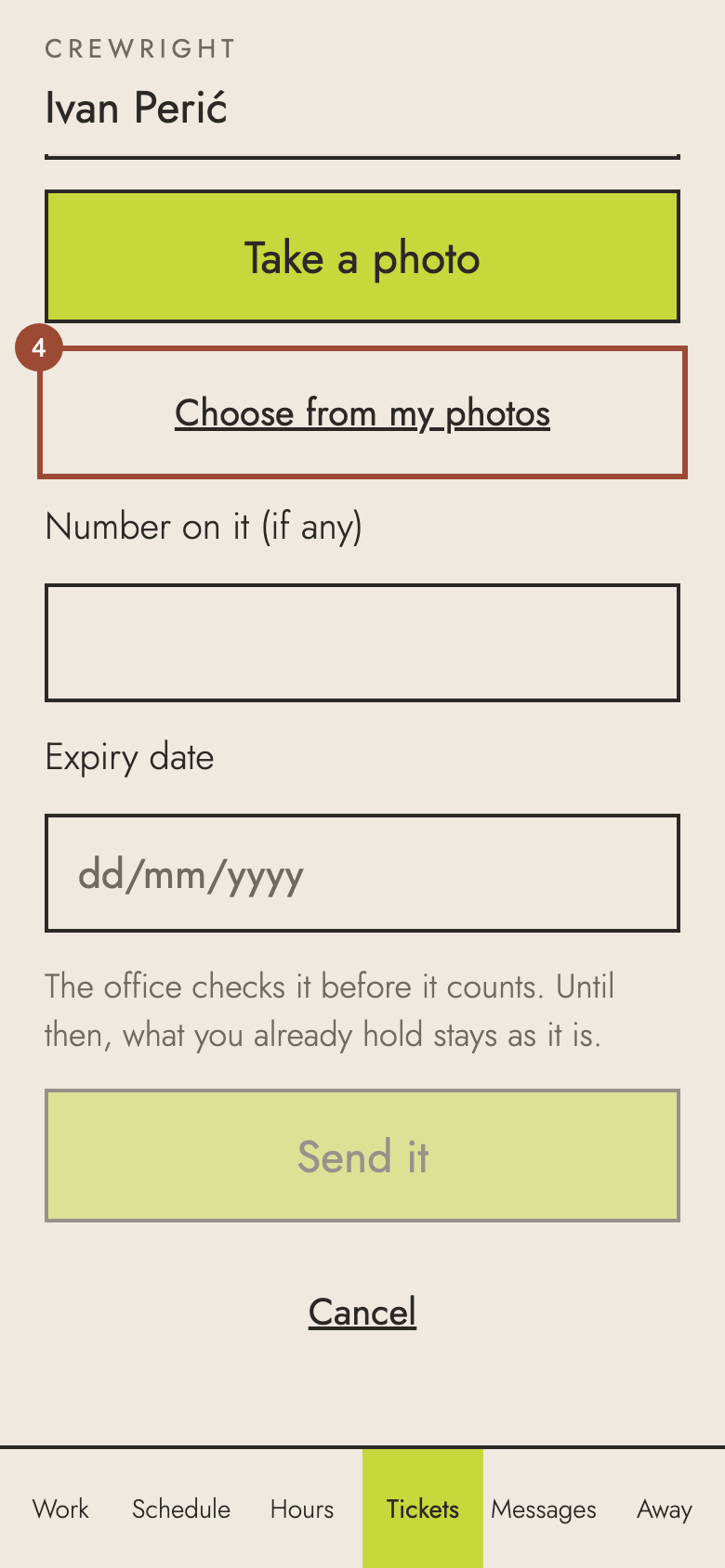
4. Press Take a photo to use the camera, or Choose from my photos.
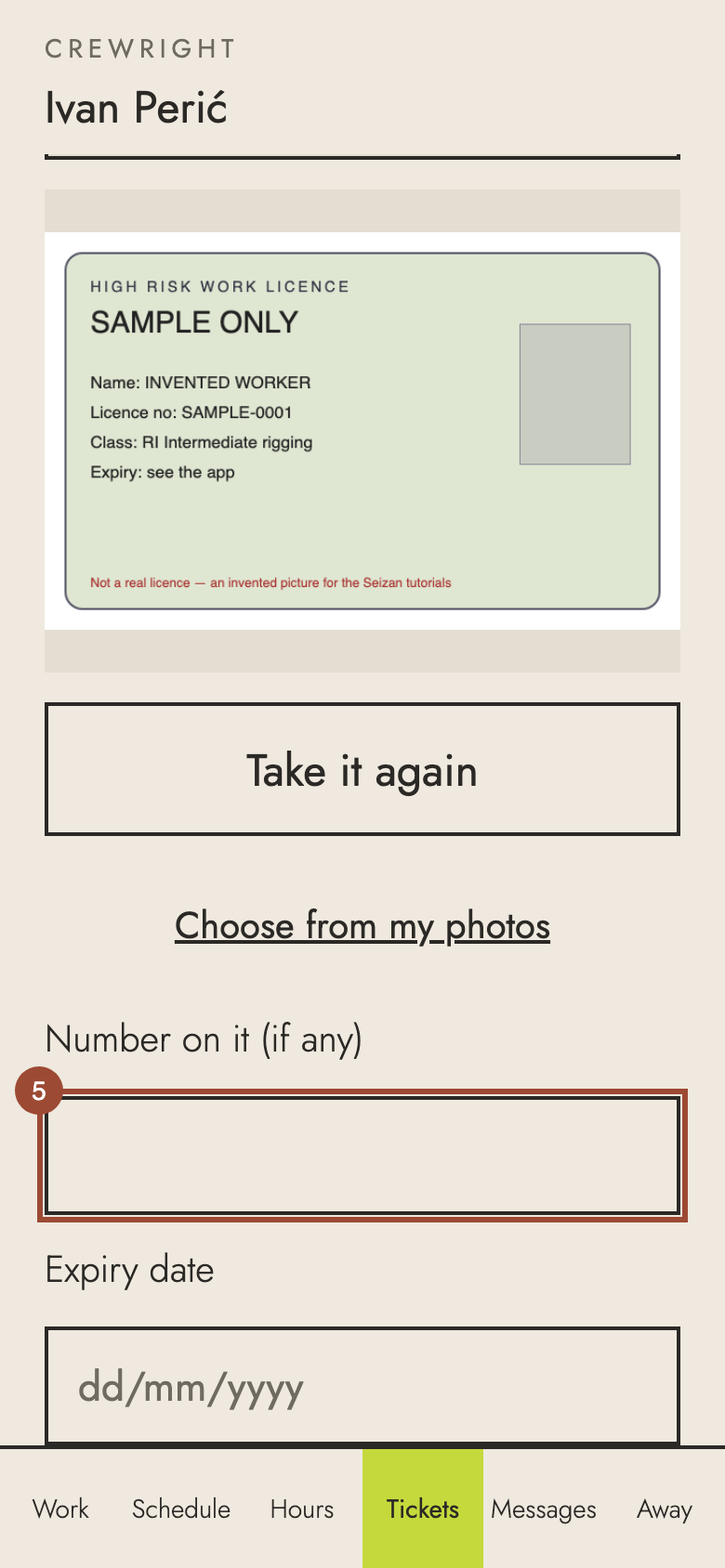
5. Type the licence number.
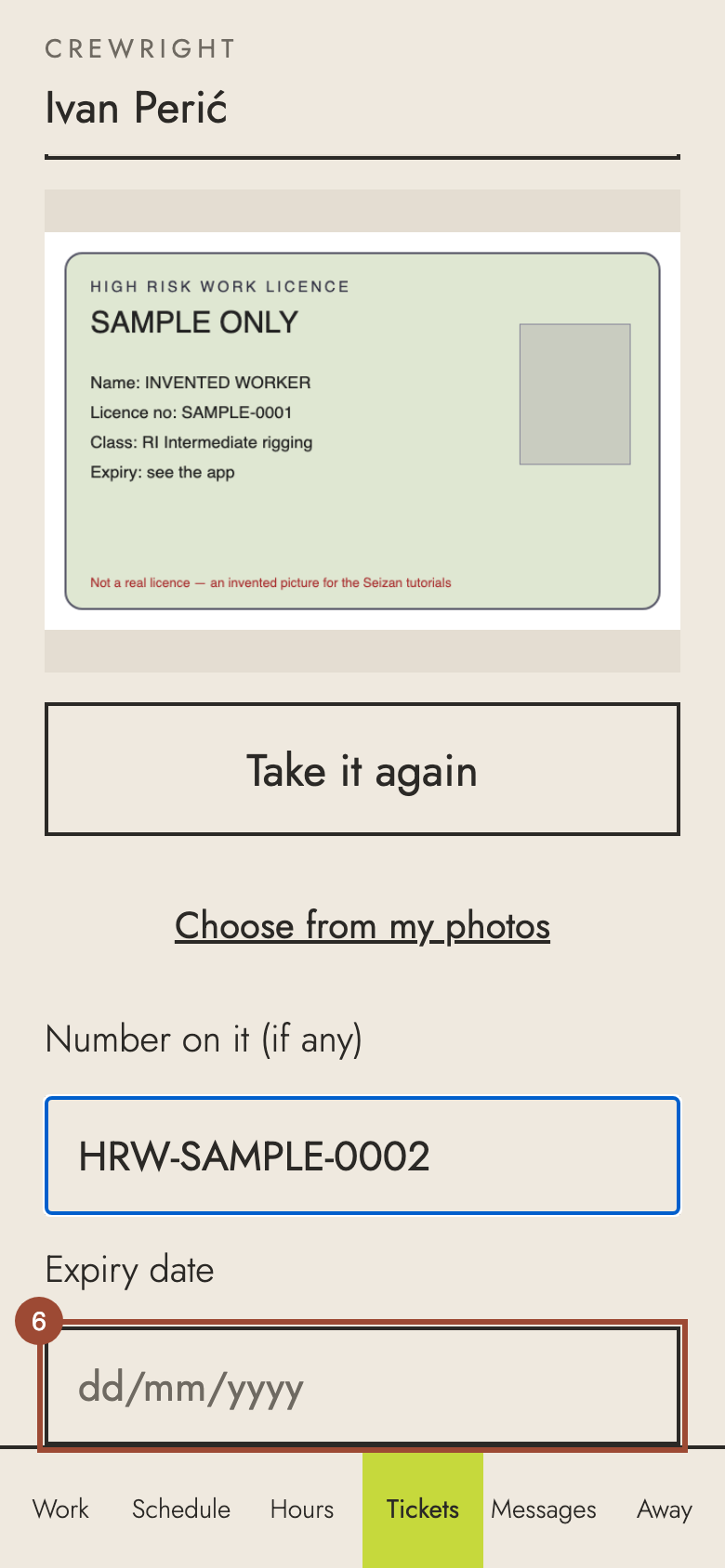
6. Type its expiry date, day/month/year.
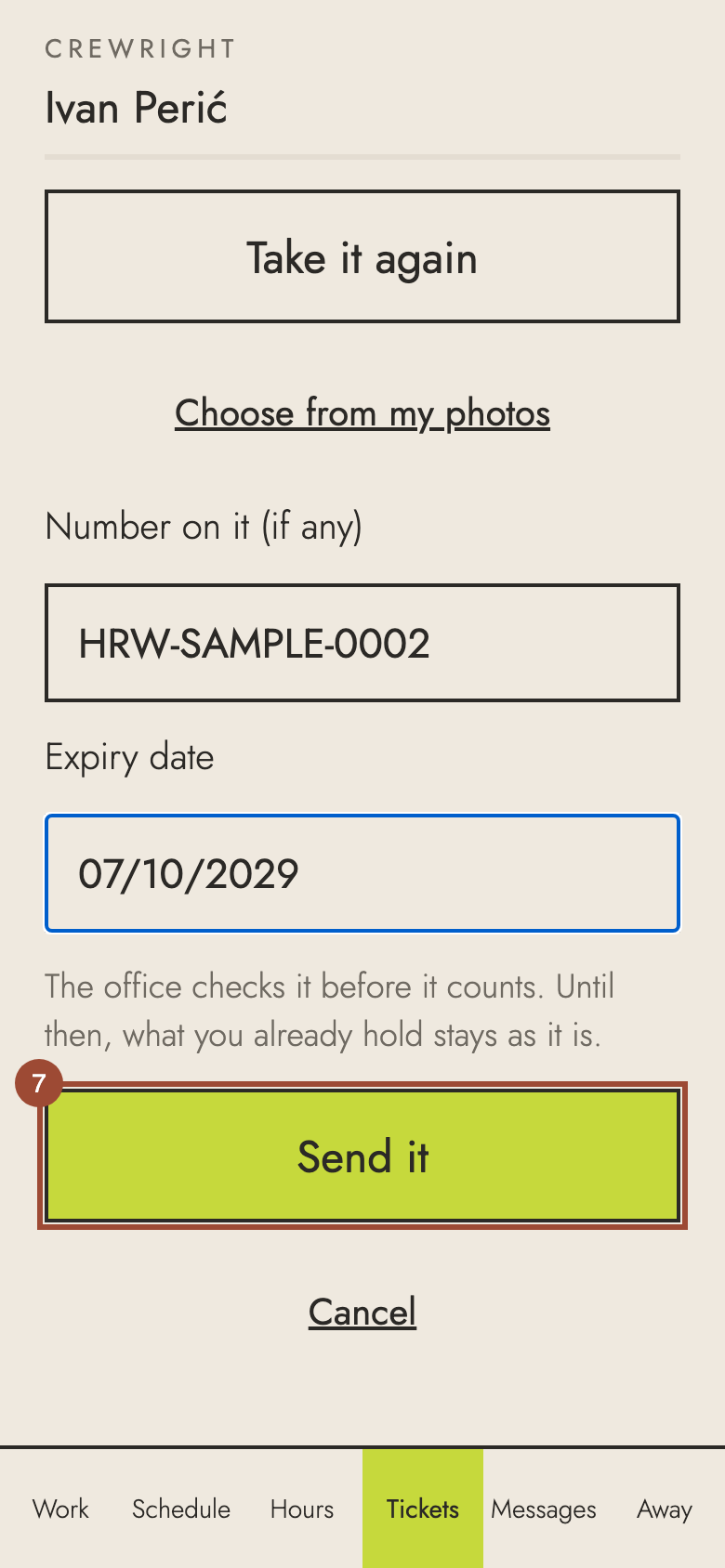
7. Press Send it.
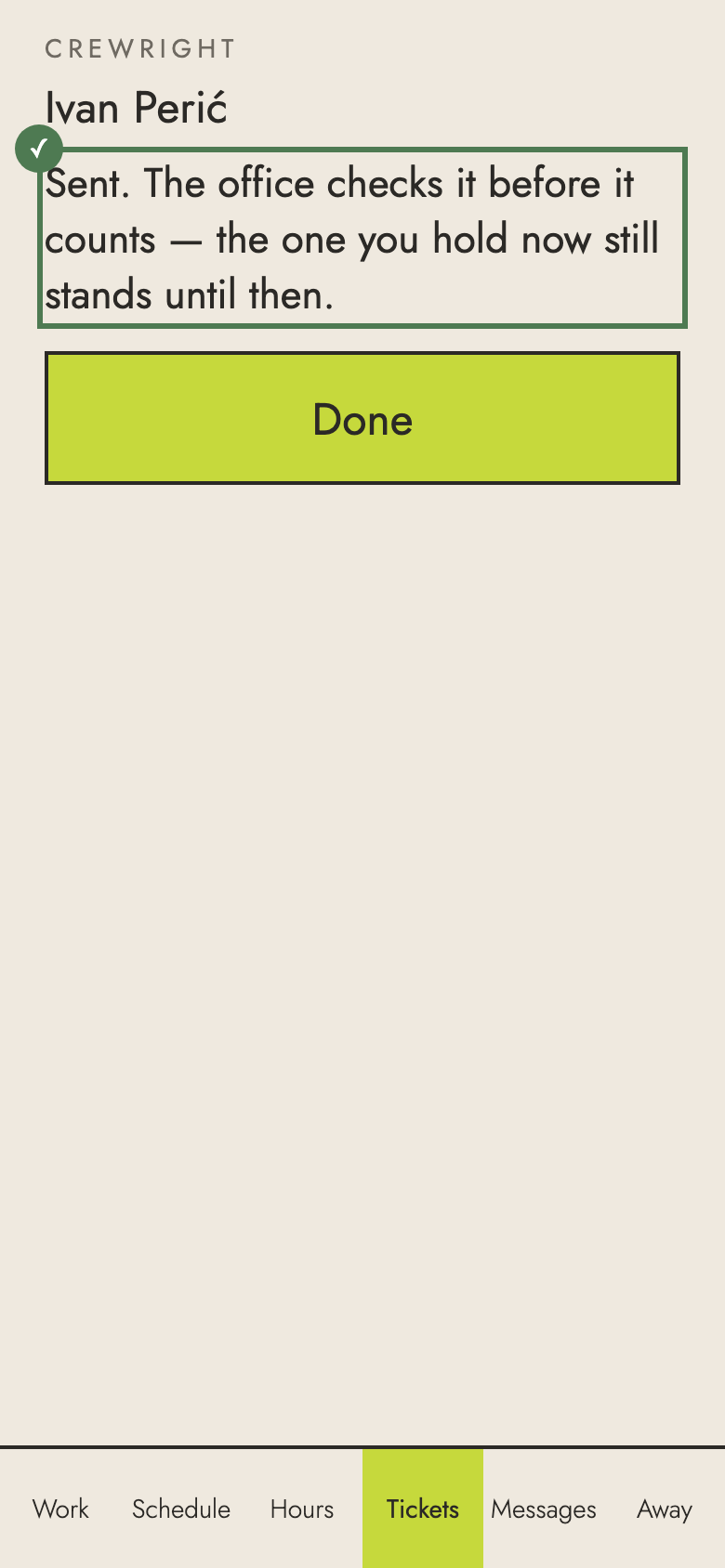
✓ Done. The office checks it; once accepted, the class is on record and you are not asked again.