Enter your hours and allowances
At the end of each shift, put in your hours, tick any allowance you are owed, and have your supervisor sign on the phone.
1. Open Hours.
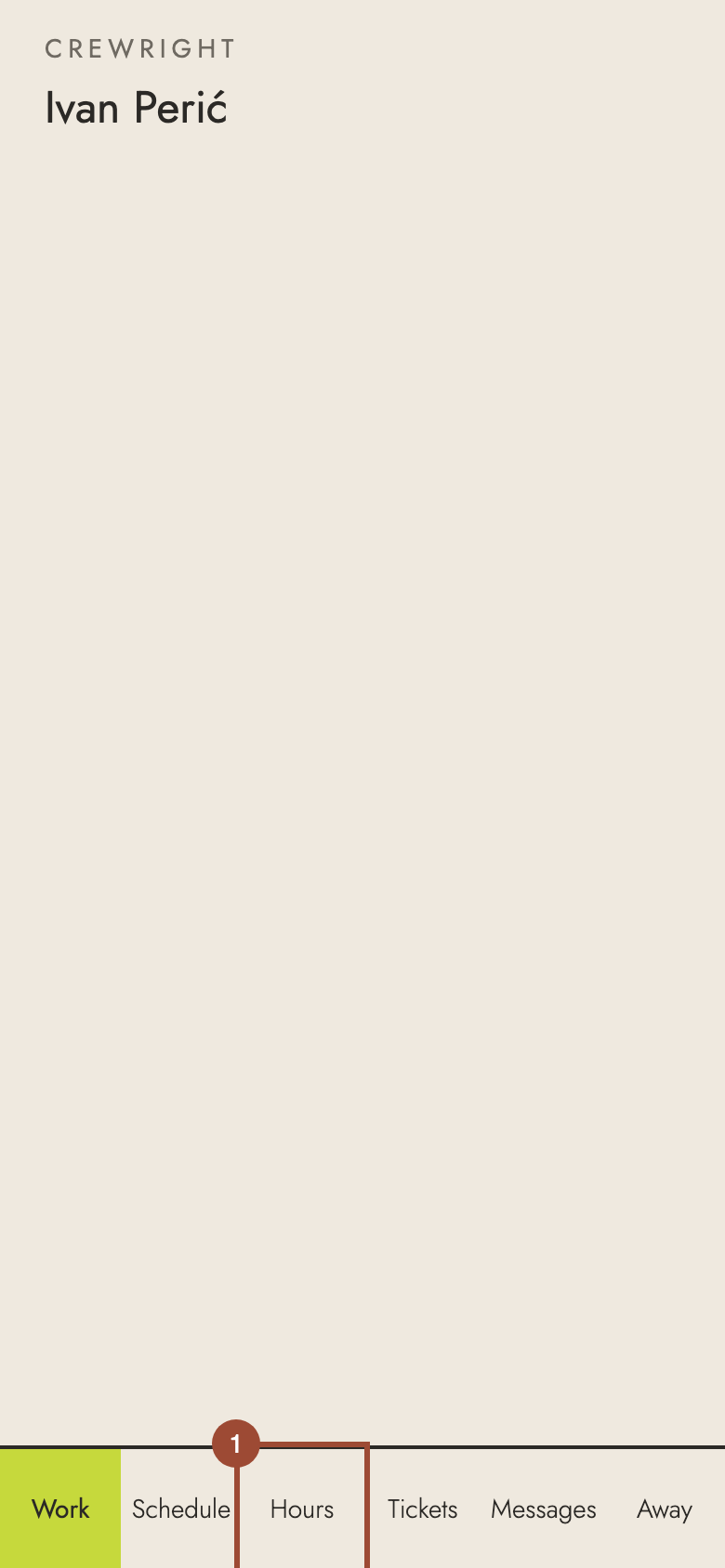
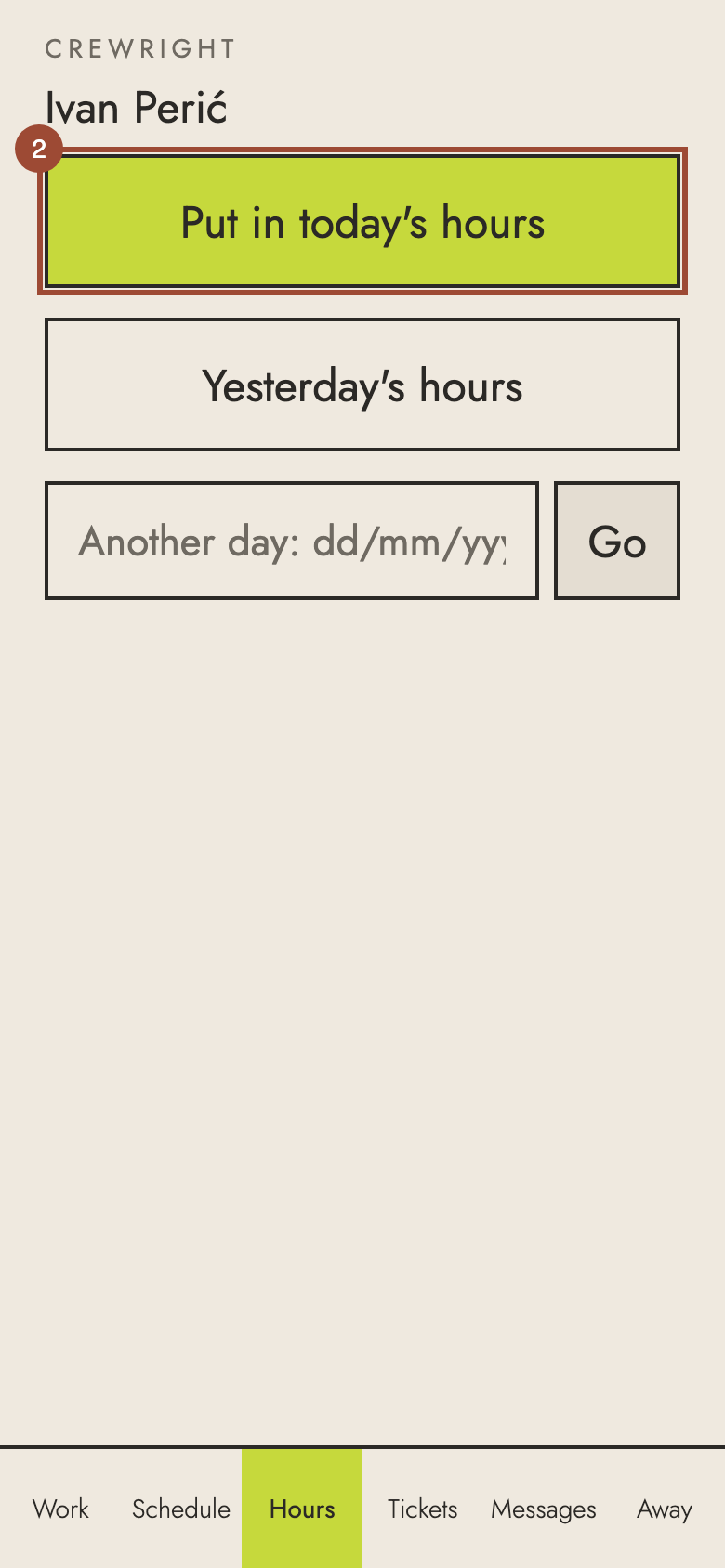
2. Press Put in today's hours.
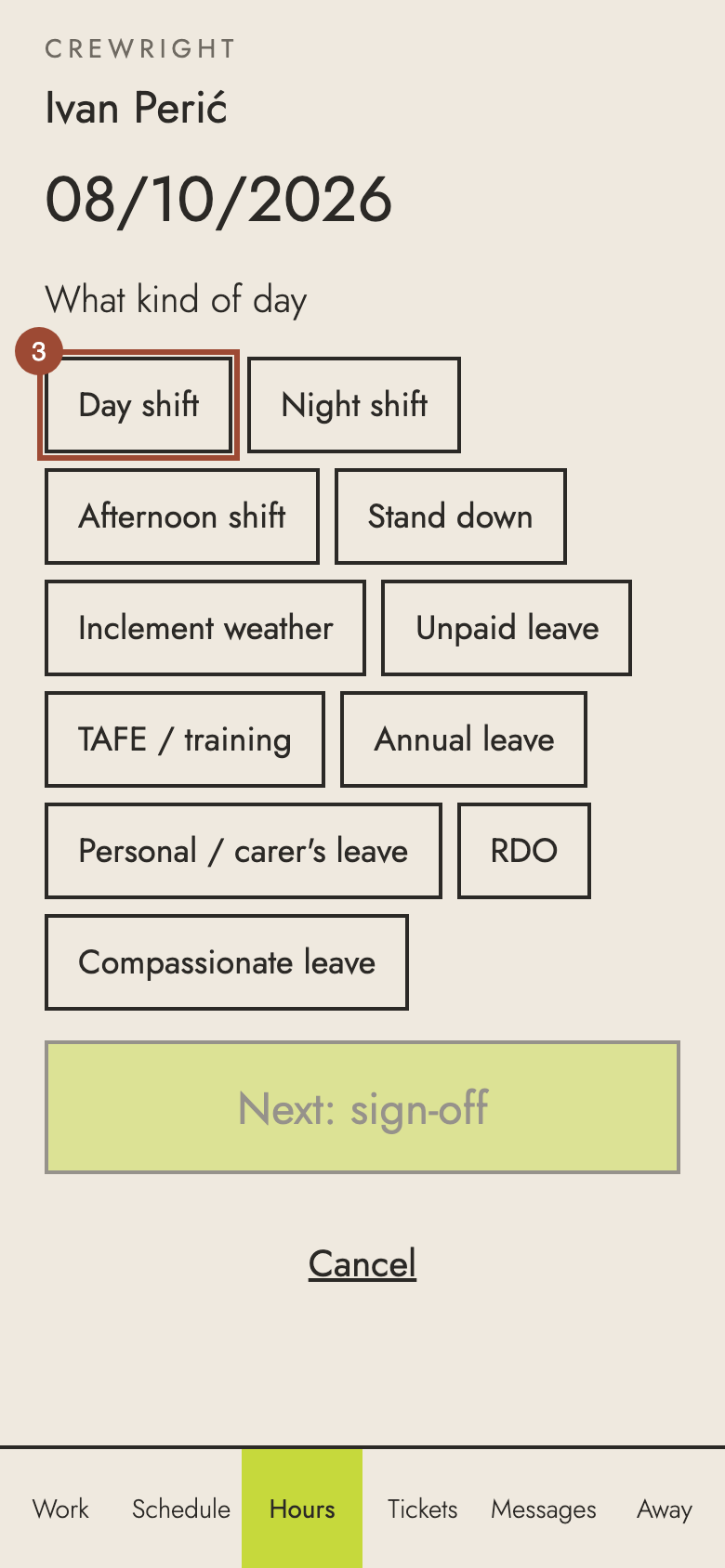
3. Choose what kind of day it was: here, Day shift.
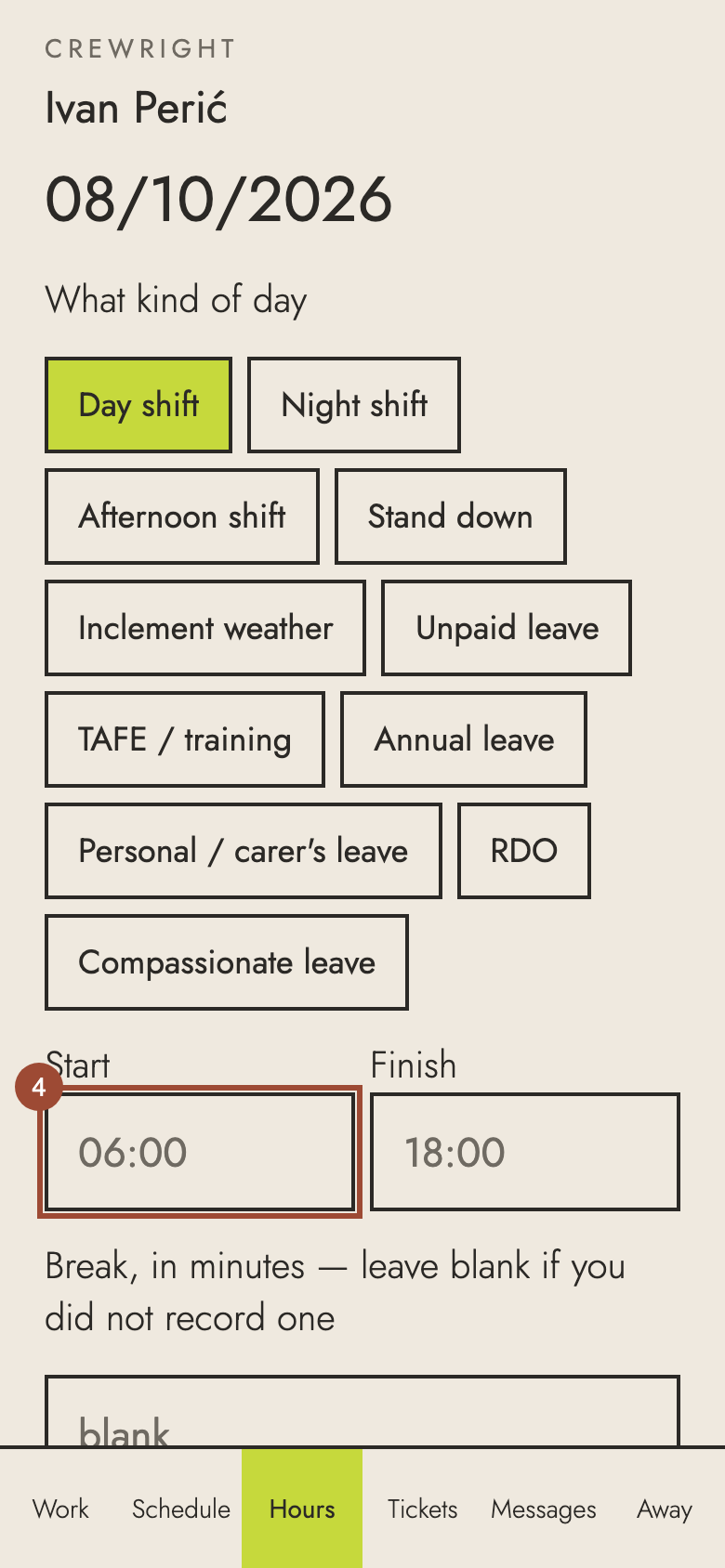
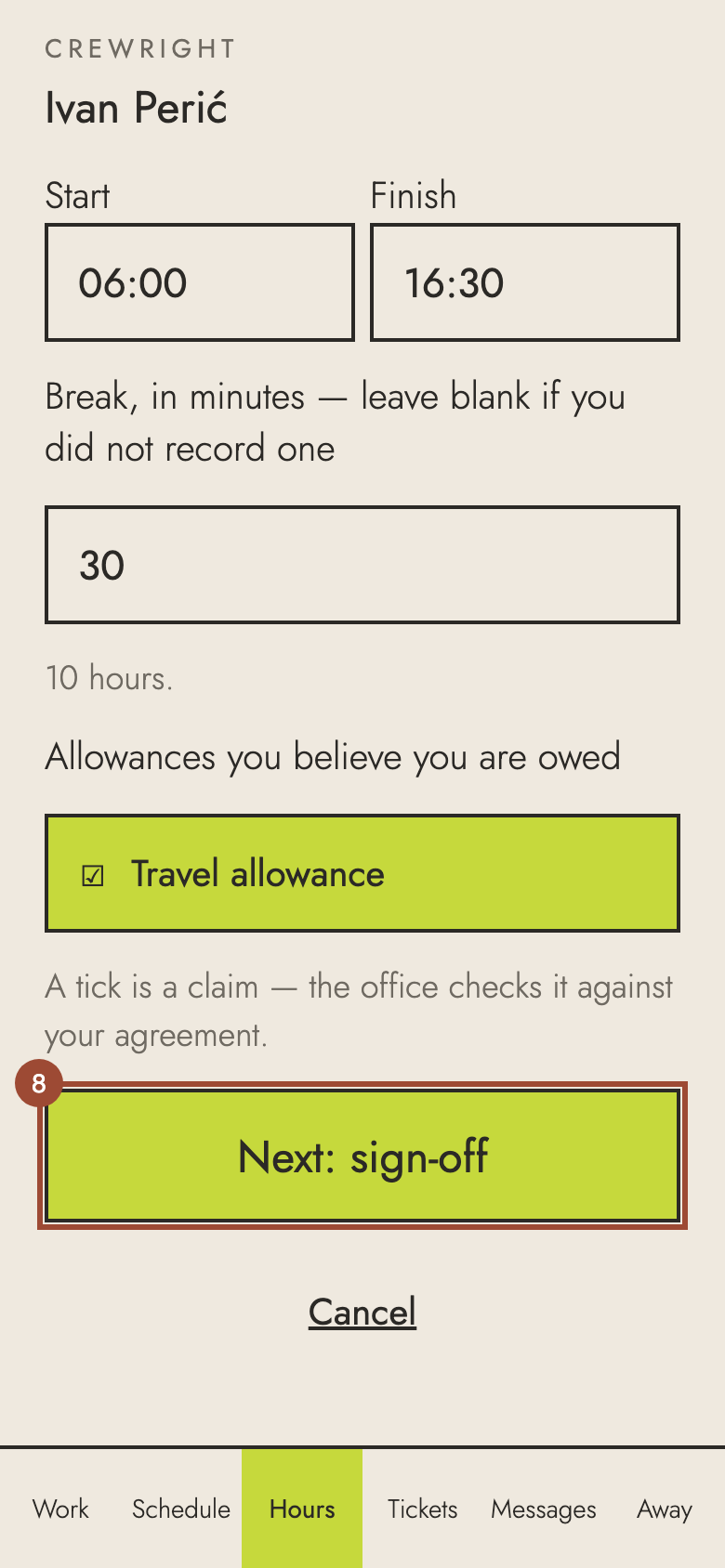
4. Type when you started.
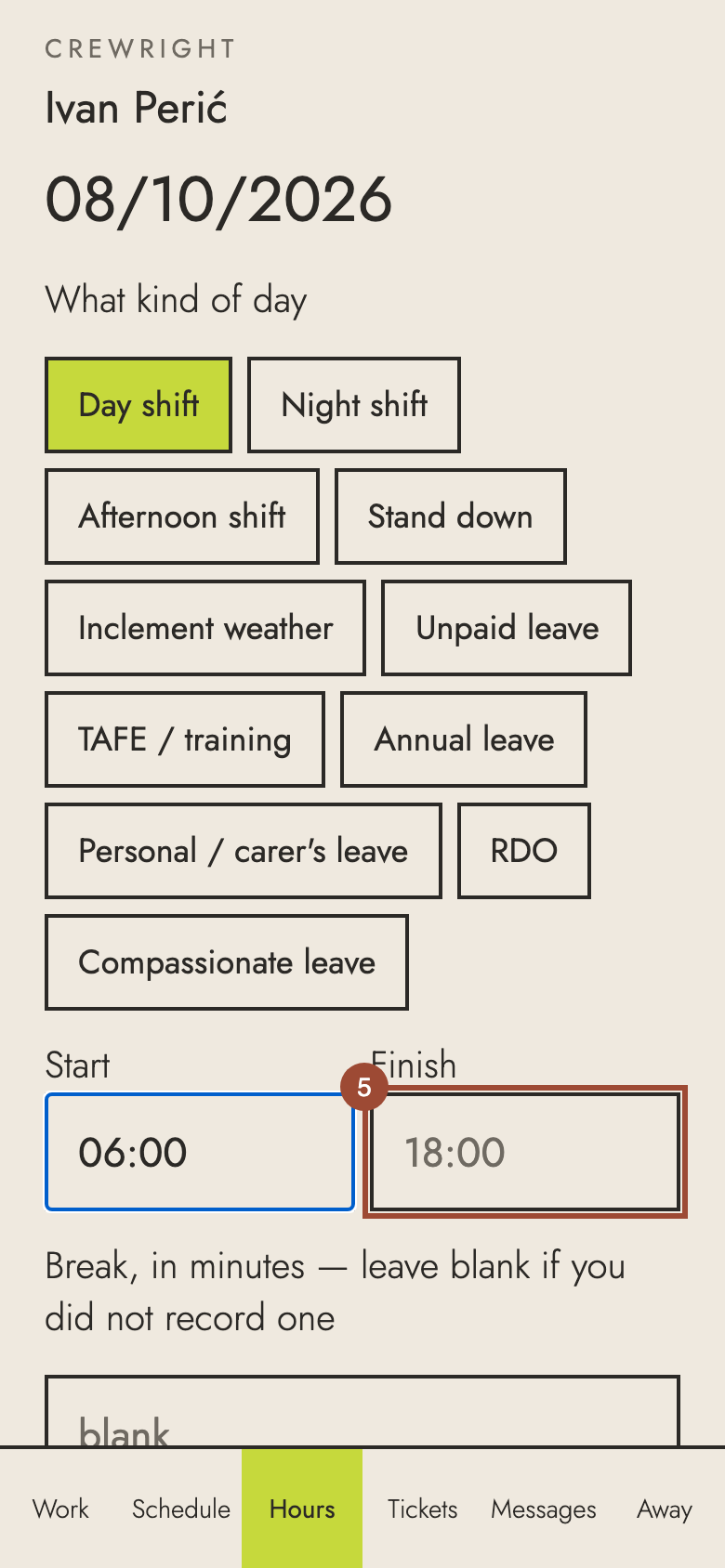
5. Type when you finished.
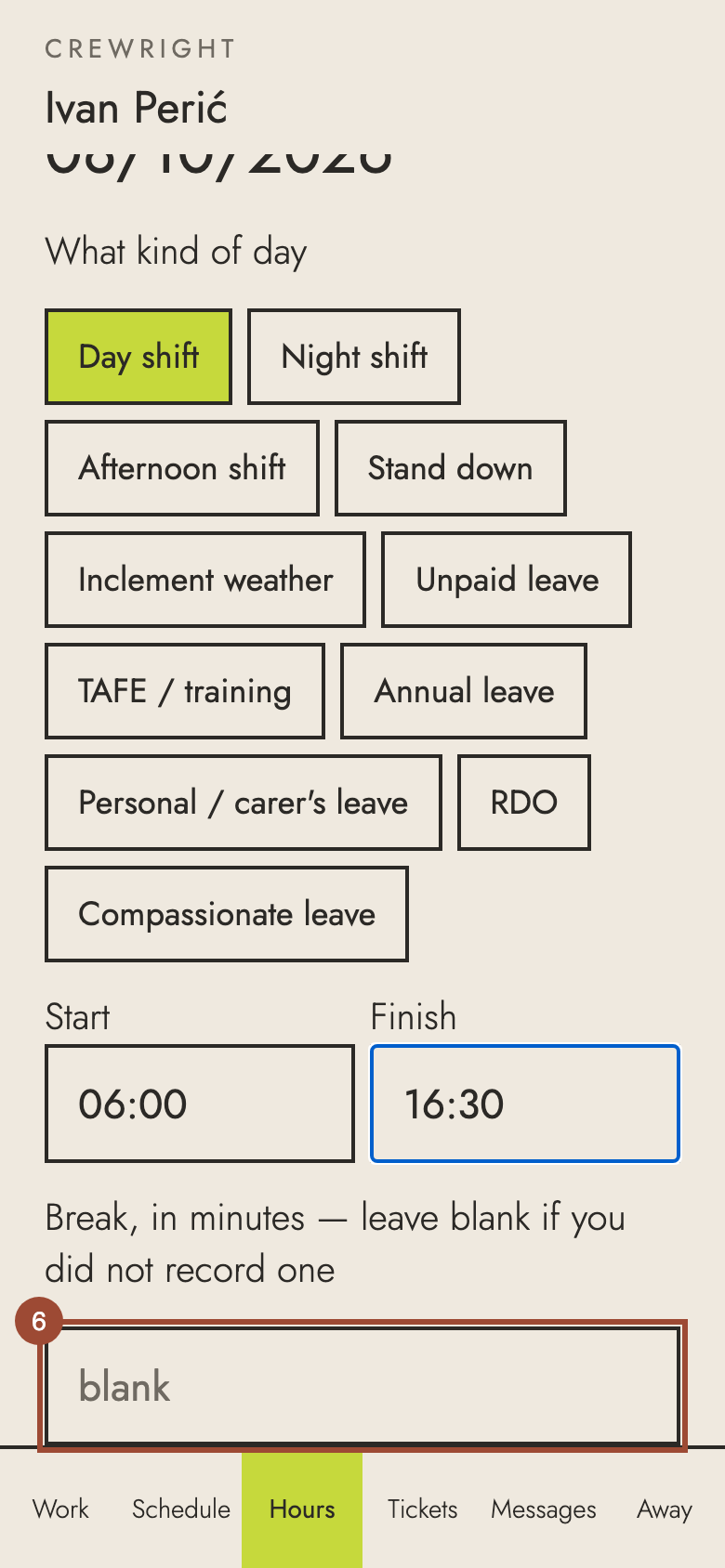
6. Type your break in minutes. Leave it blank if you did not take one.
7. Tick any allowance you are owed: here, Travel allowance. The office checks each one.
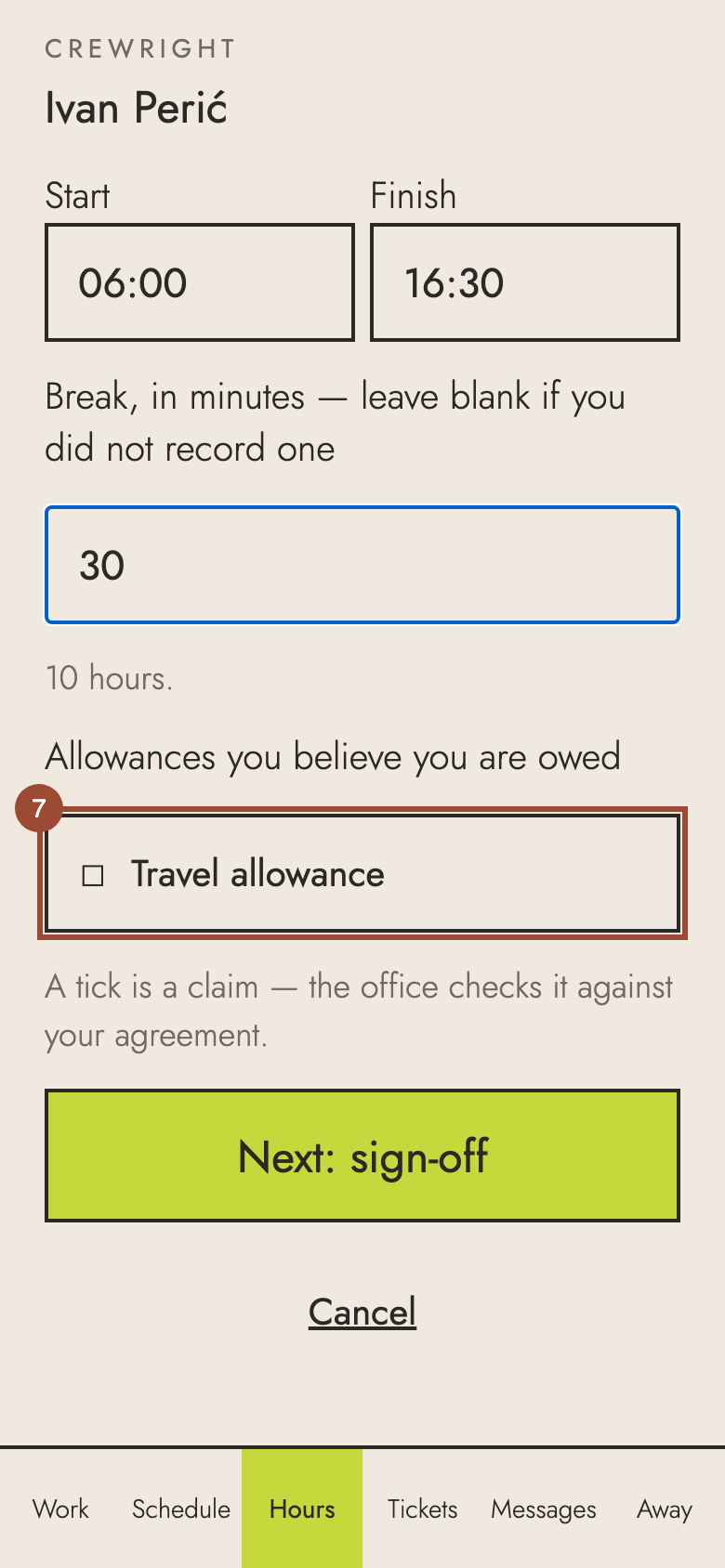
8. Press Next: sign-off.
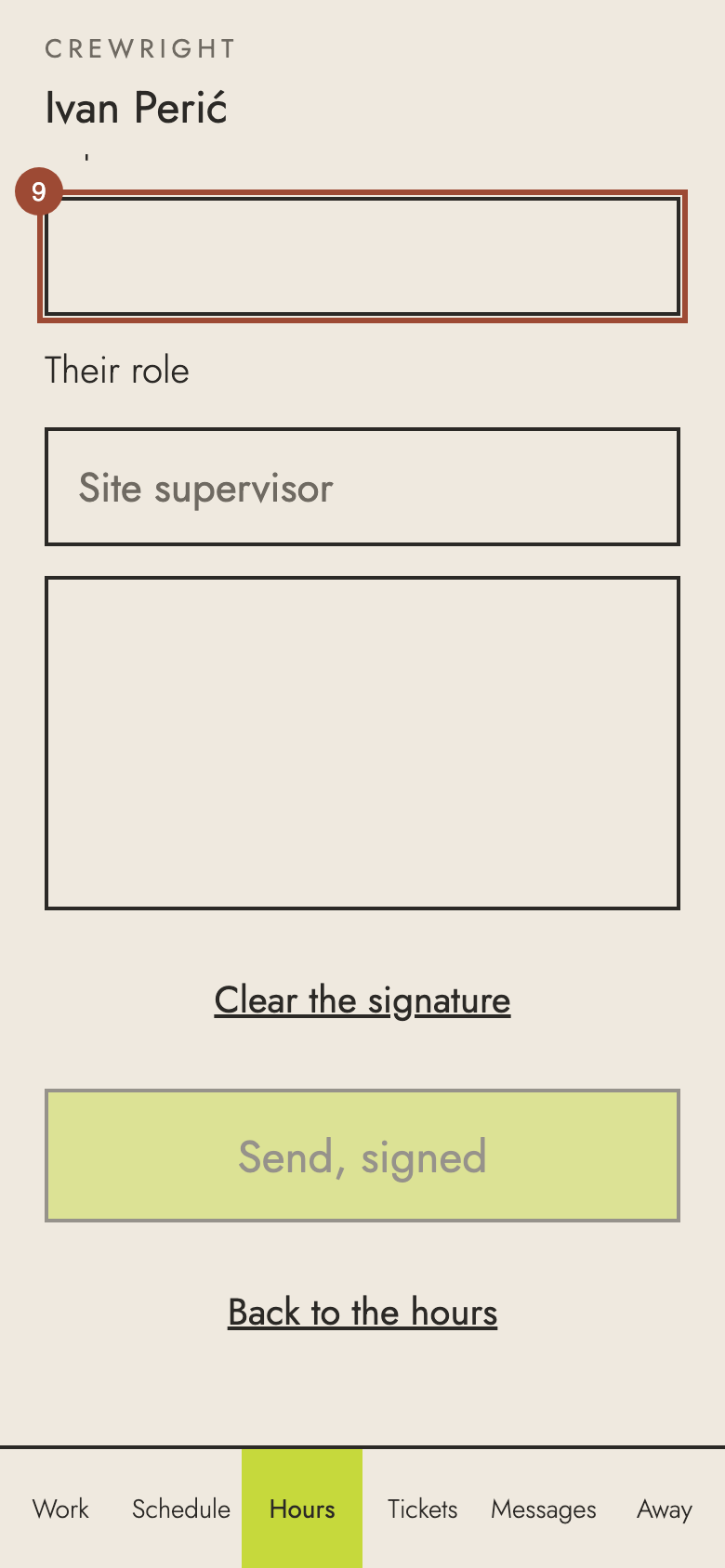
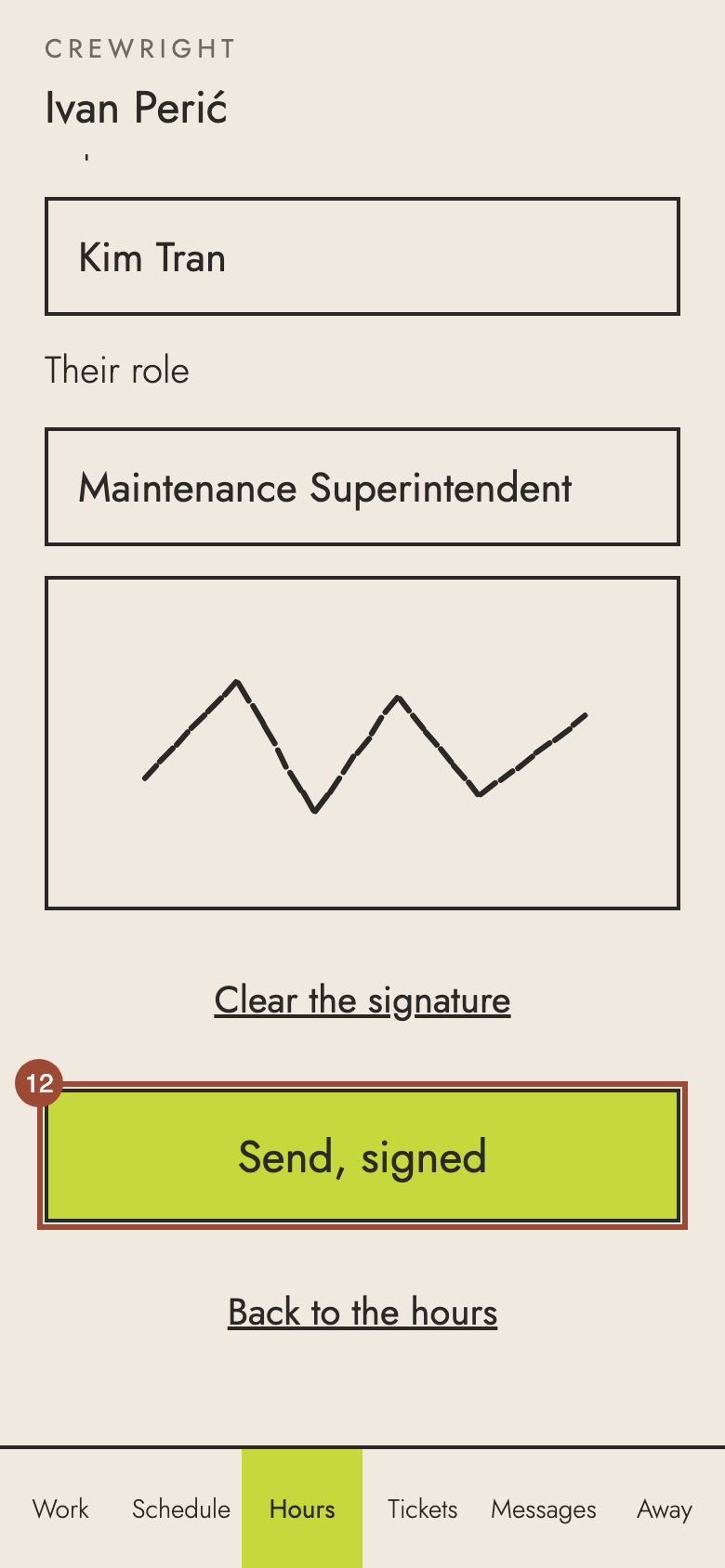
9. Hand the phone to your supervisor. They type their name…
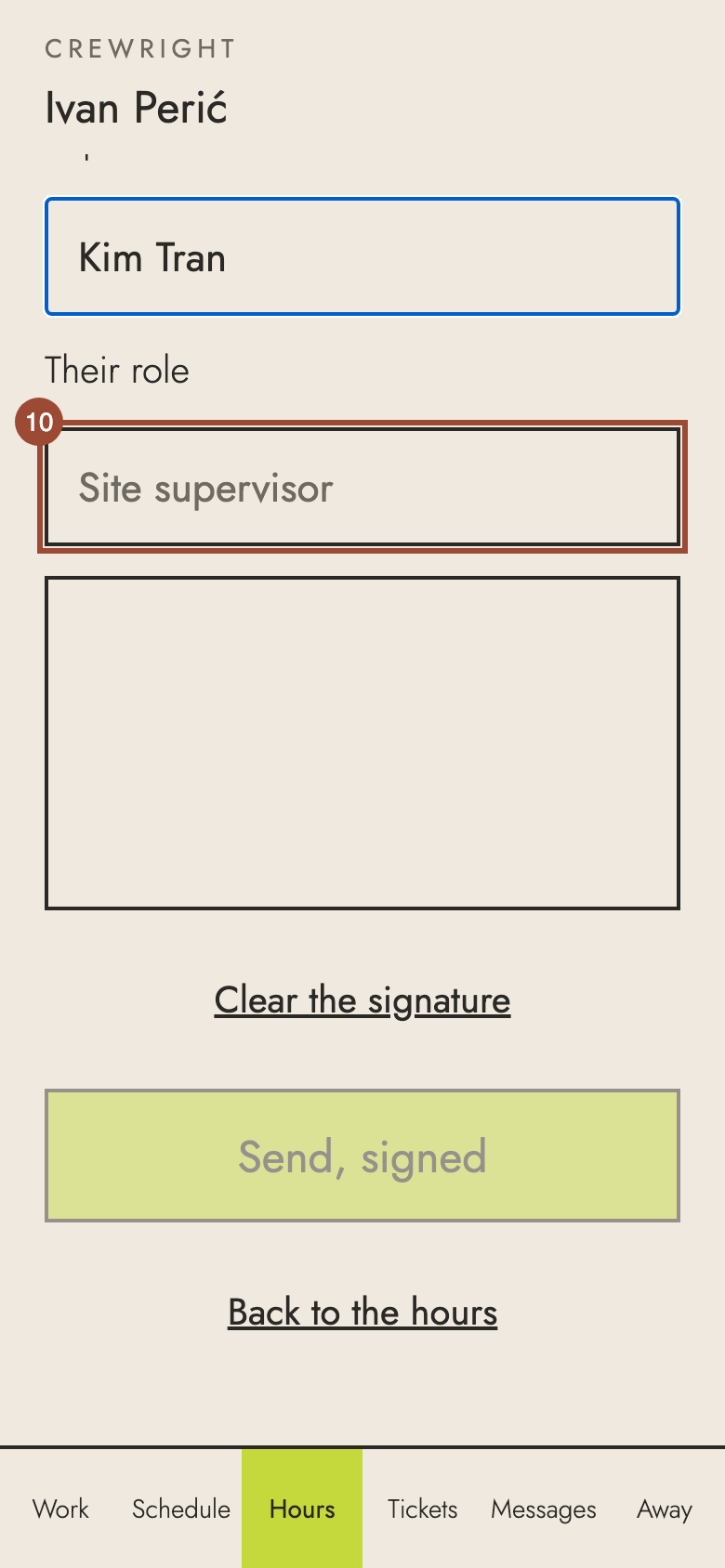
10. …and their role.
11. They sign with a finger. They sign for the hours, never for any money.
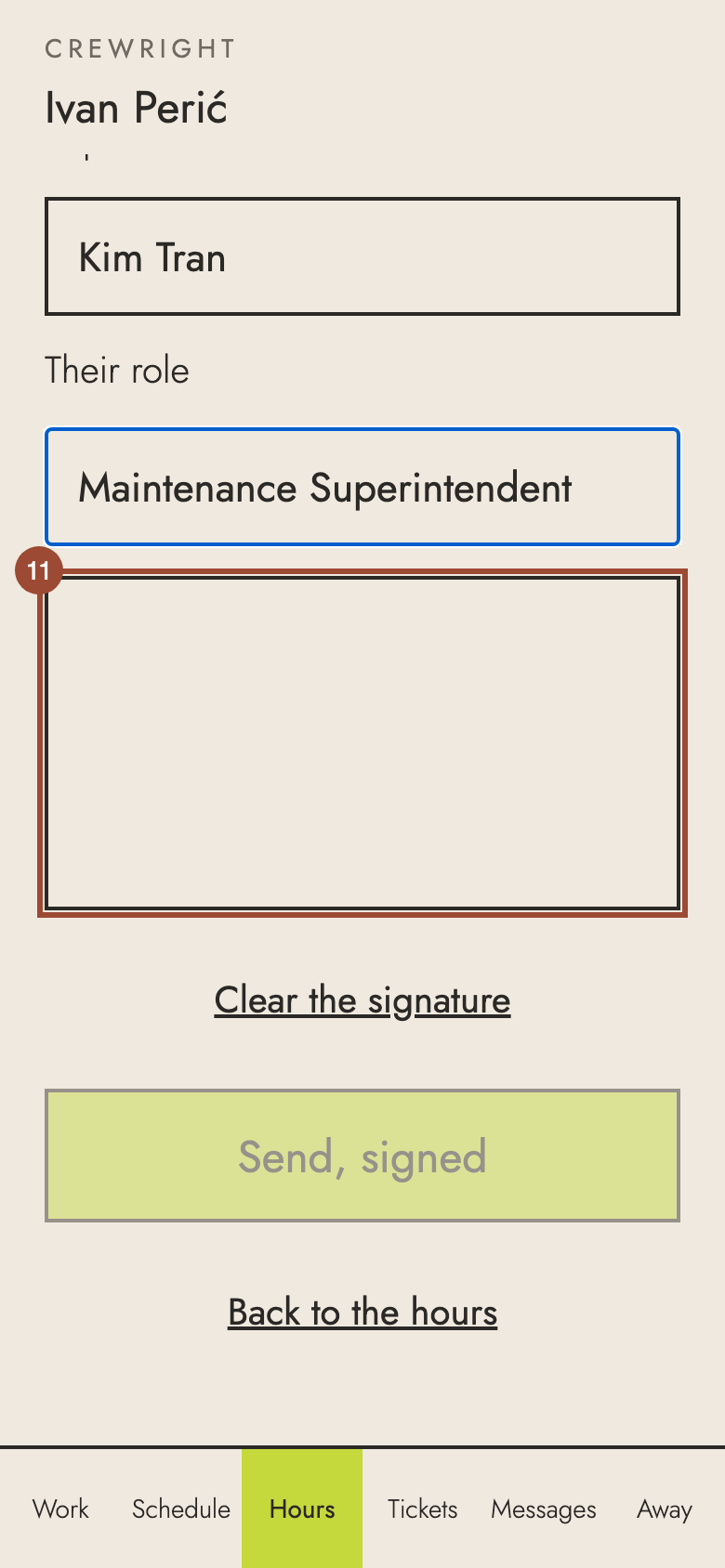
12. Press Send, signed. No signature on site? Choose Docket photo or Not signed above instead.
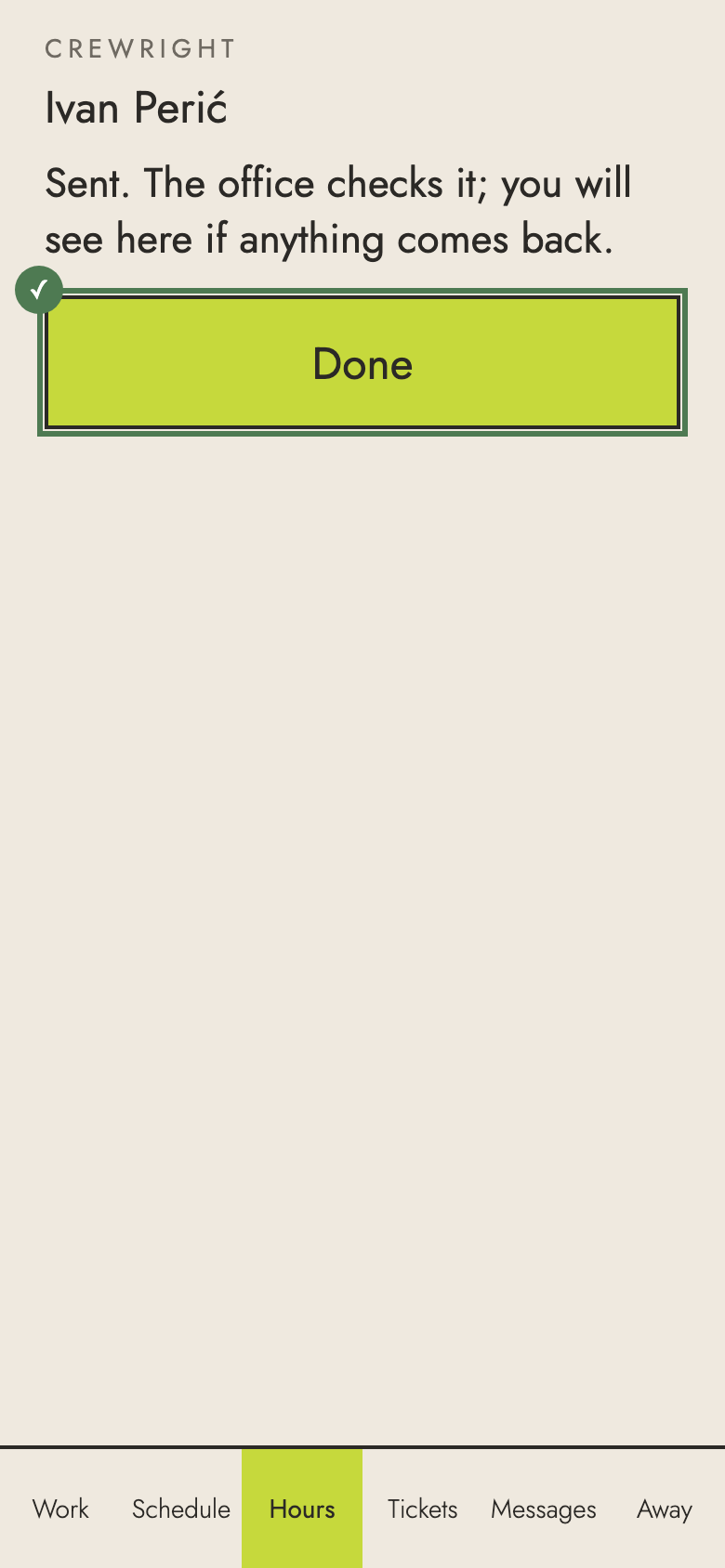
✓ Sent. The office checks it, and you see here if it is approved or sent back.