Help · Payroll (owners and administrators)
Export the differences
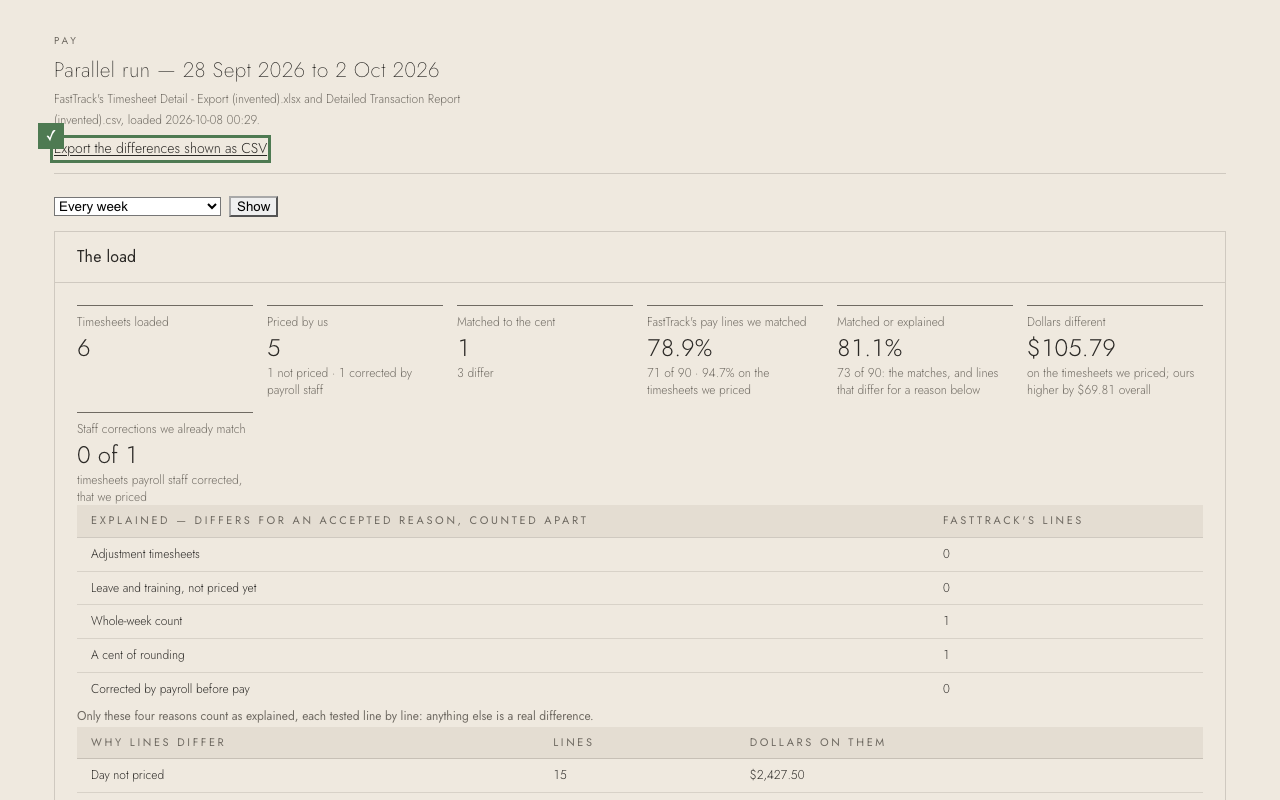
To work through the differences in a spreadsheet, or send them on, export what the screen shows.
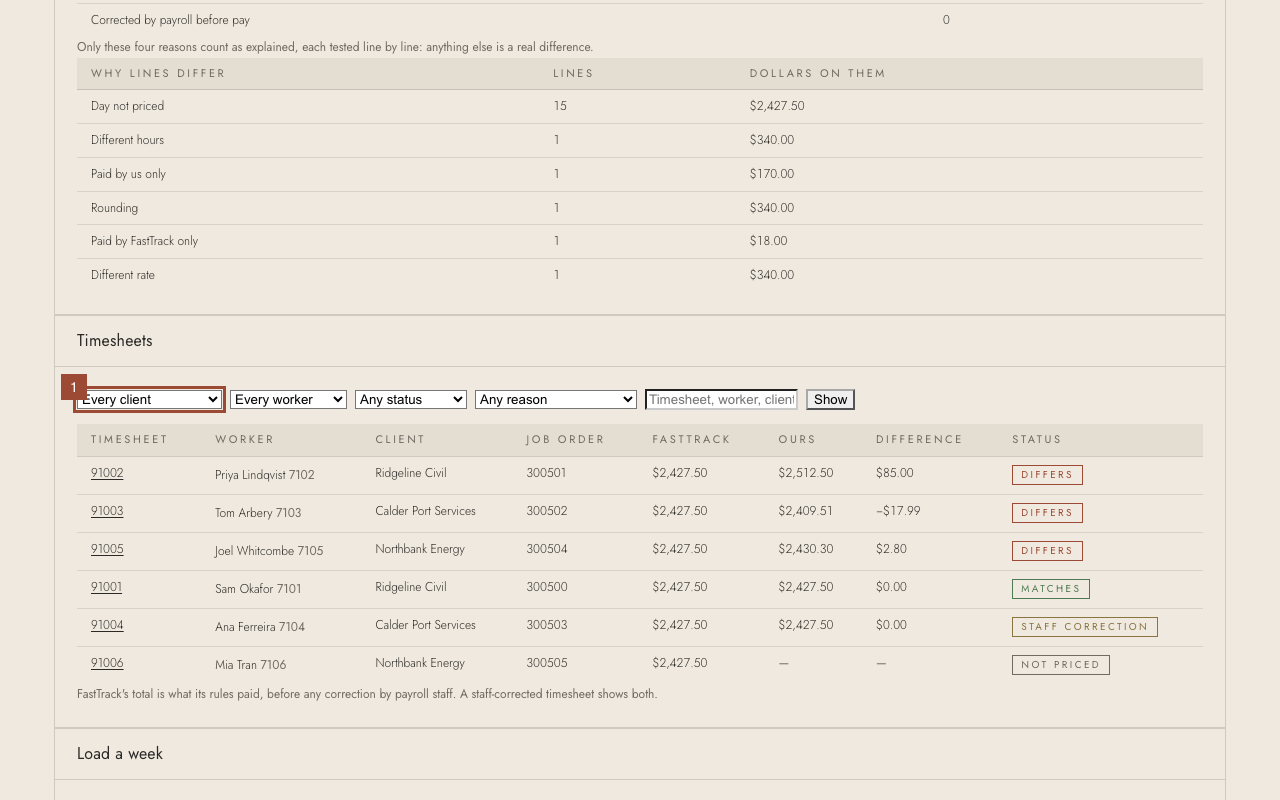
1. To export only some, choose a client, worker, status or reason first and press Show.
✓ Press Export the differences shown as CSV at the top. It exports the timesheets the screen shows, with any client, worker or reason you chose — open it in Excel.