Help · Coordinator
Fill an order from the board
People who said yes to an offer are in the pool on the right. Saying yes places nobody: you choose who goes where, then tell them.
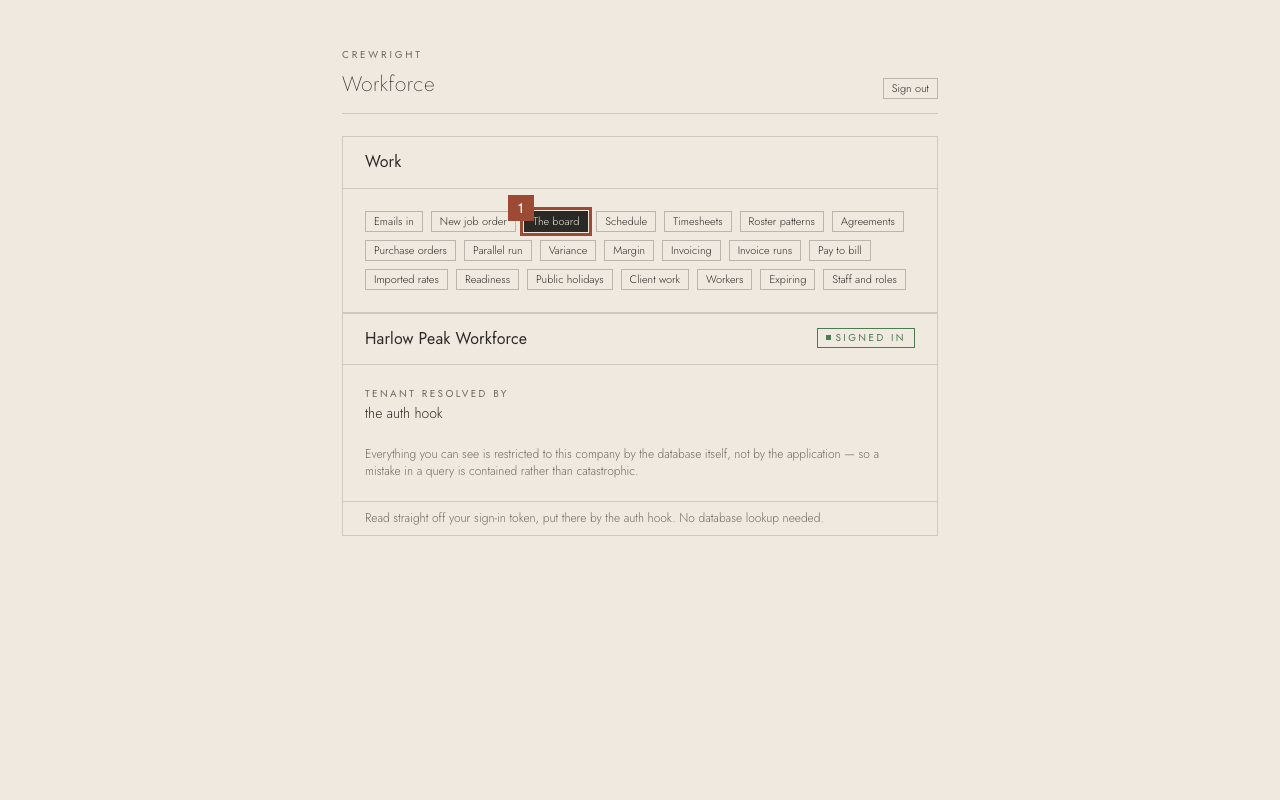
1. On the home page, open The board.
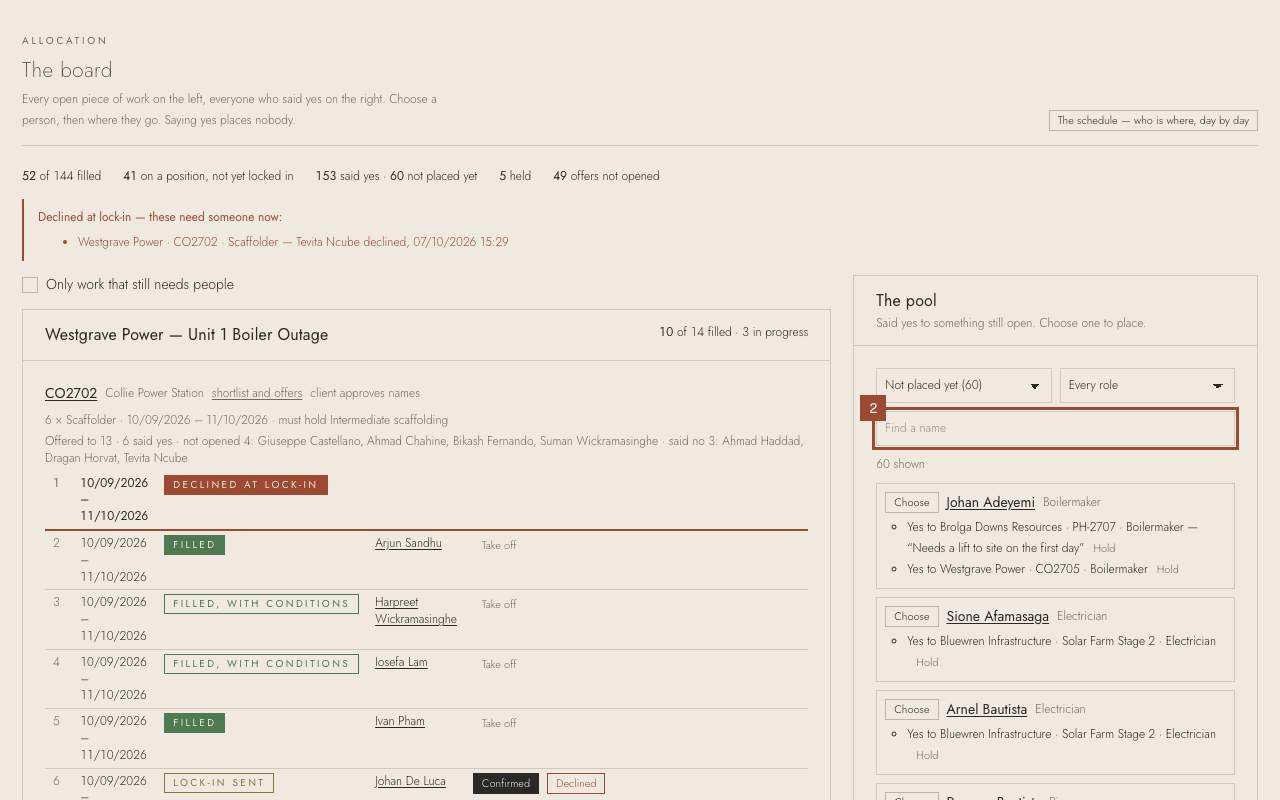
2. In the pool on the right, type a name in Find a name — here, Arjun Thapa.
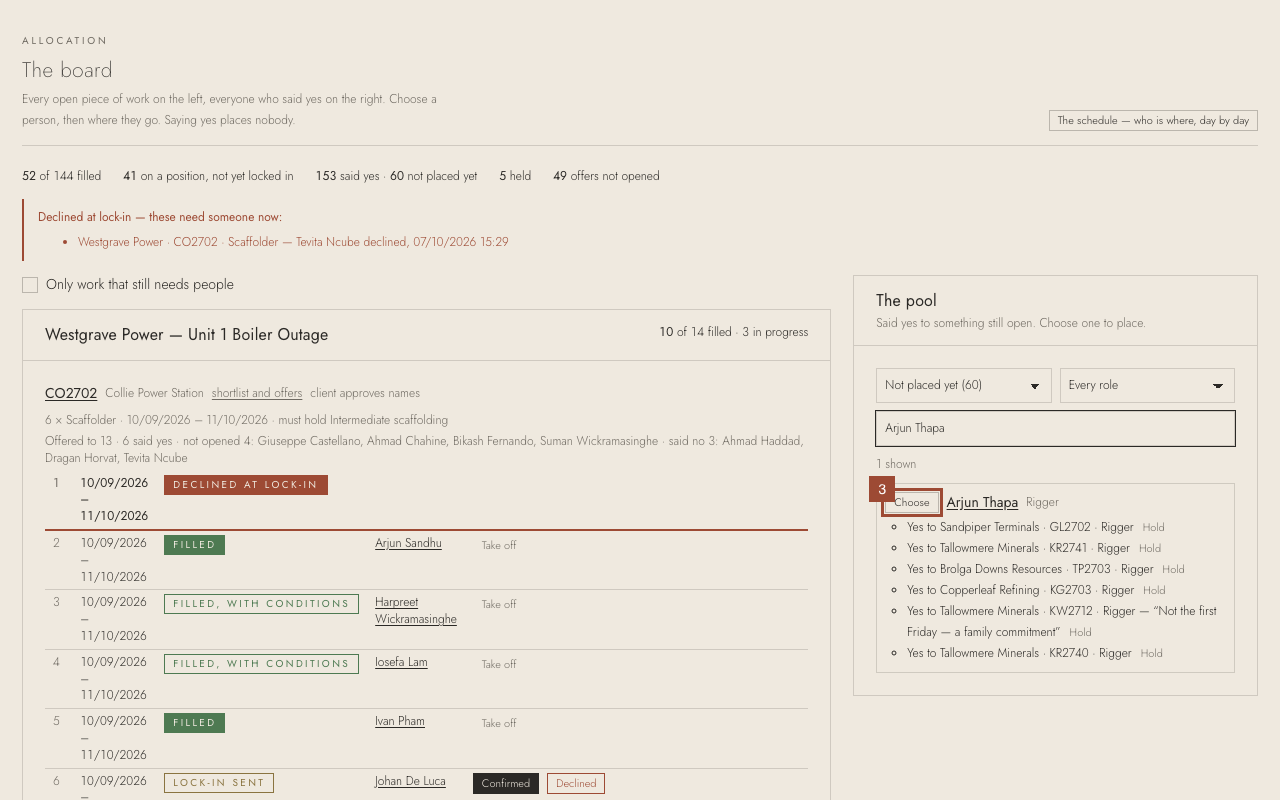
3. Press Choose beside them.
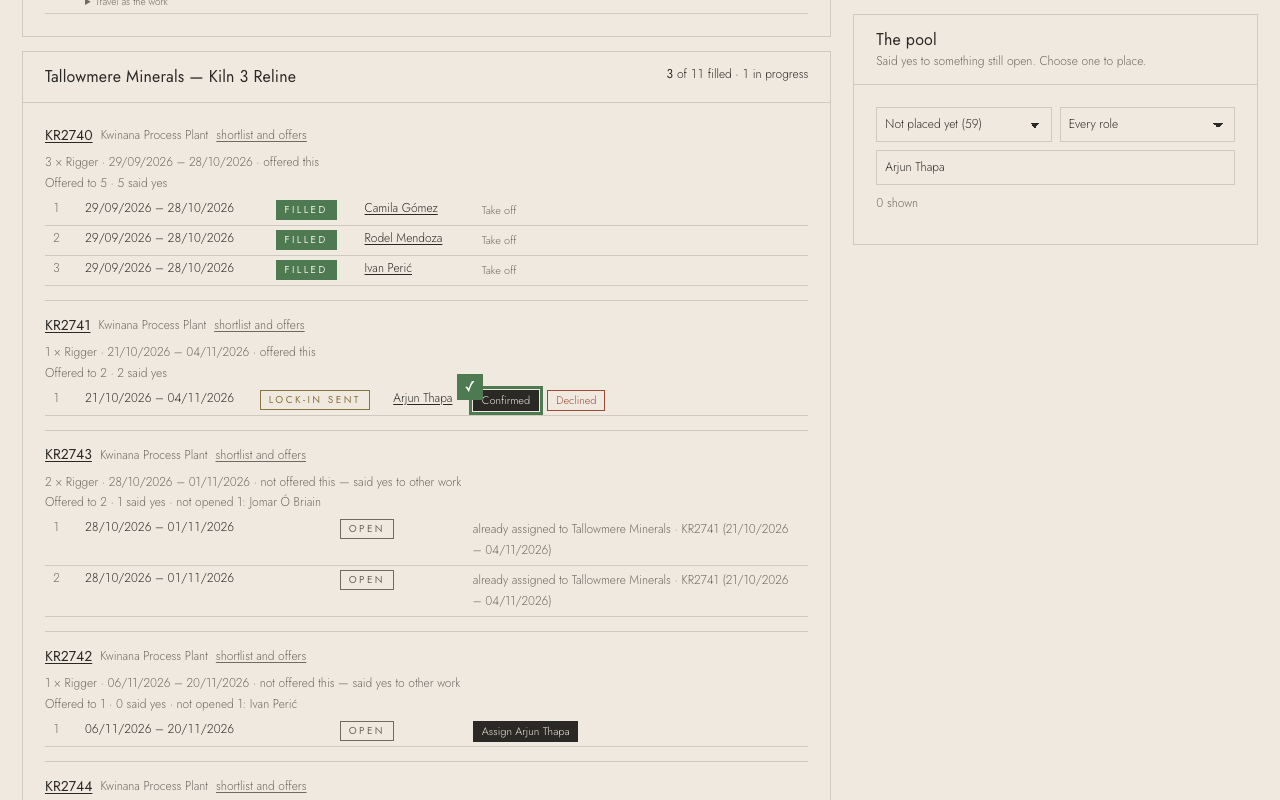
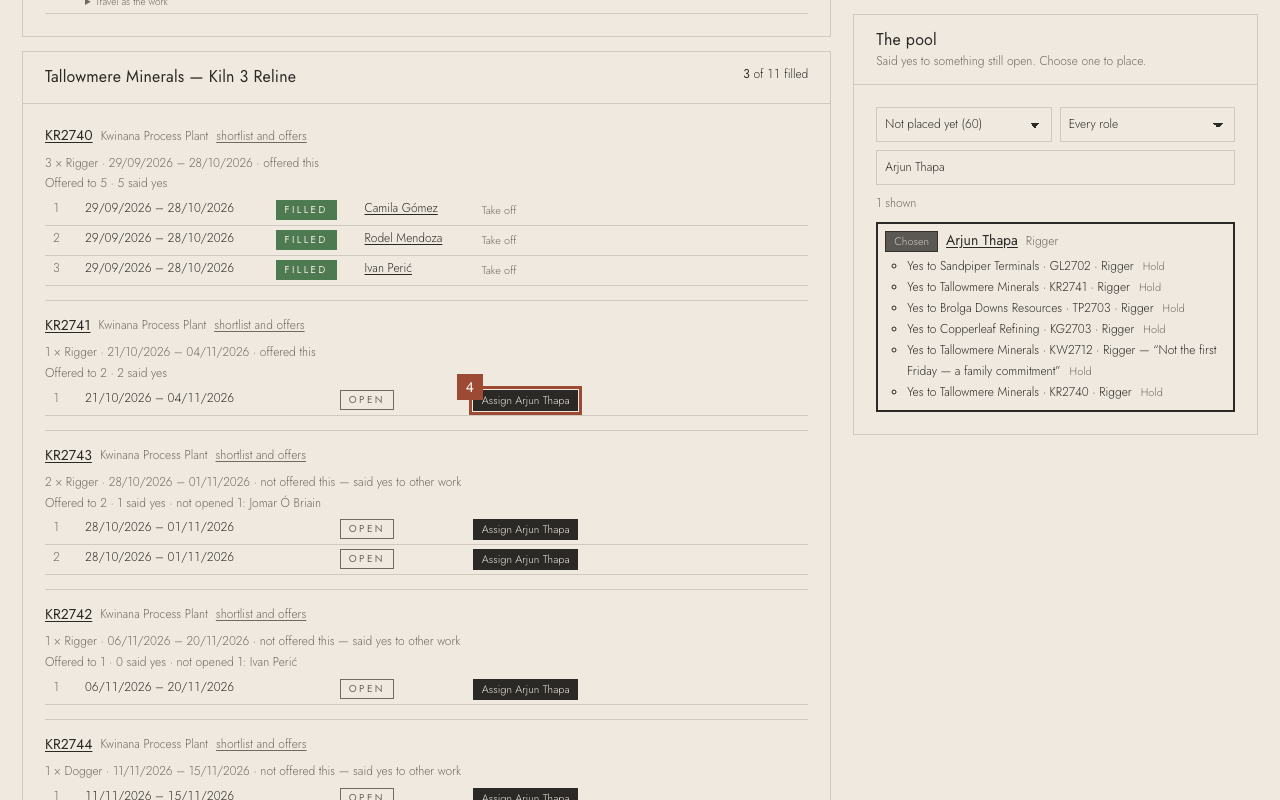
4. Find the order (here KR2741) and press Assign Arjun Thapa on the open position.
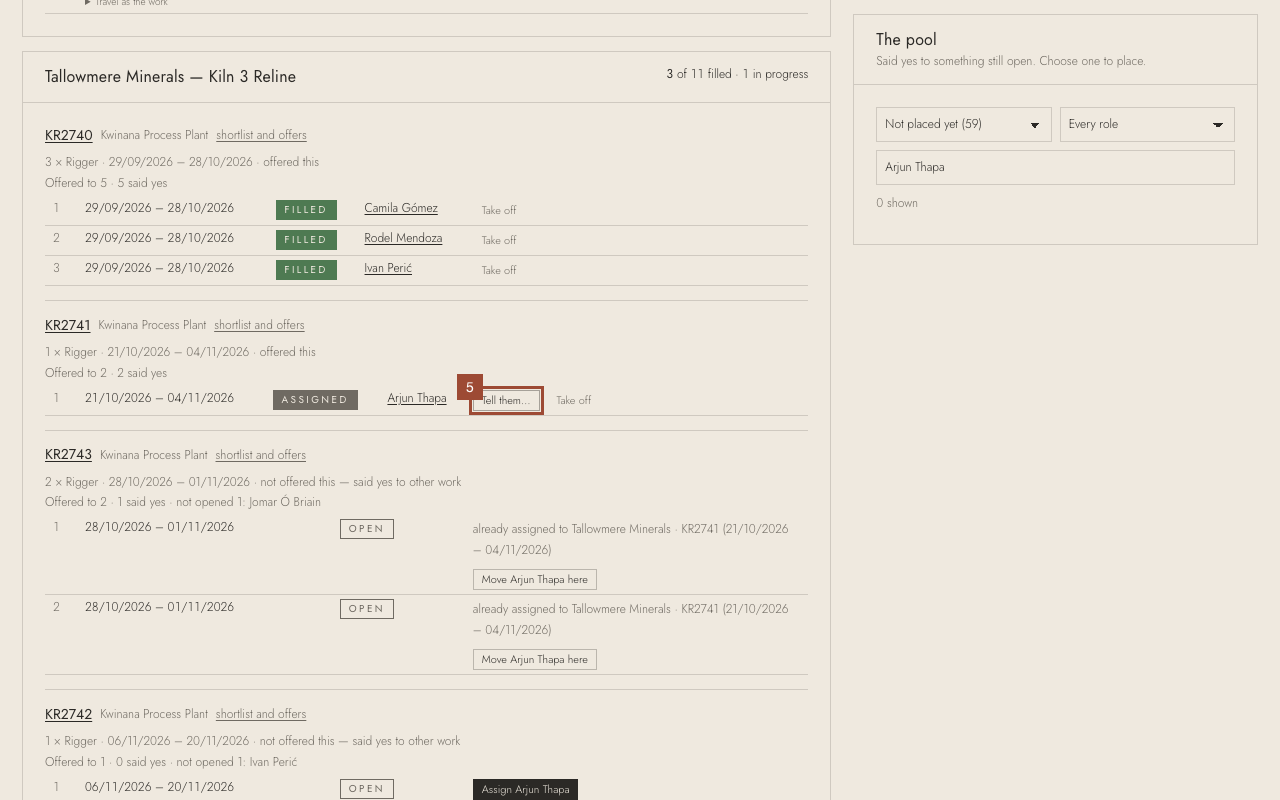
5. Press Tell them…. The message they will get is shown; change it if you need to.
6. Press Send to them.
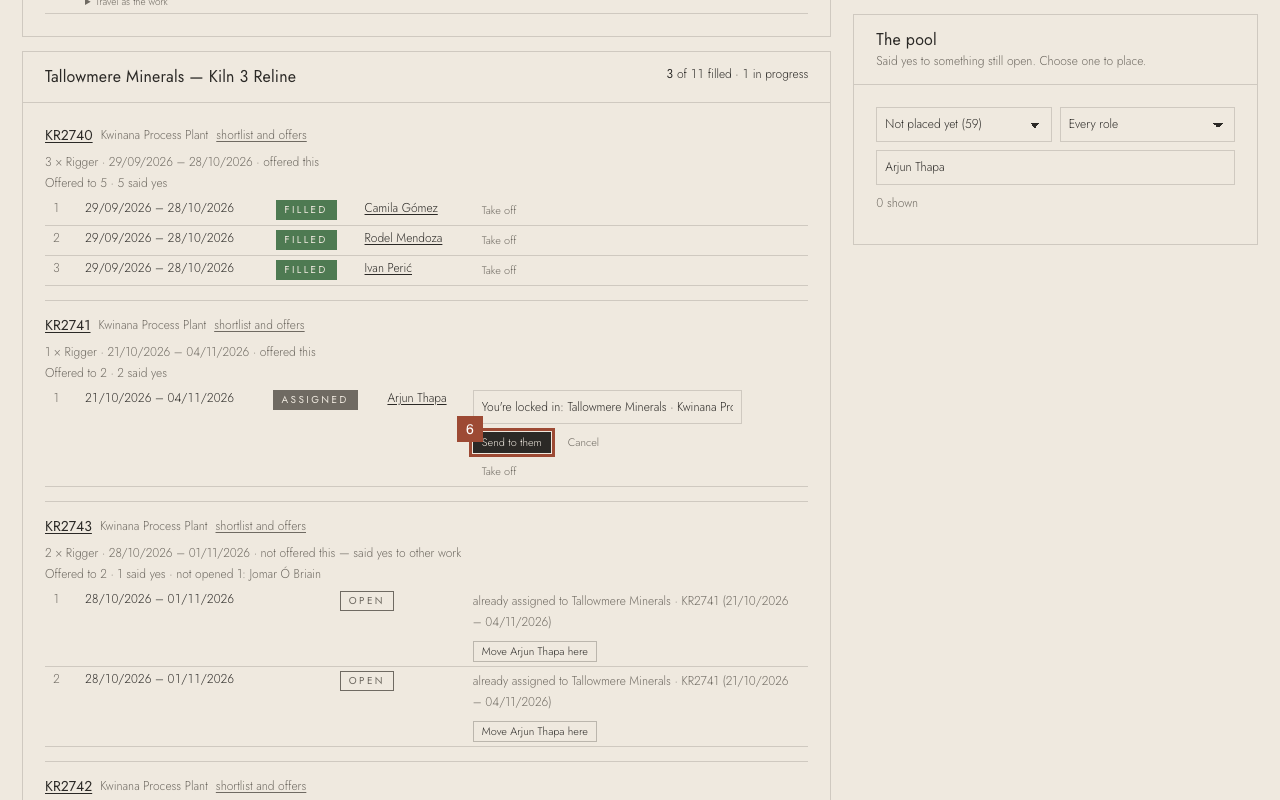
✓ Done. They are asked to confirm on their phone. If they ring instead, press Confirmed or Declined here.