Invite people to the app
Before someone can take offers and send hours from their phone, they need the Crewright app. Text them the link from People.
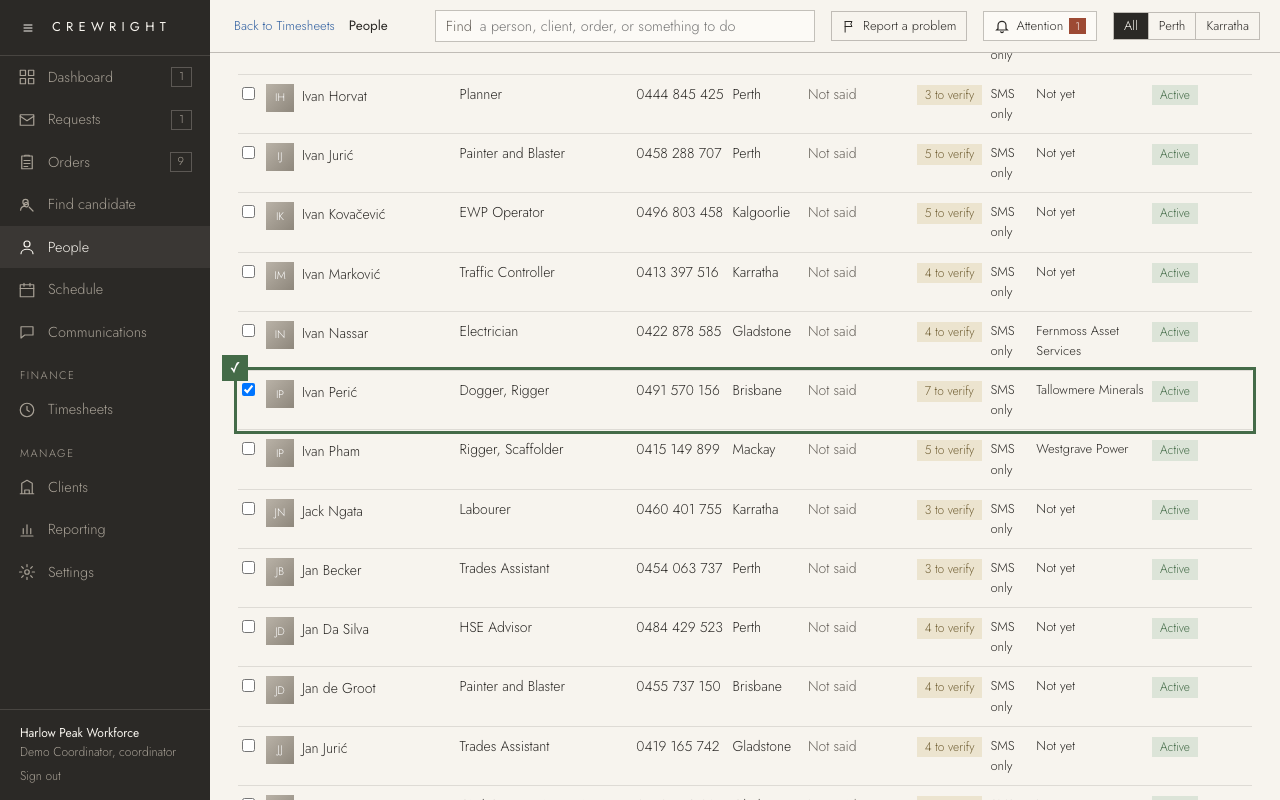
1. On People, the App column shows who has the app. SMS only means they do not have it yet.
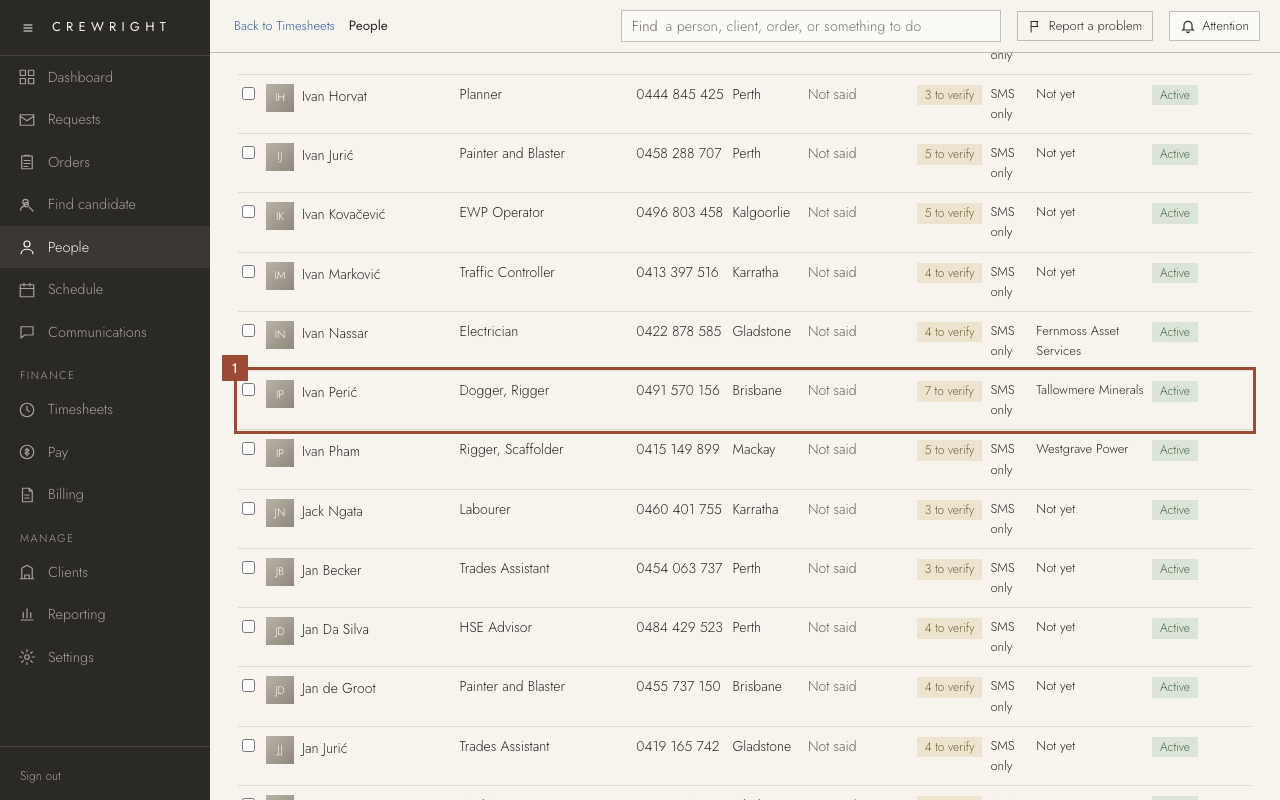
2. Tick each person to invite. You can tick as many as you need.
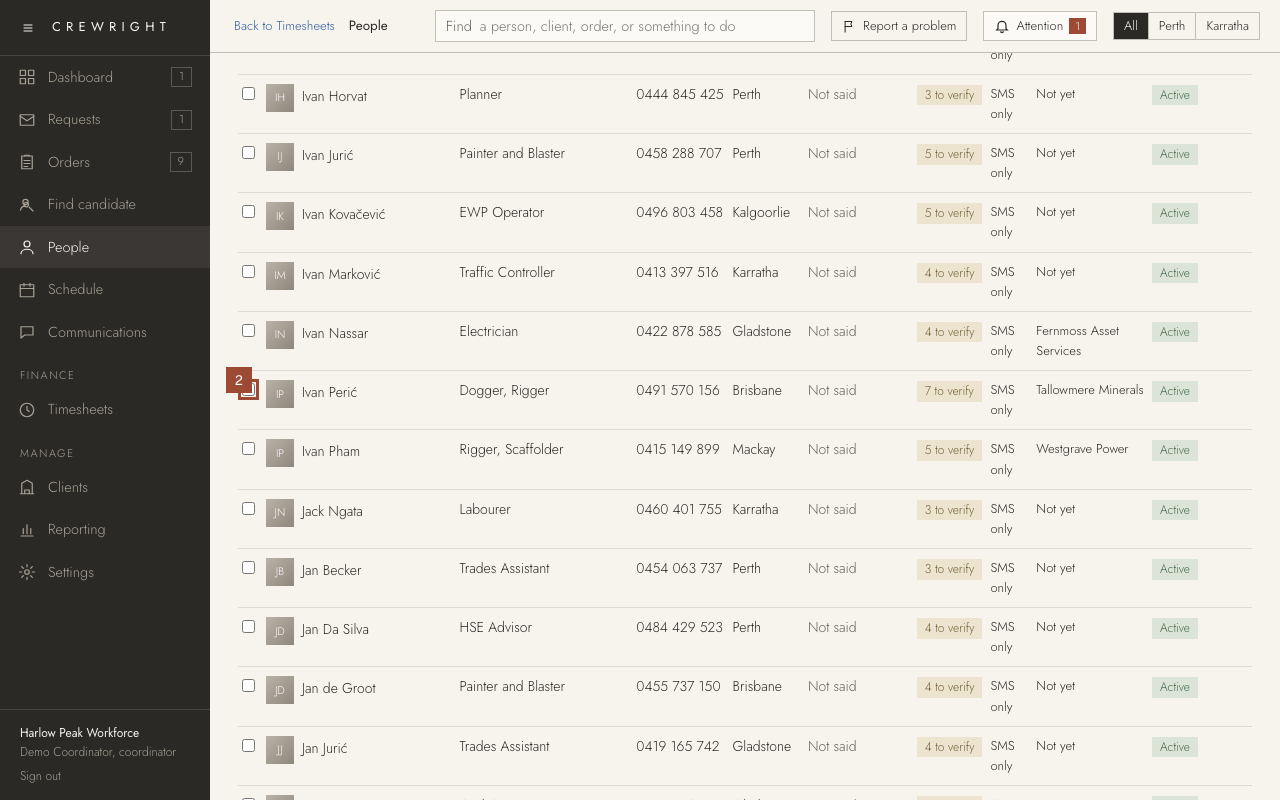
3. Press Invite 1 to the app, then OK. Each person is texted a link that opens the App Store on an iPhone or Google Play on an Android phone. They sign in with their mobile number.
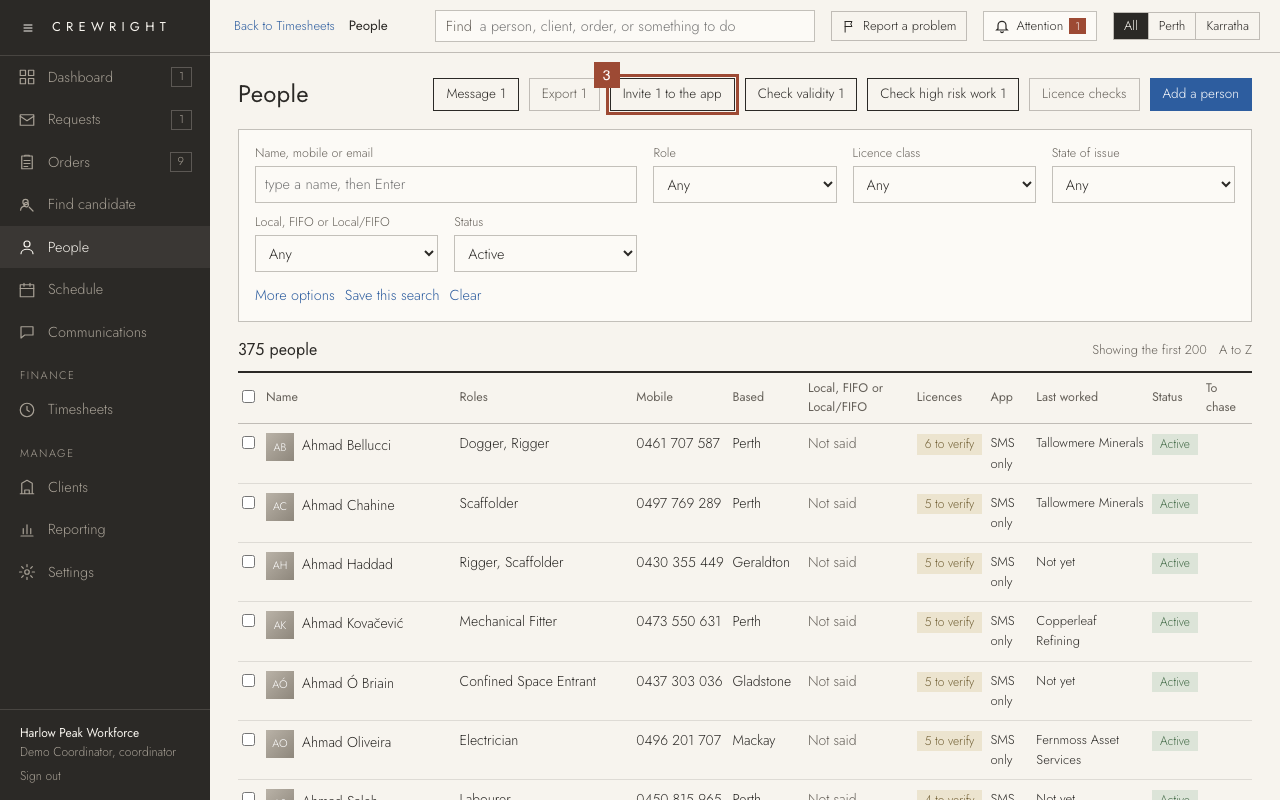
Done After you press OK, their App column reads Invited with the date, then Seen once they have opened the app and allowed its notifications. If a text cannot go, the screen names the person and says why. Who was texted is under Communications, Sent. (This practice company cannot send texts, so the picture shows the row before.)