Help · Payroll (owners and administrators)
Load a week from FastTrack
Each Monday, after FastTrack has interpreted last week, load its two exports. The system prices the same week itself and compares every line.
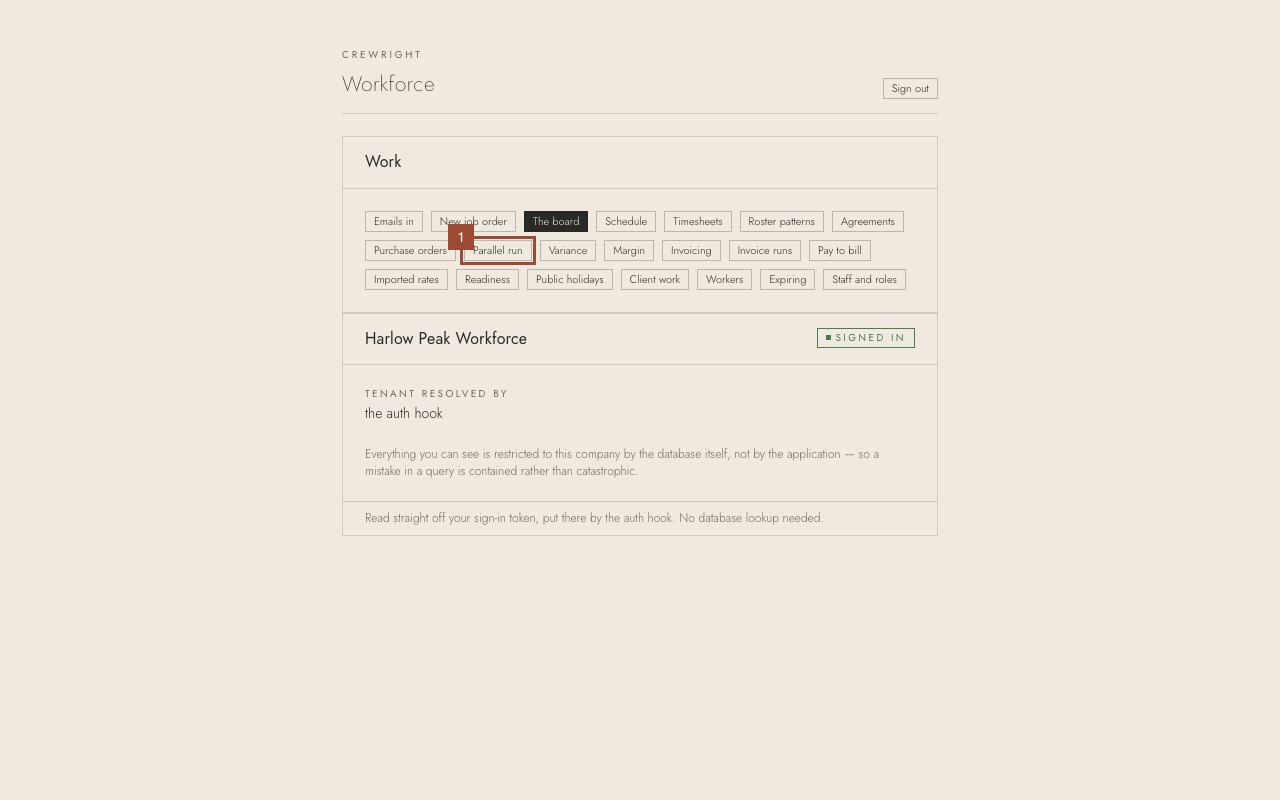
1. On the home page, open Parallel run. Only an owner or administrator sees it.
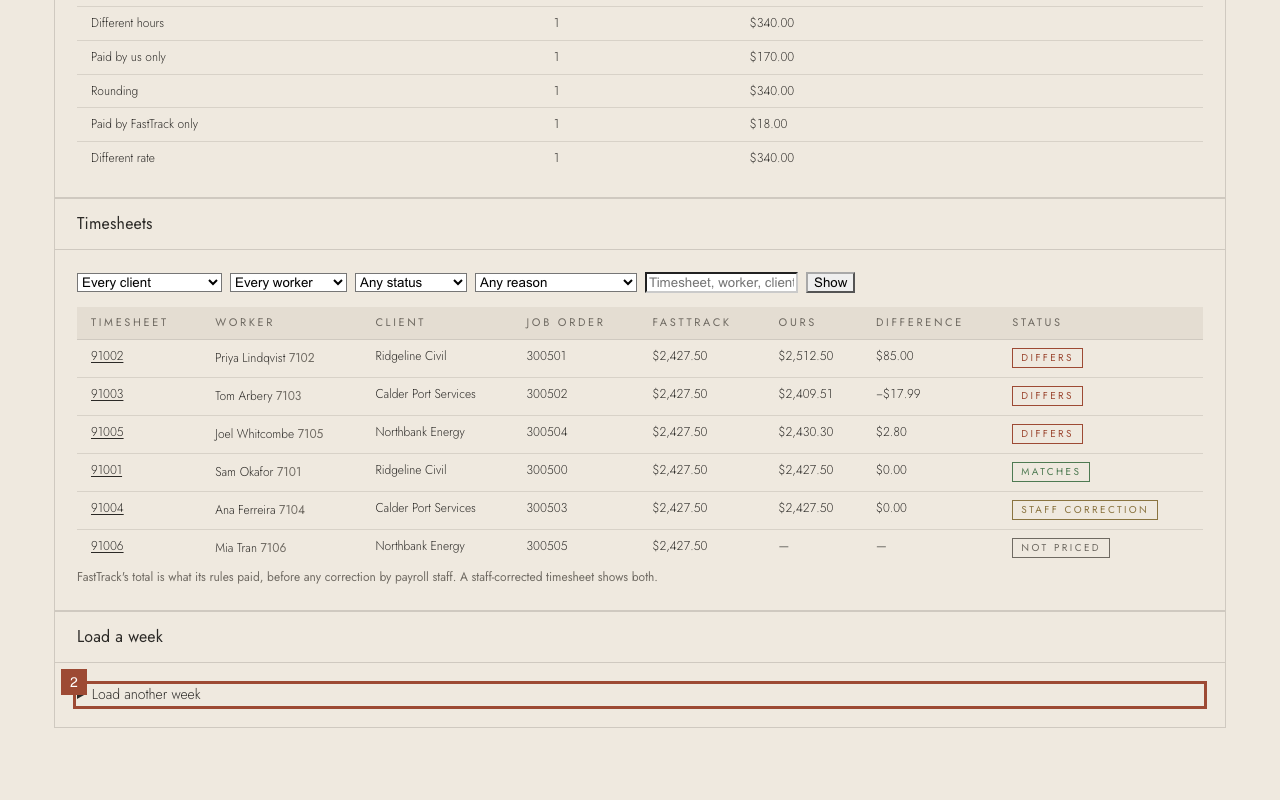
2. Open Load another week. (The first time, the form is already open.)
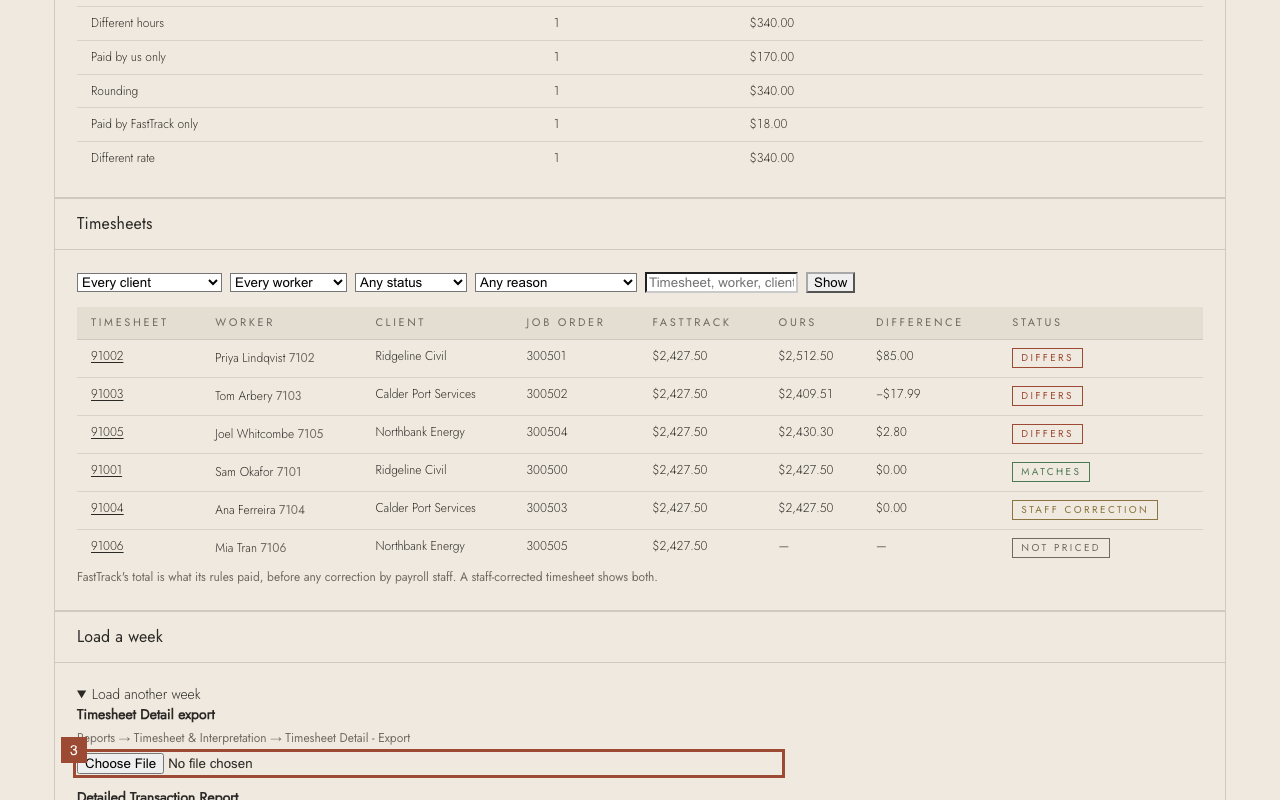
3. Choose FastTrack's Timesheet Detail - Export for last week (Reports → Timesheet & Interpretation).
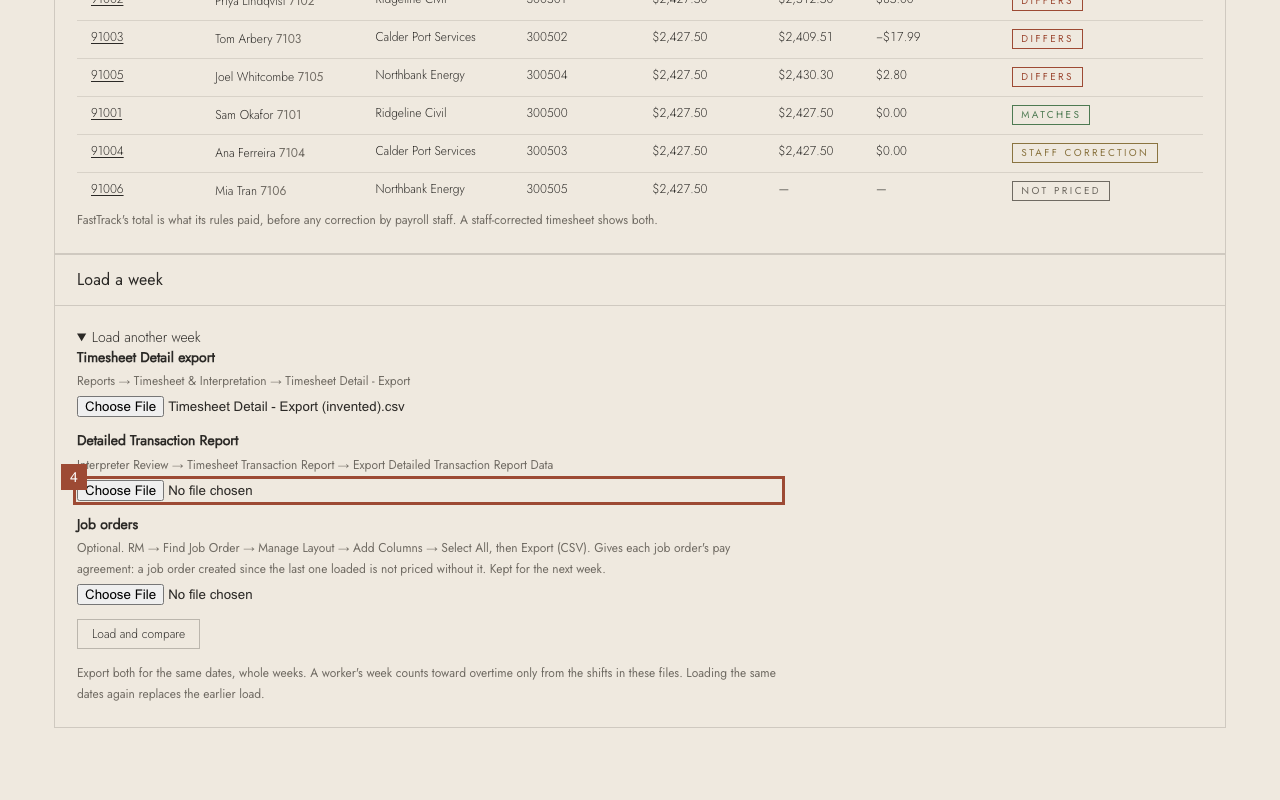
4. Choose the Detailed Transaction Report for the same dates (Interpreter Review → Timesheet Transaction Report → Export).
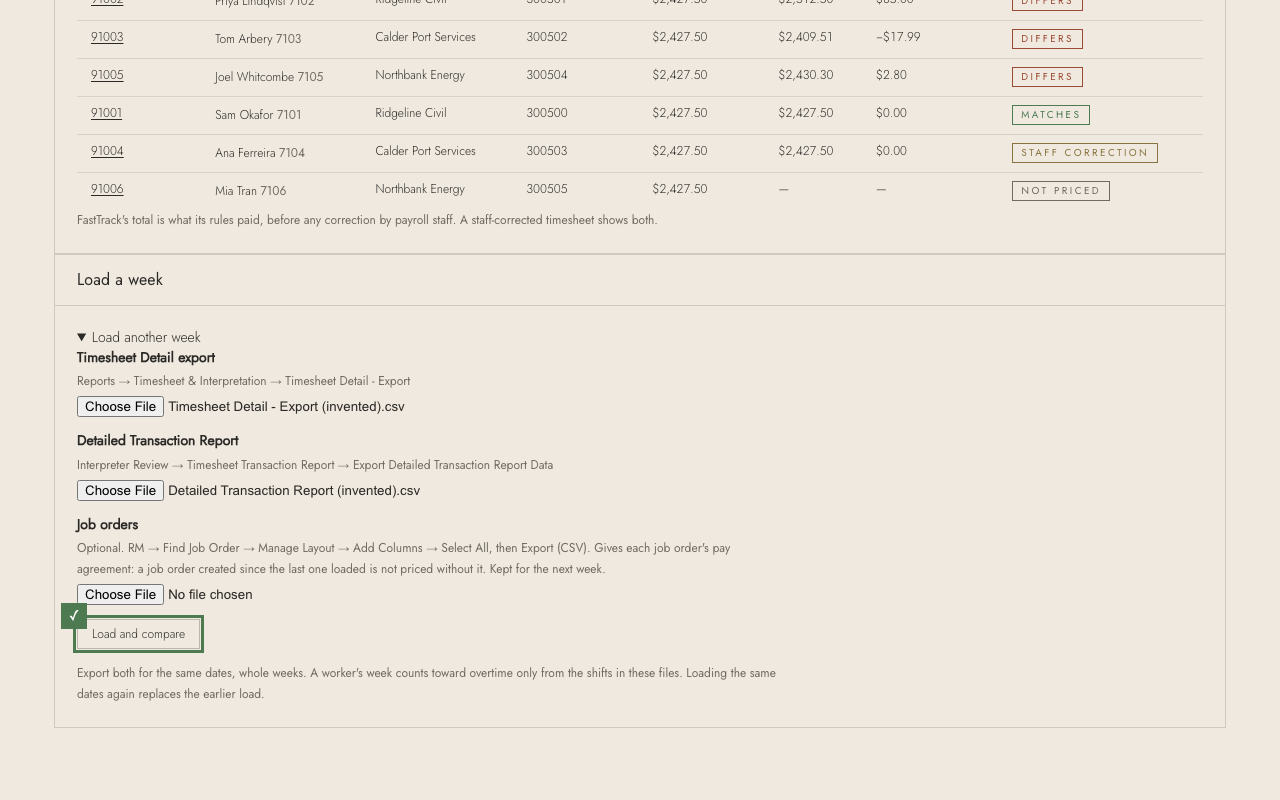
✓ Press Load and compare. Pricing a week takes up to a minute. If FastTrack has new job orders, add its job order file too — it is kept for next week.