Help · Worker (the phone app)
Mark days you can't work
Away is a calendar of the days you can't work. The office sees them before offering you anything.
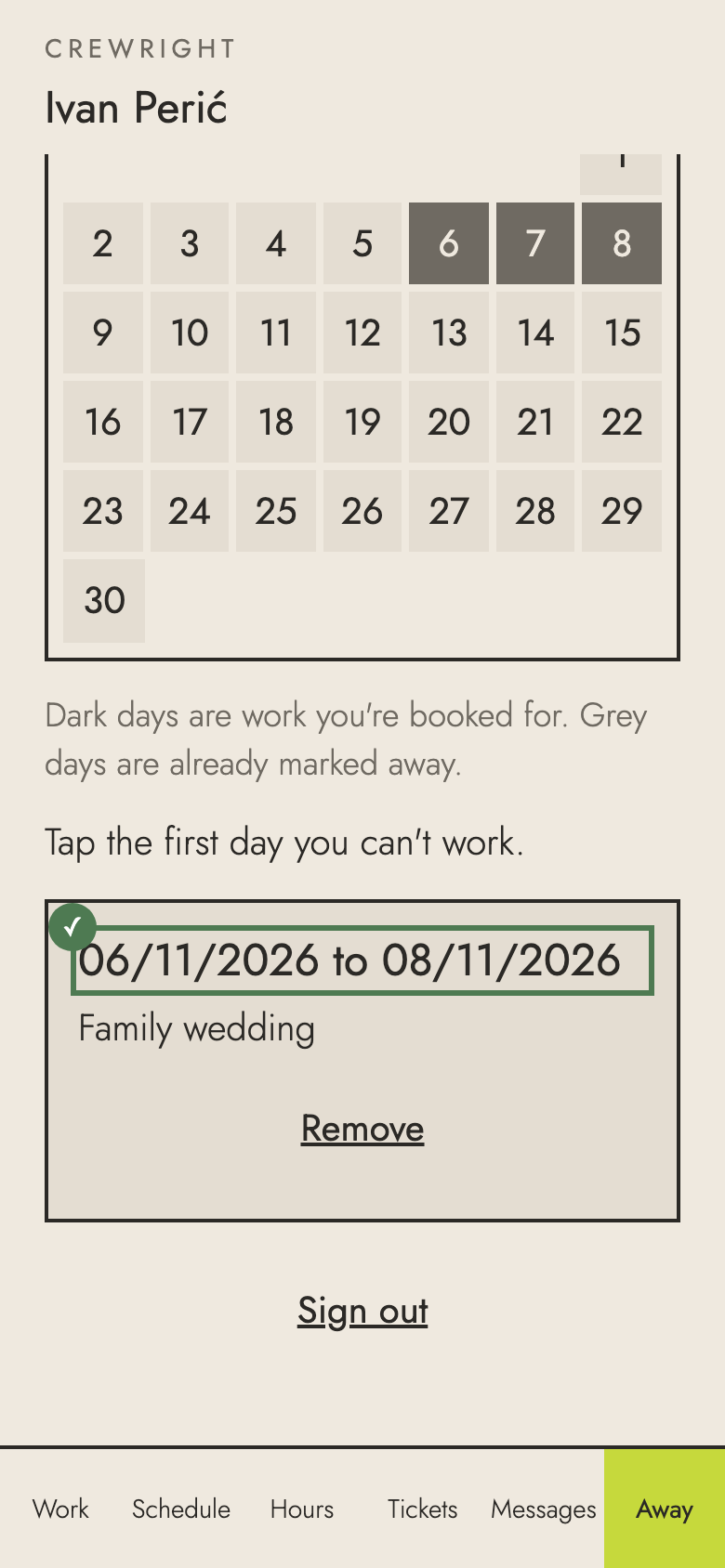
1. Open Away. Dark days are work you're booked for; grey days are already marked away.
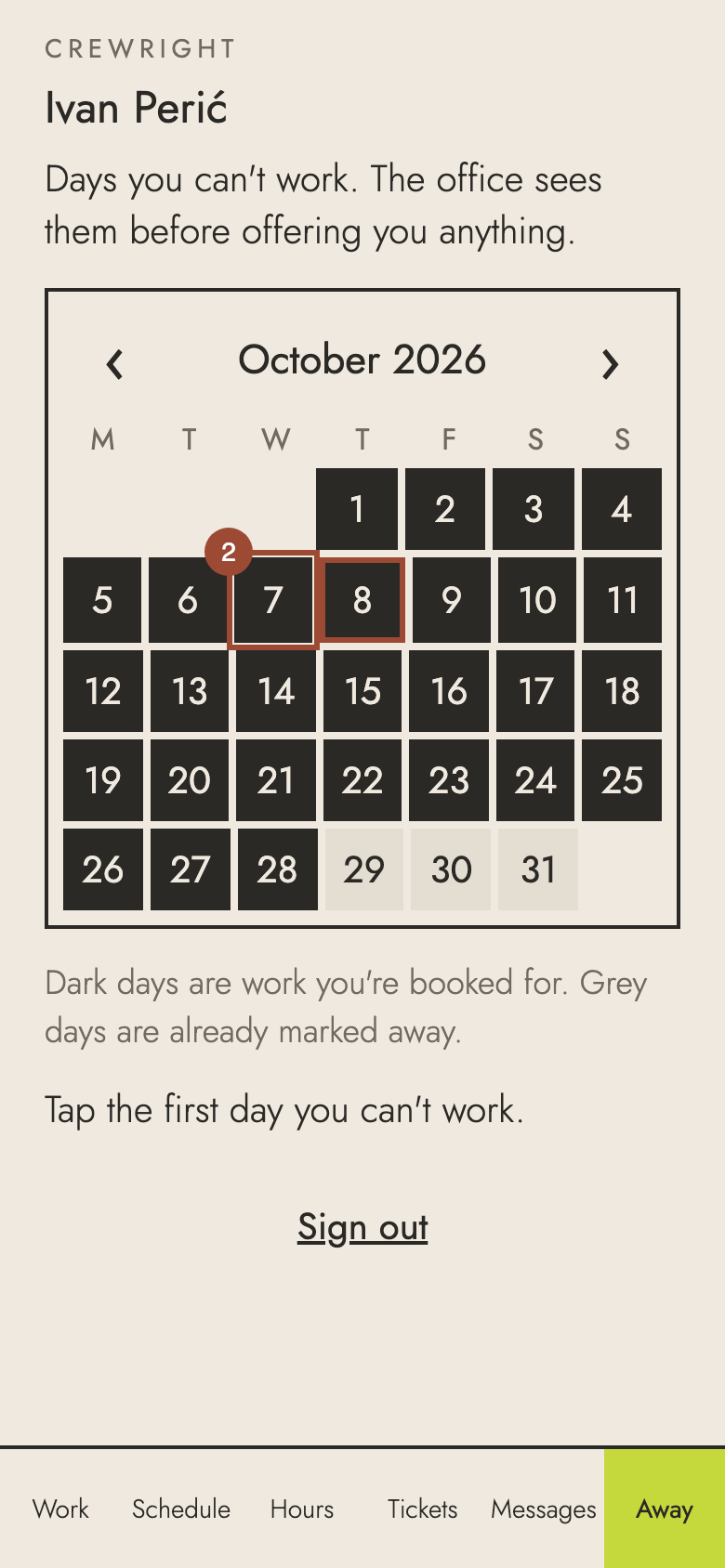
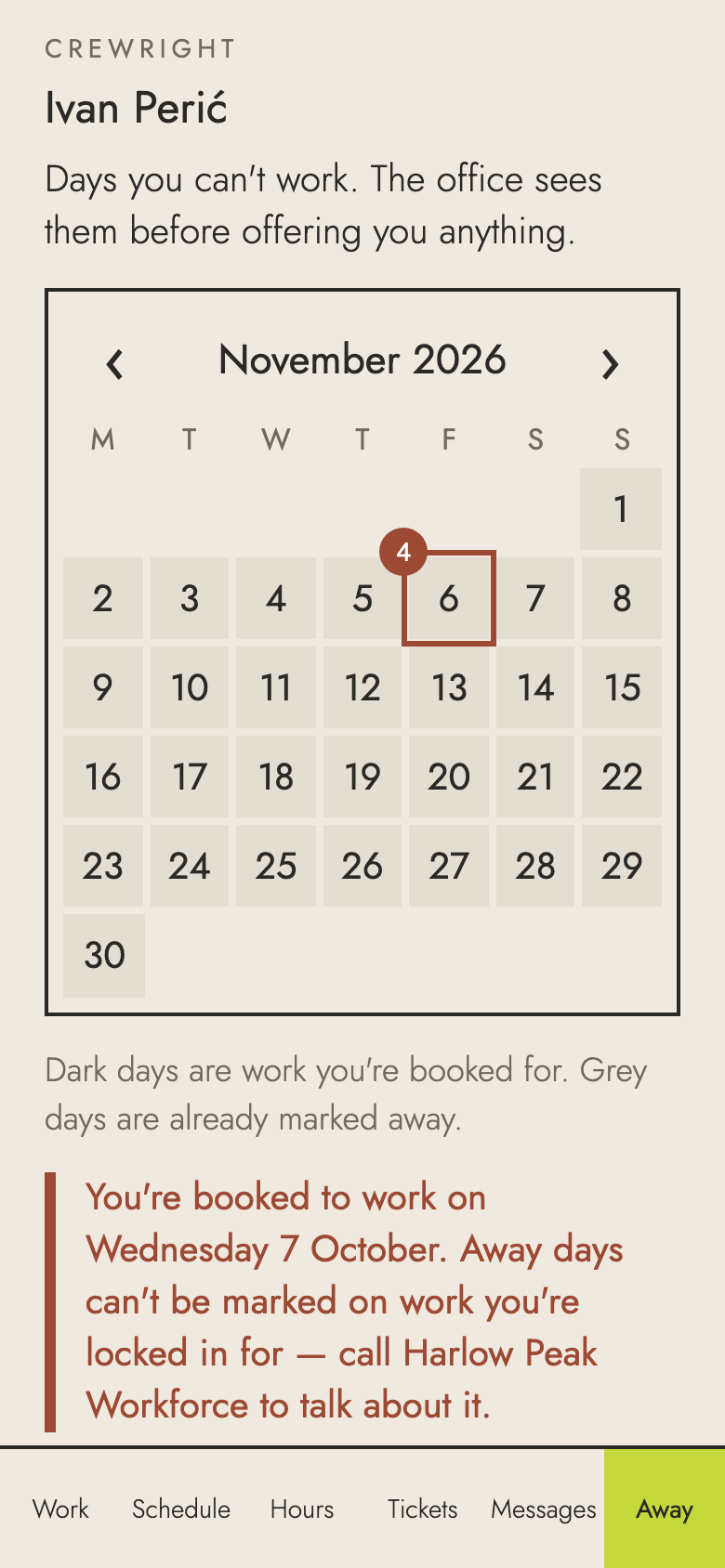
2. A day you're locked in for can't be marked away: tapping it tells you to call the office, so a person sorts it out.
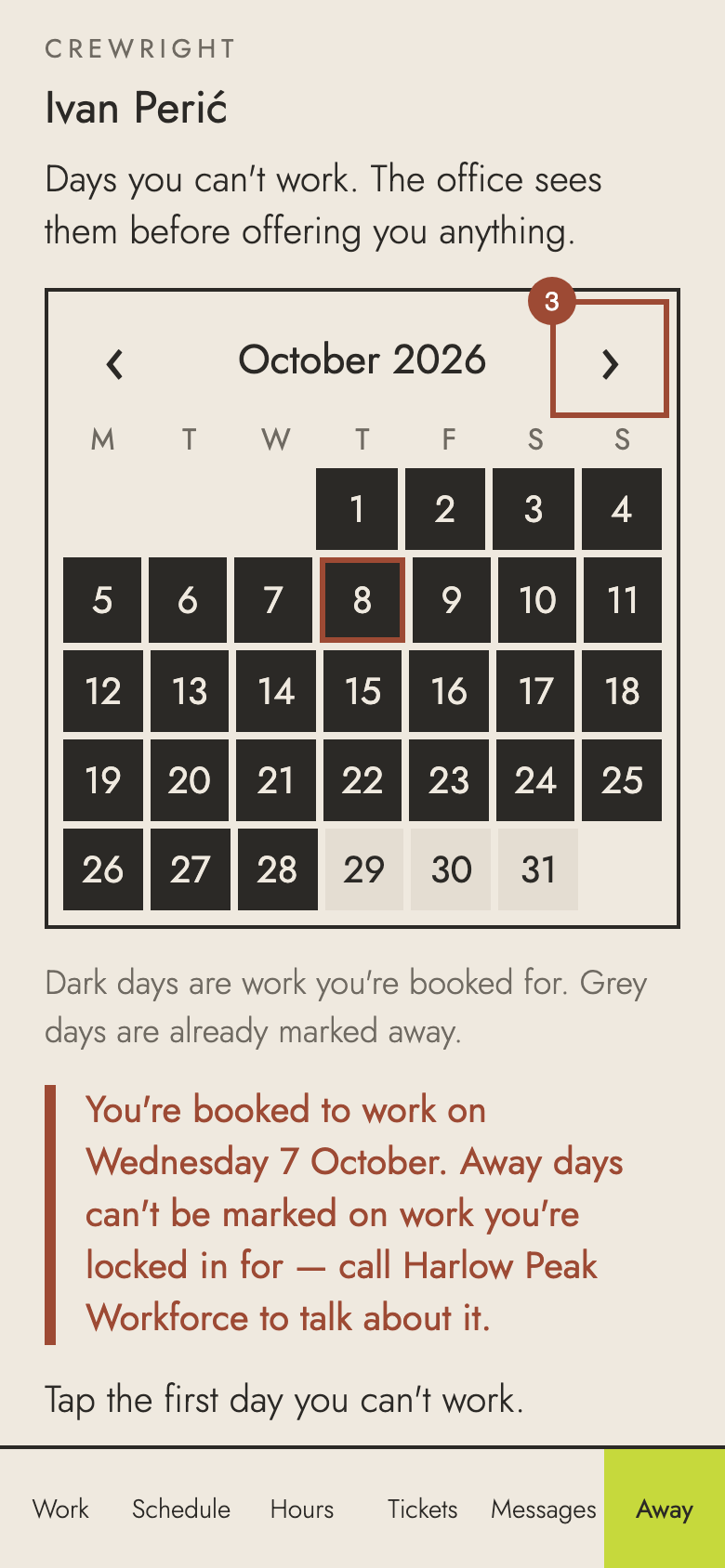
3. Use the arrows to go to the month you need.
4. Tap the first day you can't work…
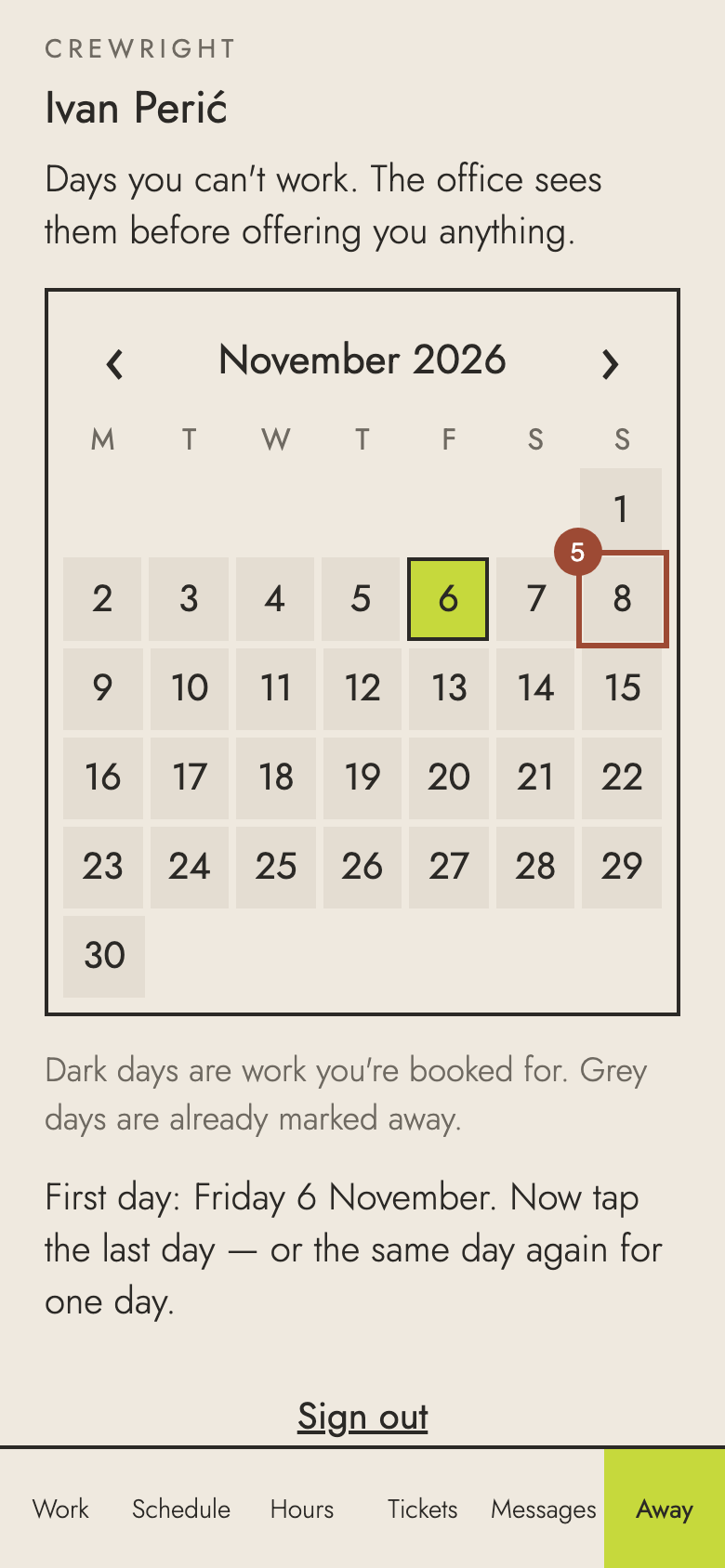
5. …then the last day. Every day between is marked. (For one day, tap the same day again.)
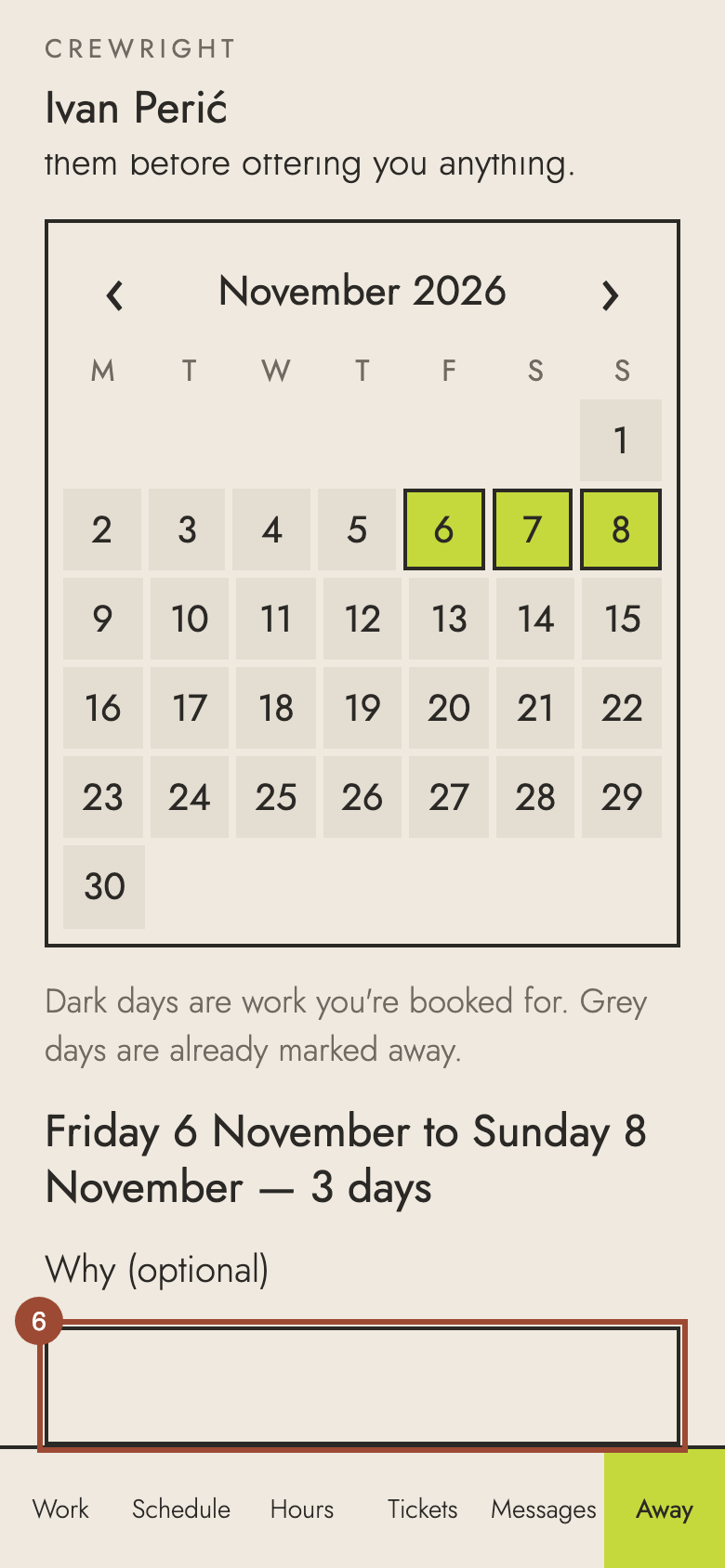
6. Say why if you like — the office sees it.
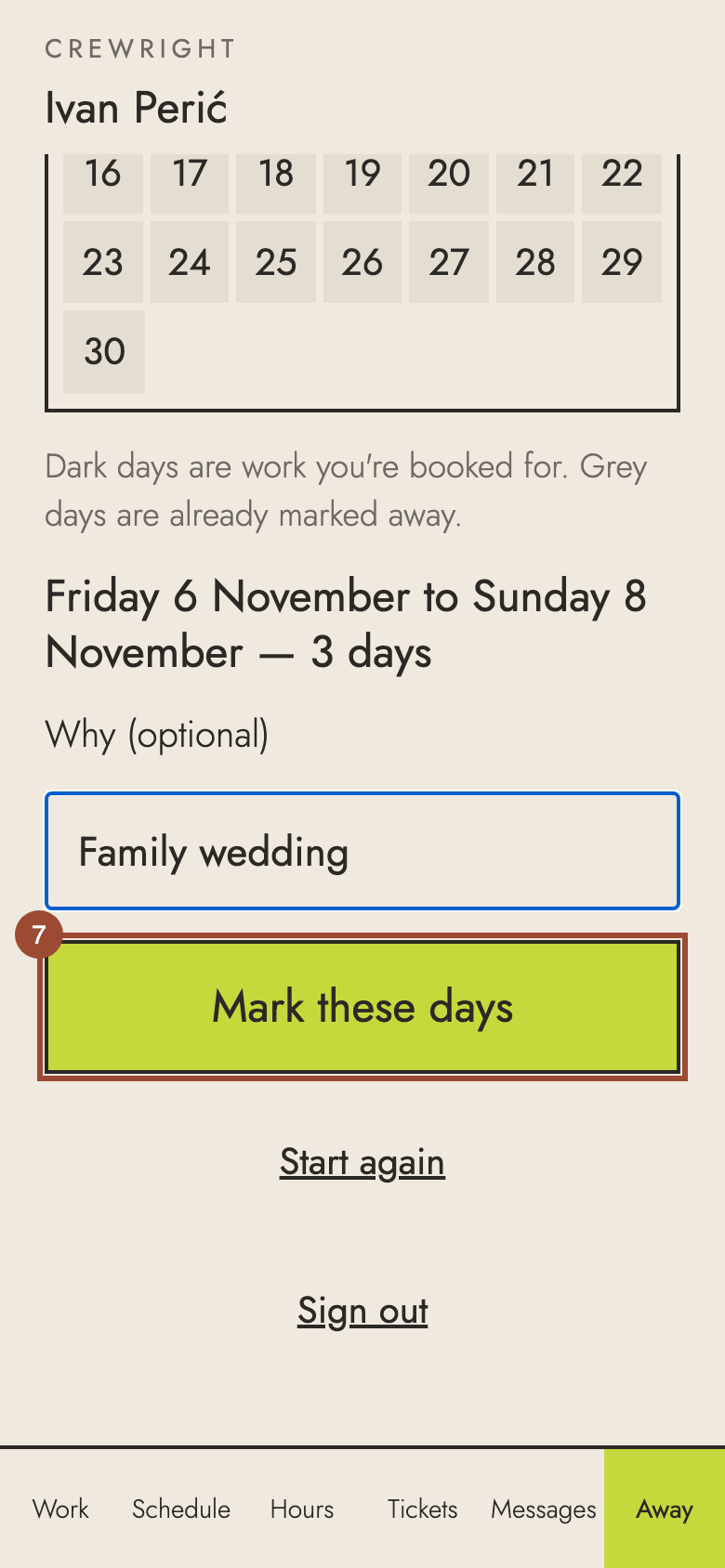
7. Press Mark these days.
✓ Done. The days are marked, and listed below the calendar. Tap Remove on a card to take them off.