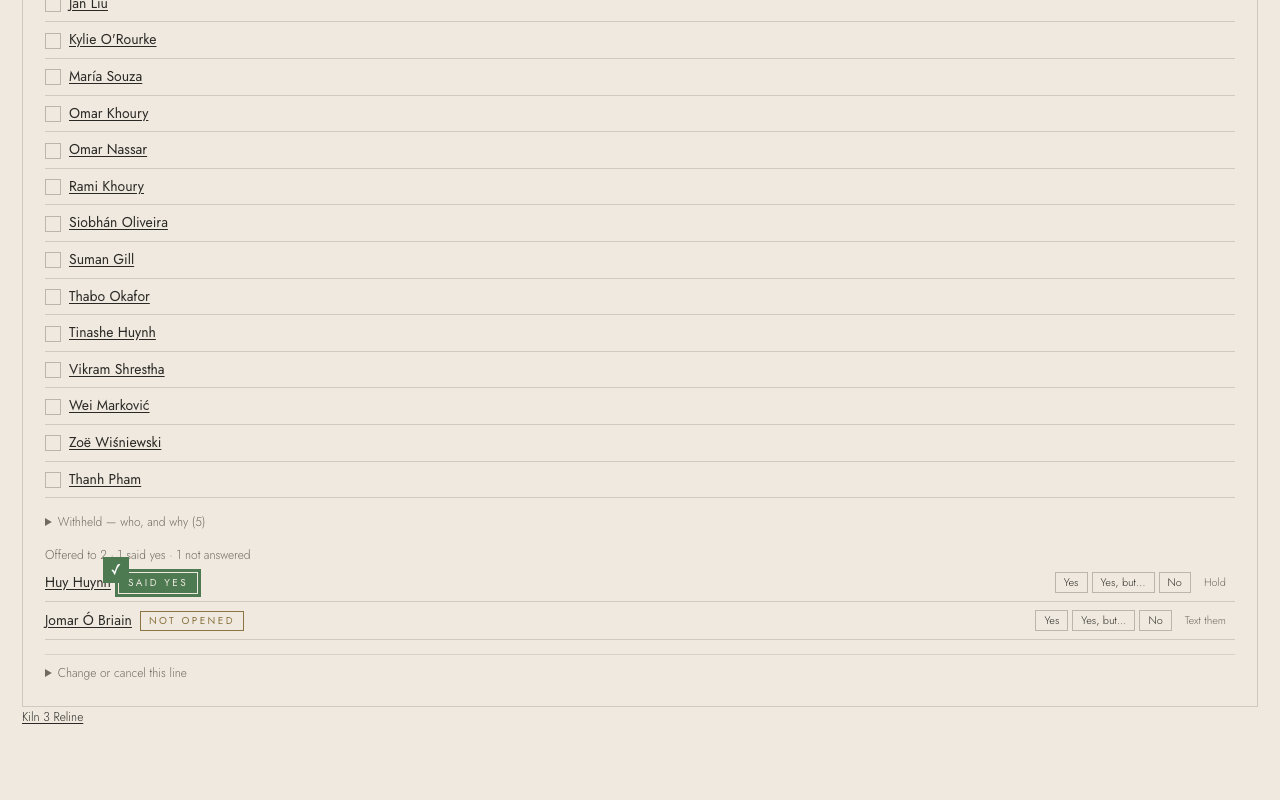
Offer work to the shortlist
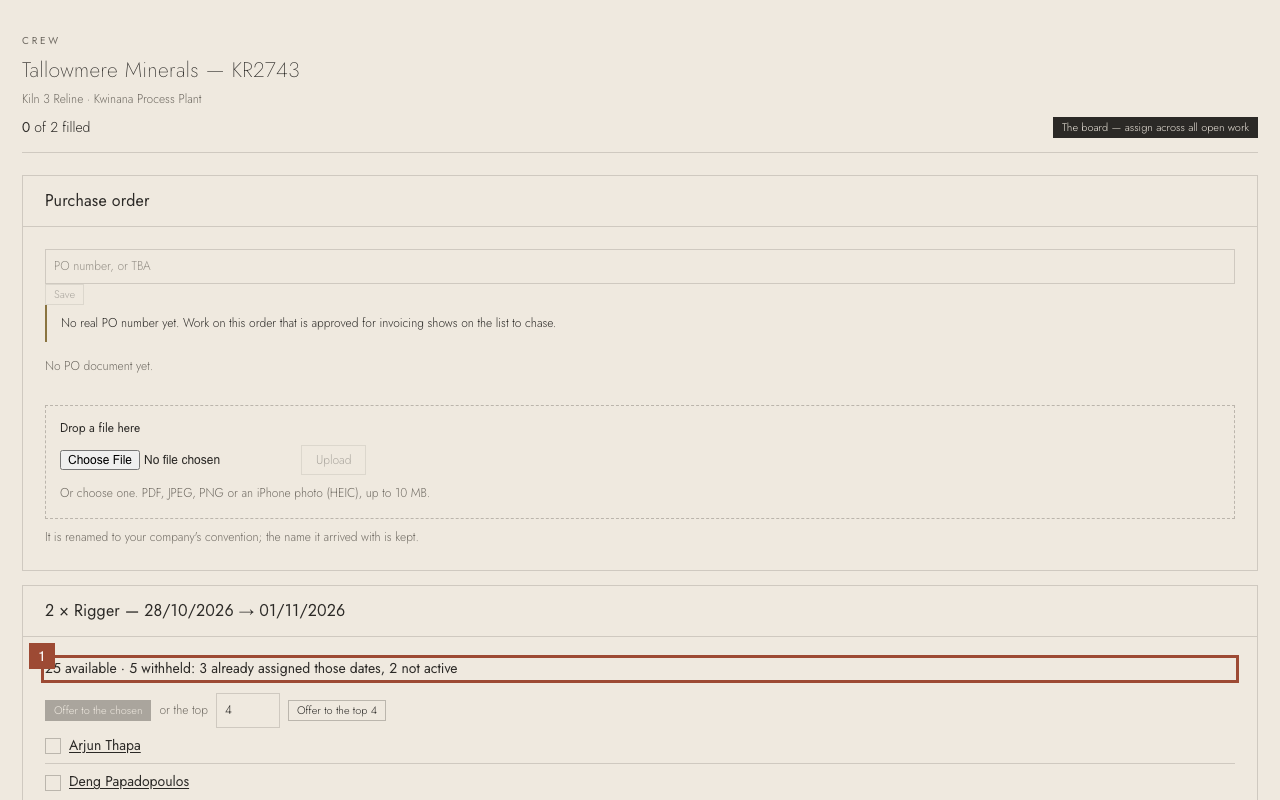
Every order line has a shortlist the moment it exists: who can do it, best first, and who can't be offered it and why. Offer it to more people than you need; saying yes places nobody.
1. Each line of the order shows its counts: who can do it, offered, said yes, waiting, can't be offered. Who can do it lists them best first — preferred, then rating; who is withheld and why is below.
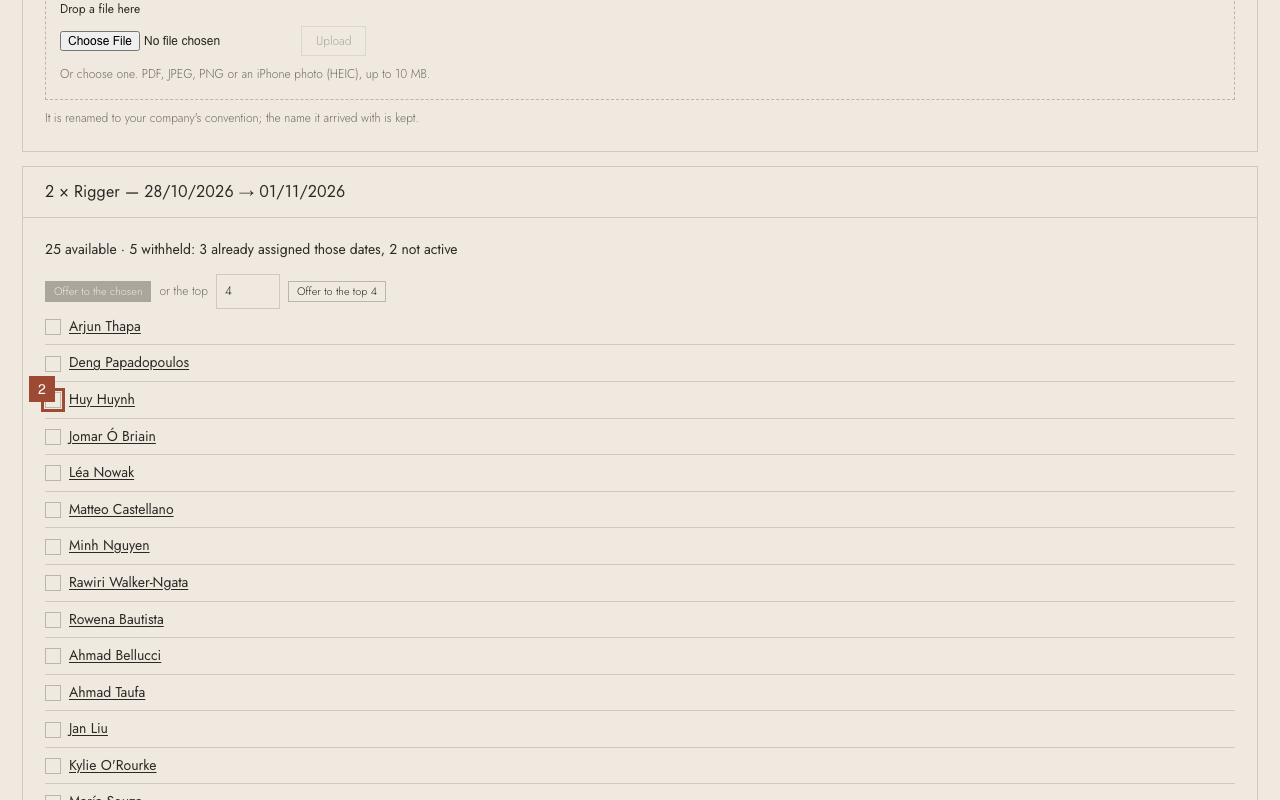
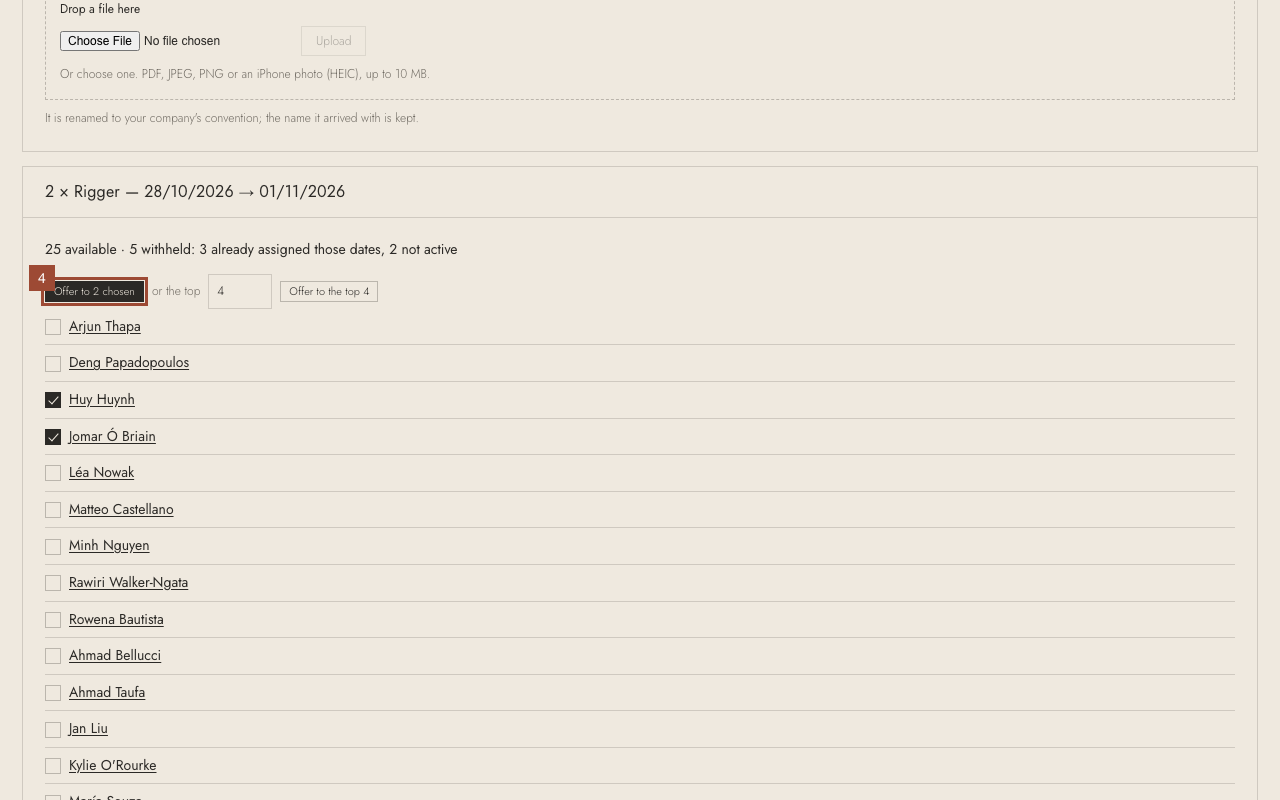
2. Tick the people to offer it to: here, Huy Huynh…
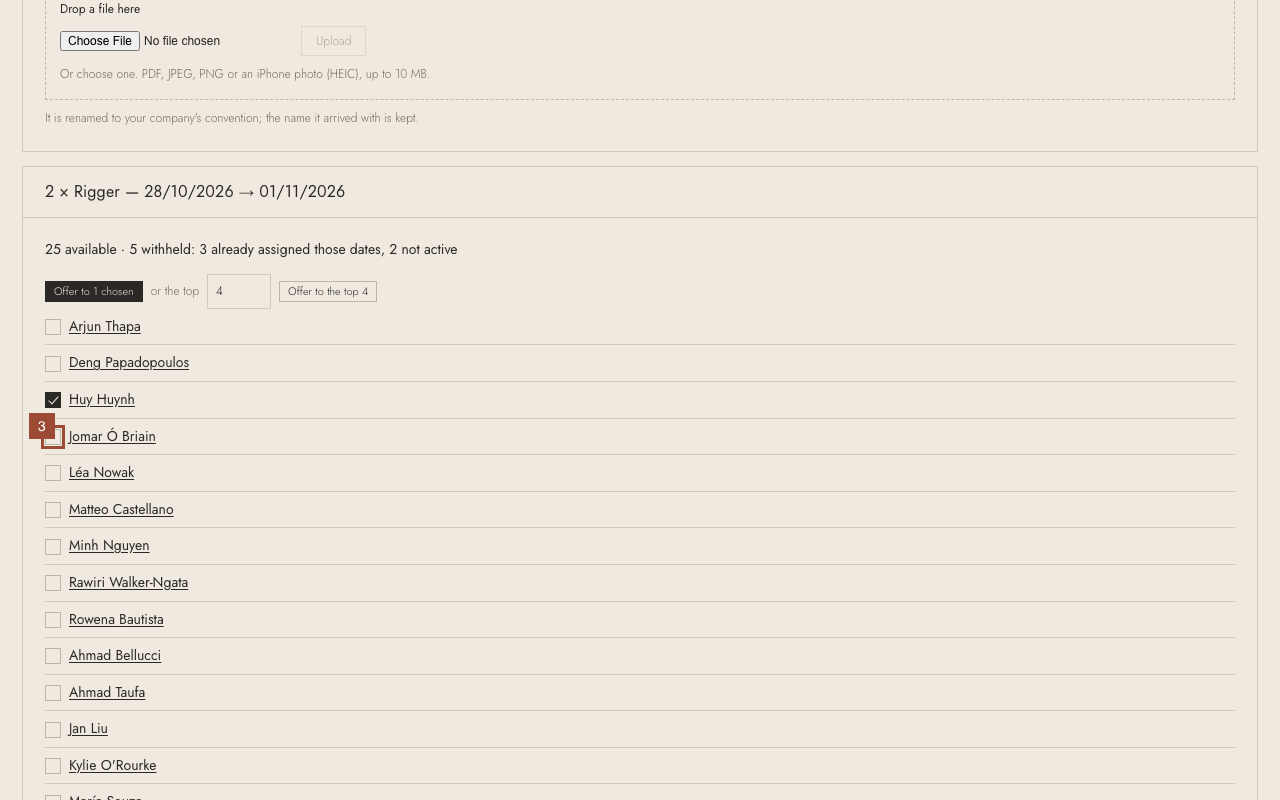
3. …and Jomar Ó Briain. (Or offer it to the top few, or to everyone.)
4. Press Offer to 2 ticked. It goes to the app on their phones.
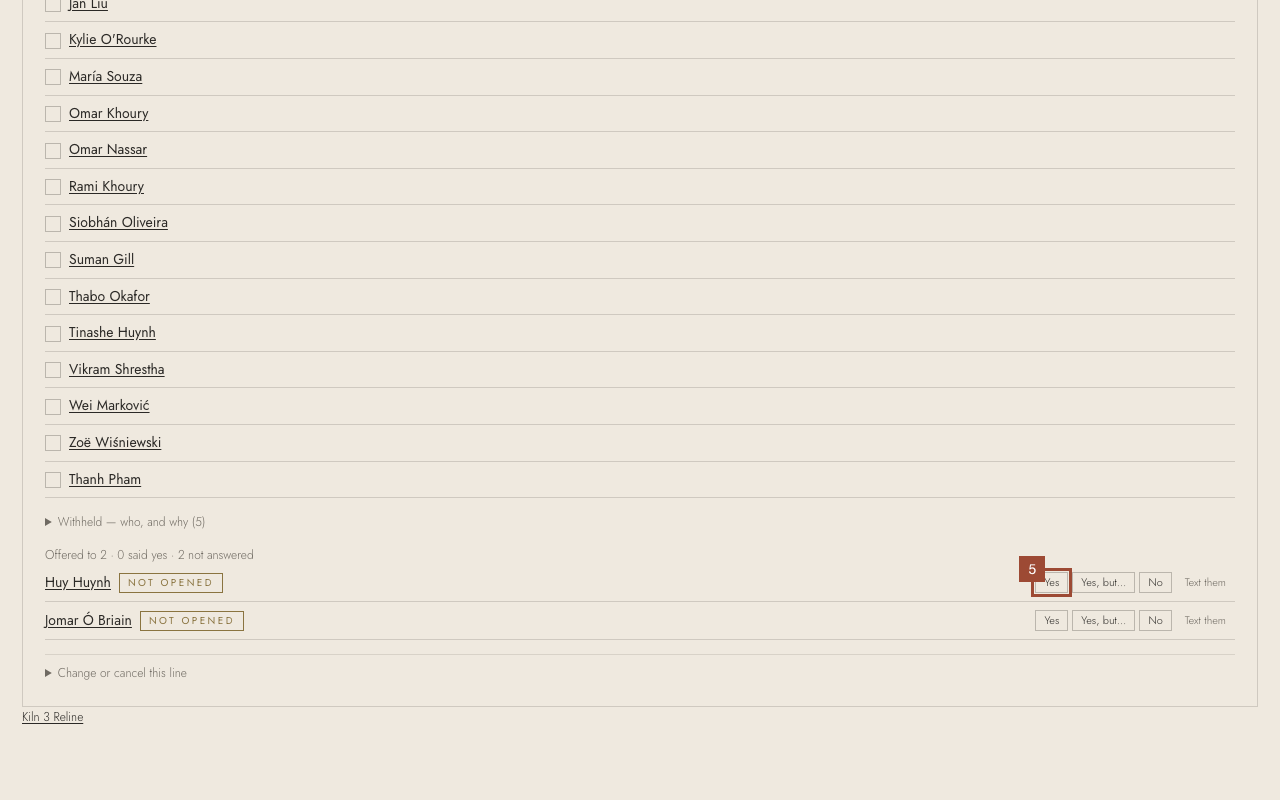
5. They appear under Offered to, with their answers as they come in. If someone rings to say yes, press Yes beside them.
Done Done. People who said yes show on the board, where you place them.