Help · Payroll (owners and administrators)
Read the week's summary
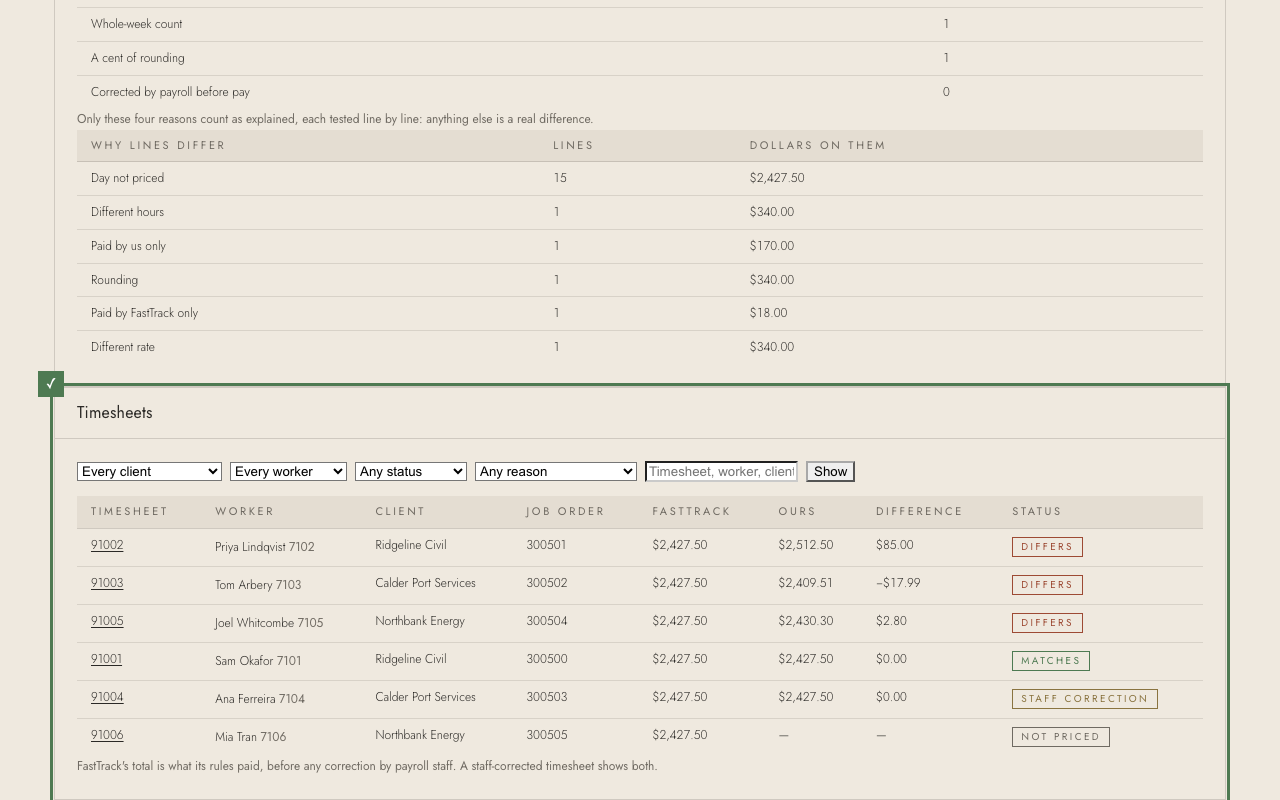
After a load, the summary says how much of FastTrack's pay the system matched, and why the rest differs.
1. Matched is the share of FastTrack's pay lines the system priced to the cent. Matched or explained adds the lines that differ for a reason already known (a payroll correction, leave, a cent of rounding).
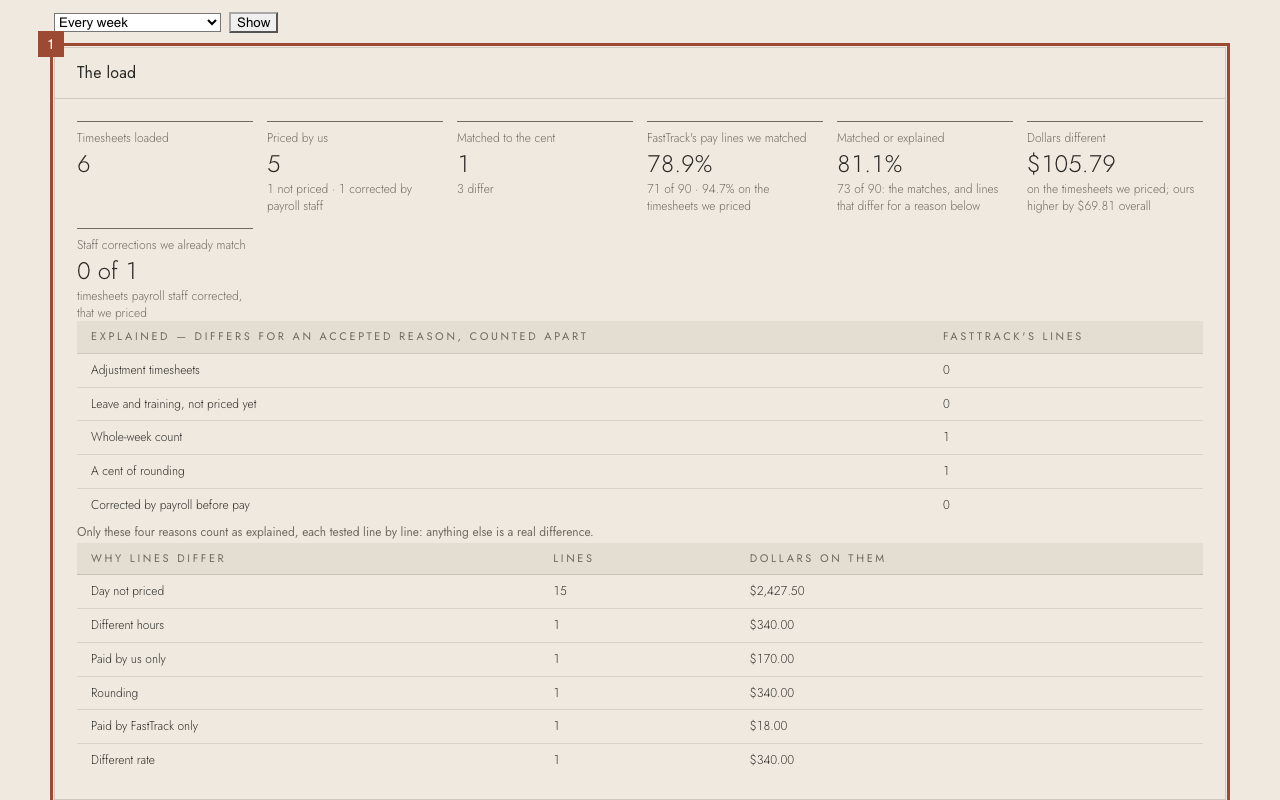
2. To look at one week of the load, choose it under Week ending and press Show.
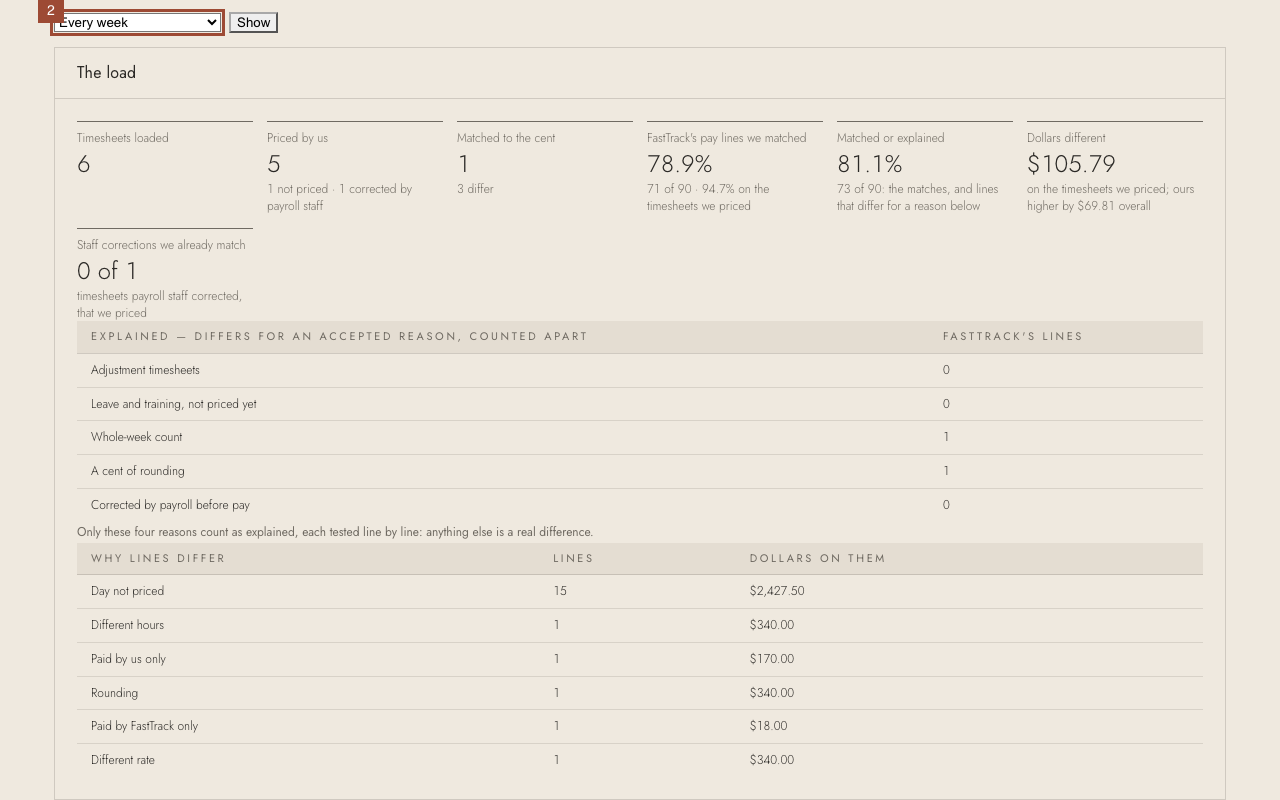
3. Below, every timesheet with the biggest differences first. Narrow it by client, worker, status or reason.
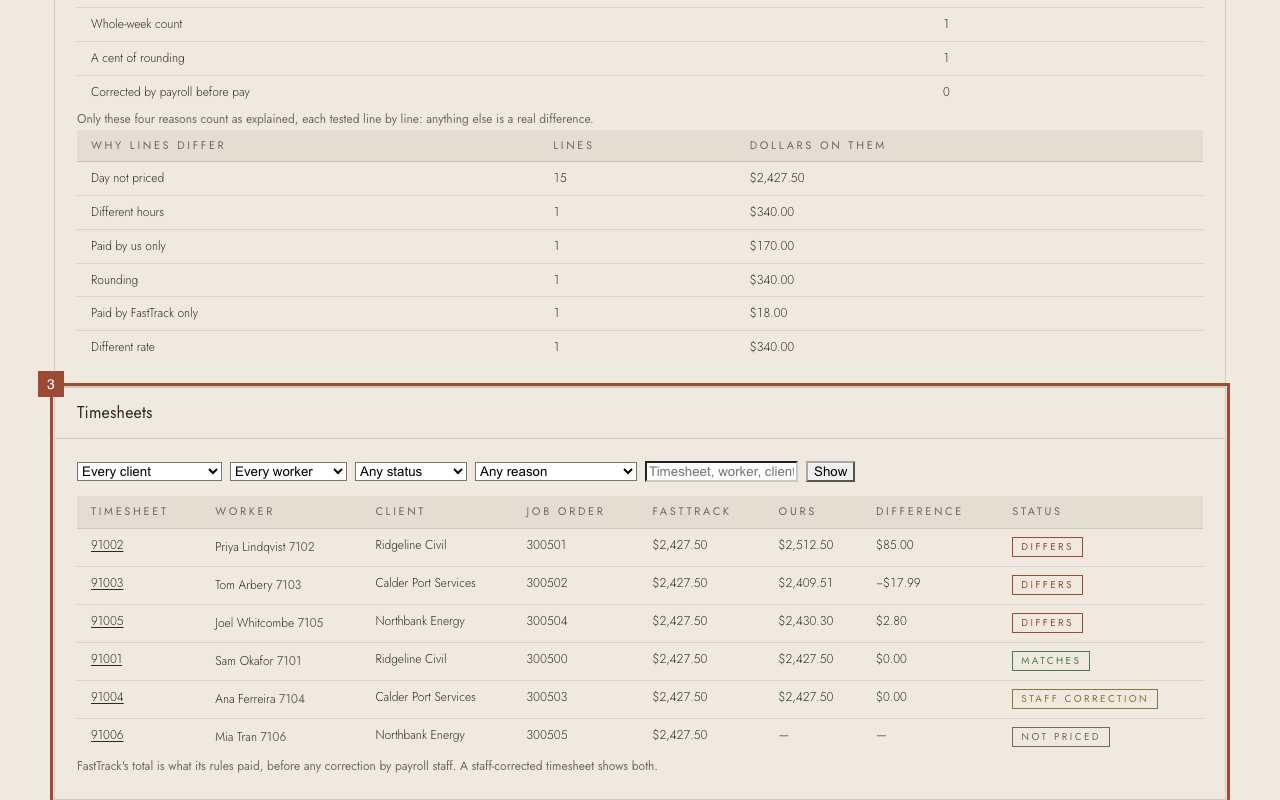
✓ A difference with no known reason is the one to look at: open its timesheet.