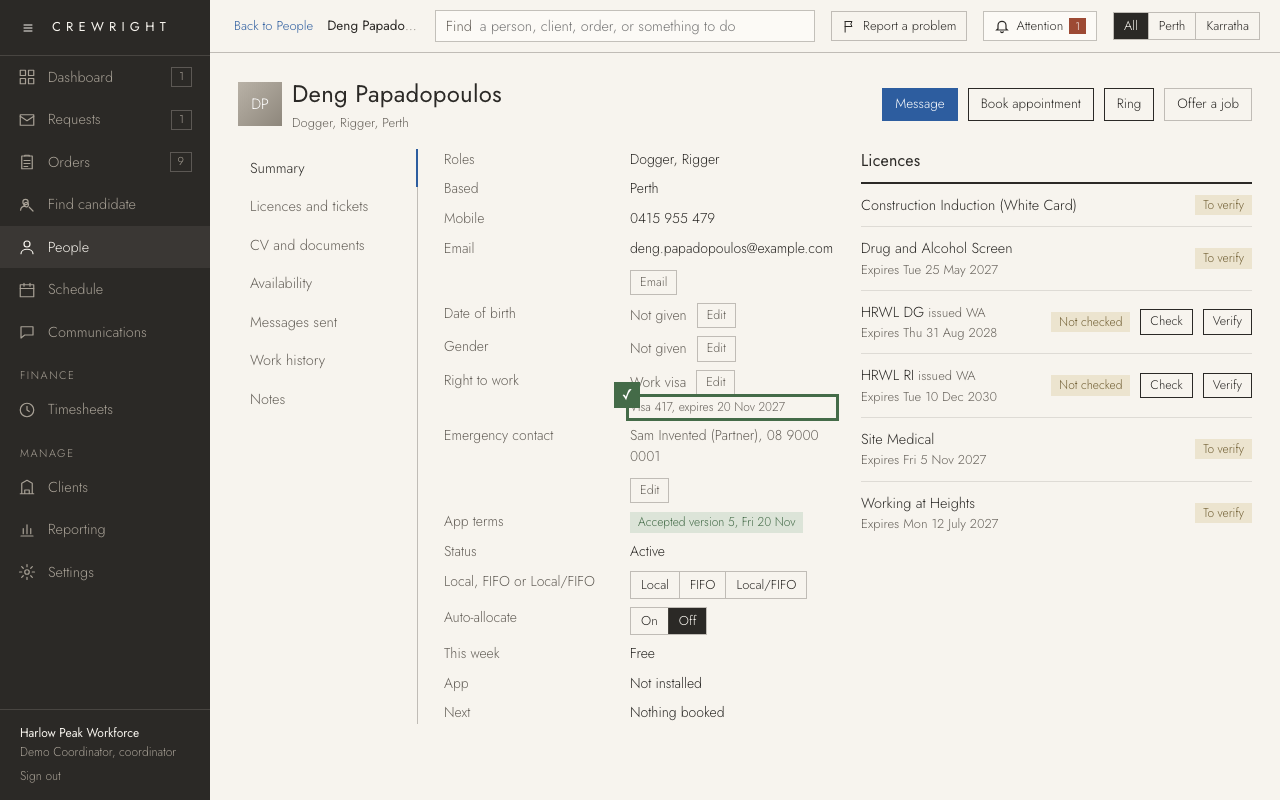
Record a person's right to work or visa
Whether a person is a citizen, a permanent resident or on a work visa, and for a visa its type, number, expiry and conditions. Gender and date of birth are on the same Summary, each with its own Edit.
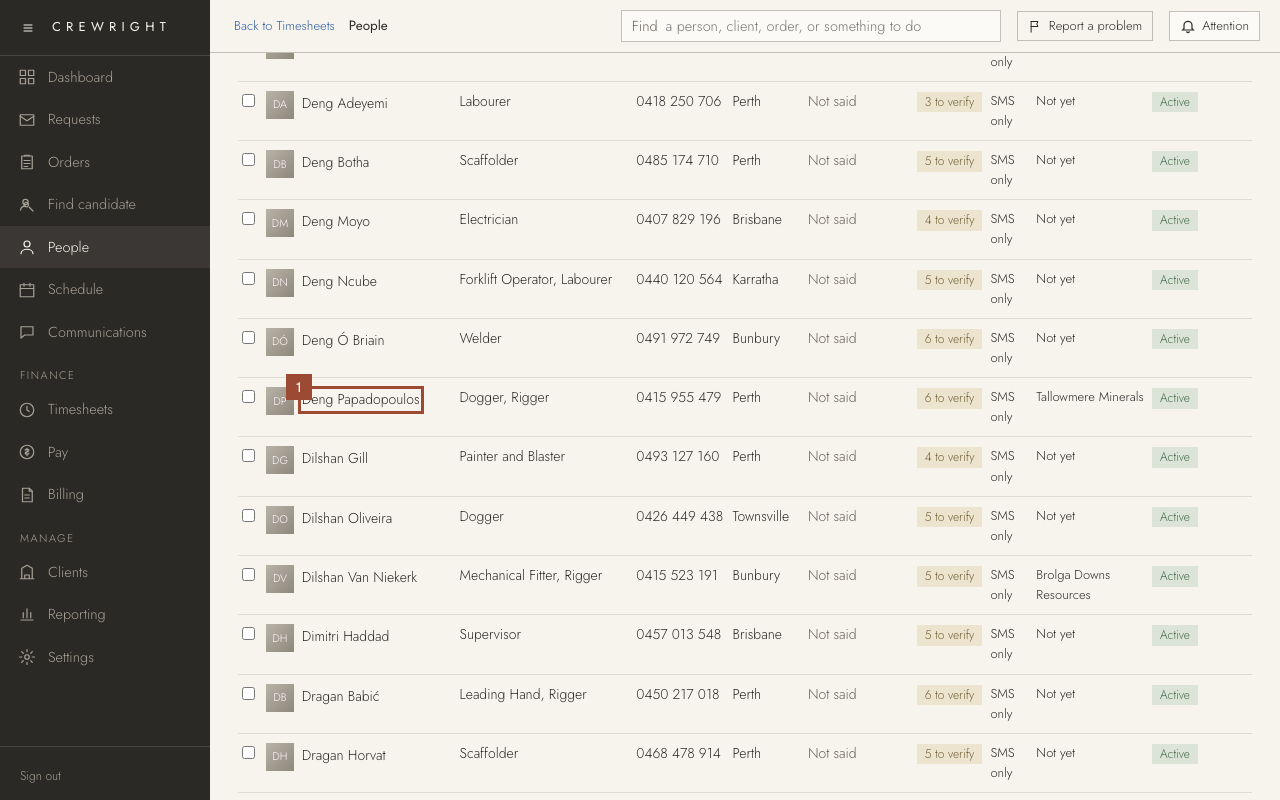
1. On People, open the person.
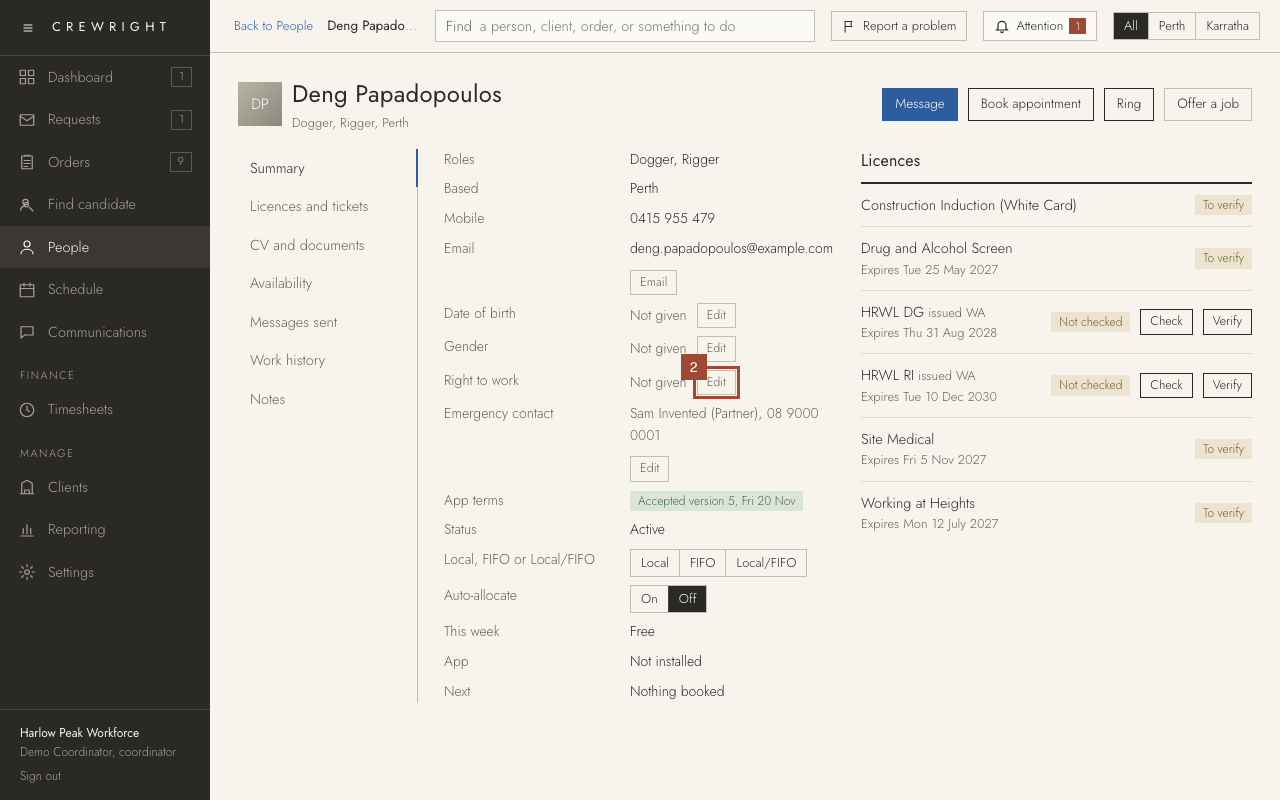
2. On their Summary, press Edit beside Right to work.
3. Choose Citizen, Permanent resident or Work visa.
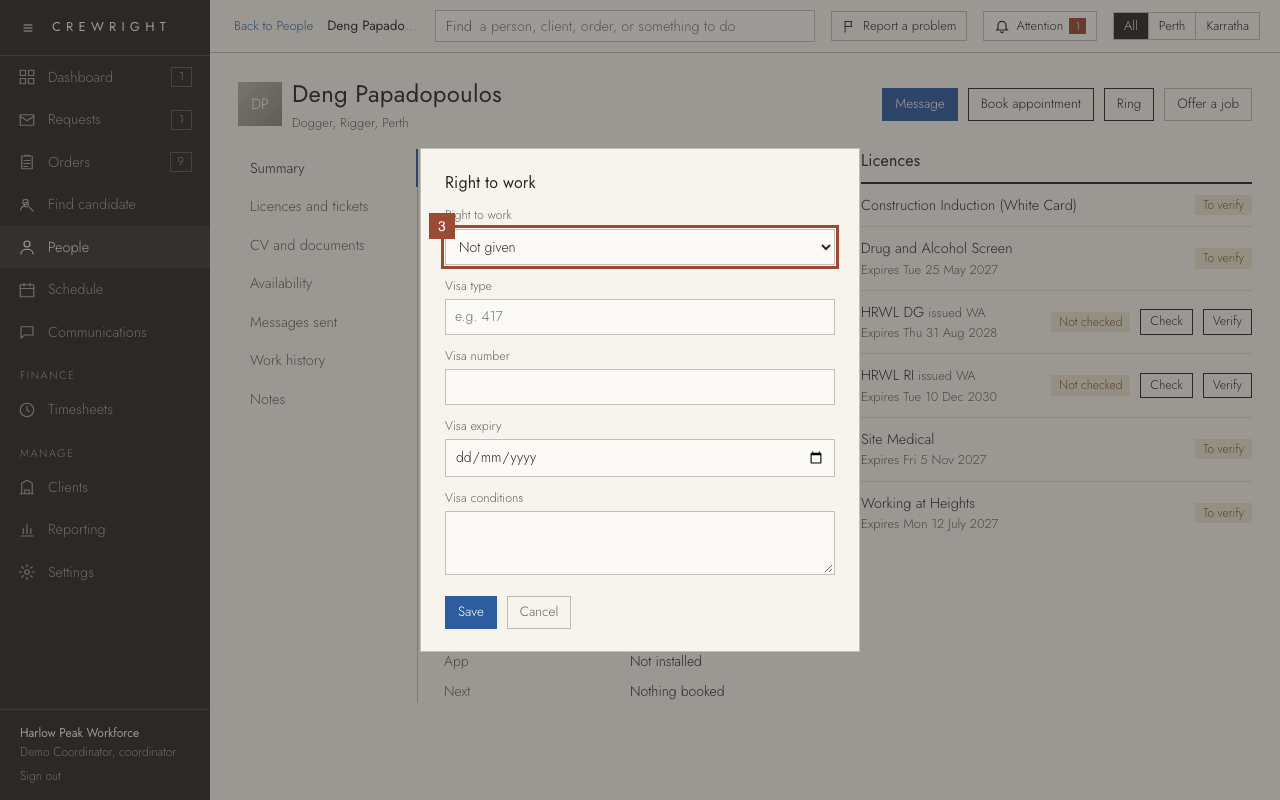
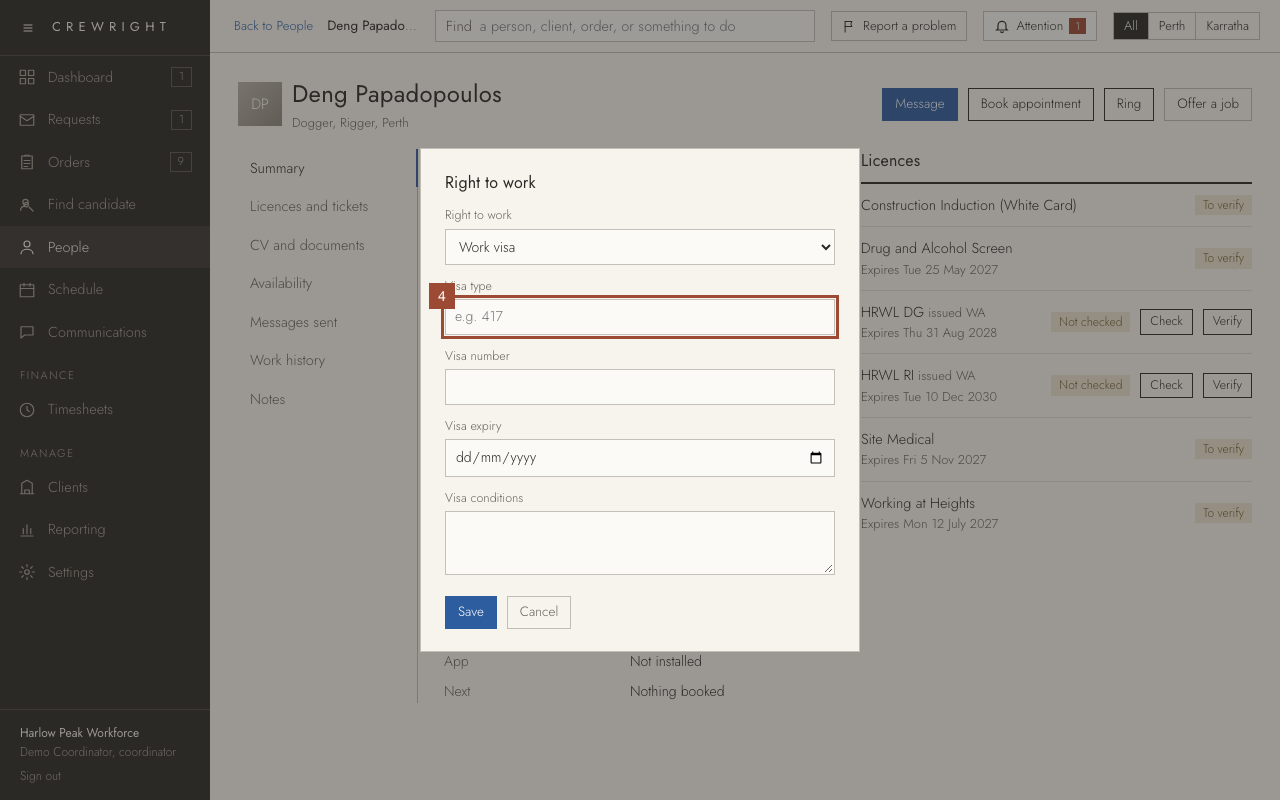
4. For a visa, type the Visa type…
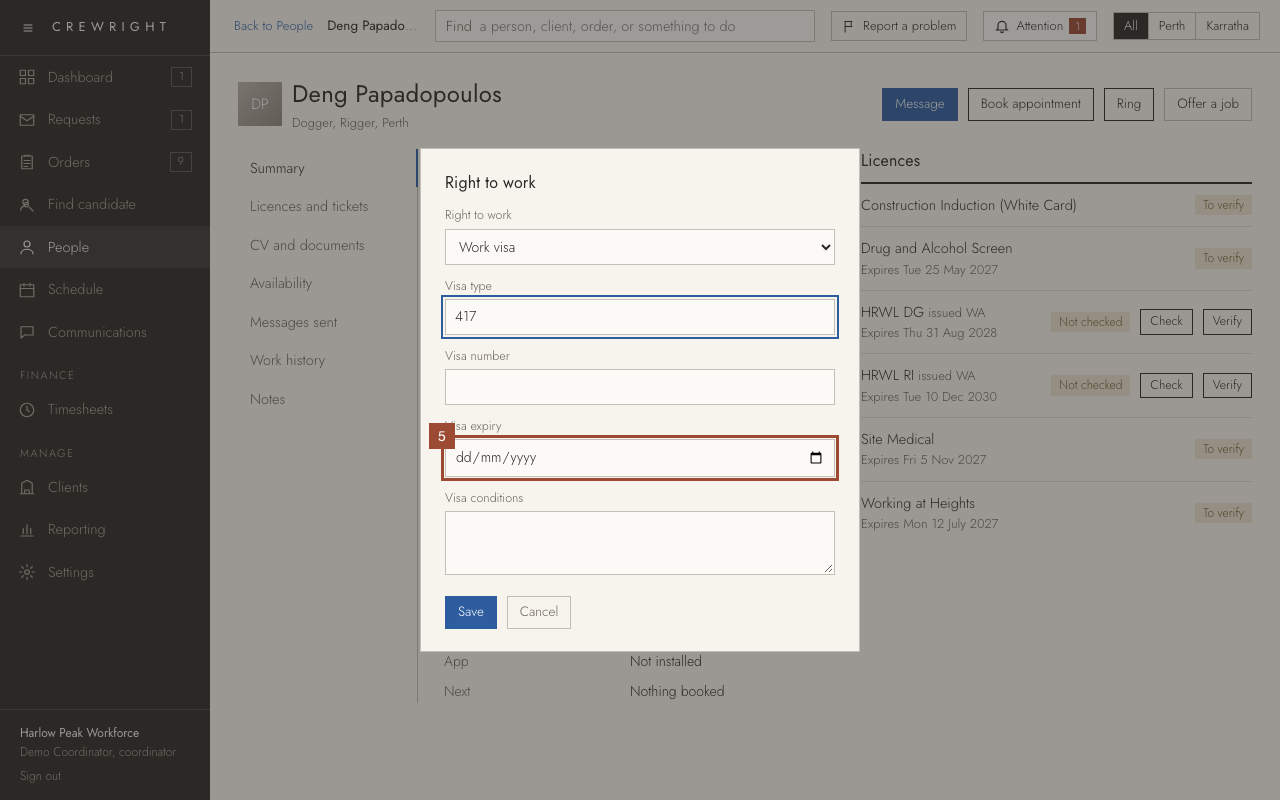
5. …and its Visa expiry. The number and any conditions go in the boxes beside them.
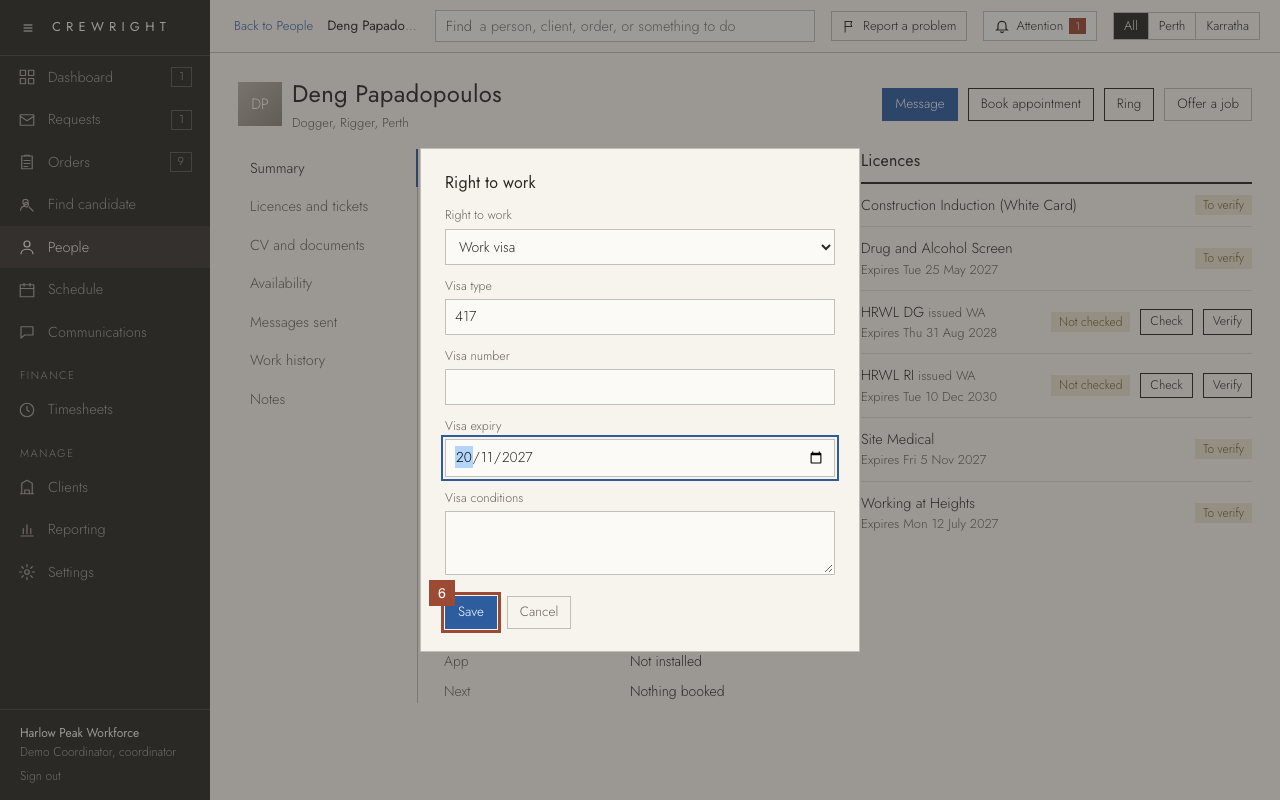
6. Press Save.
Done Done. It shows on the person's Summary. A visa within 60 days of its expiry, or past it, is flagged there.