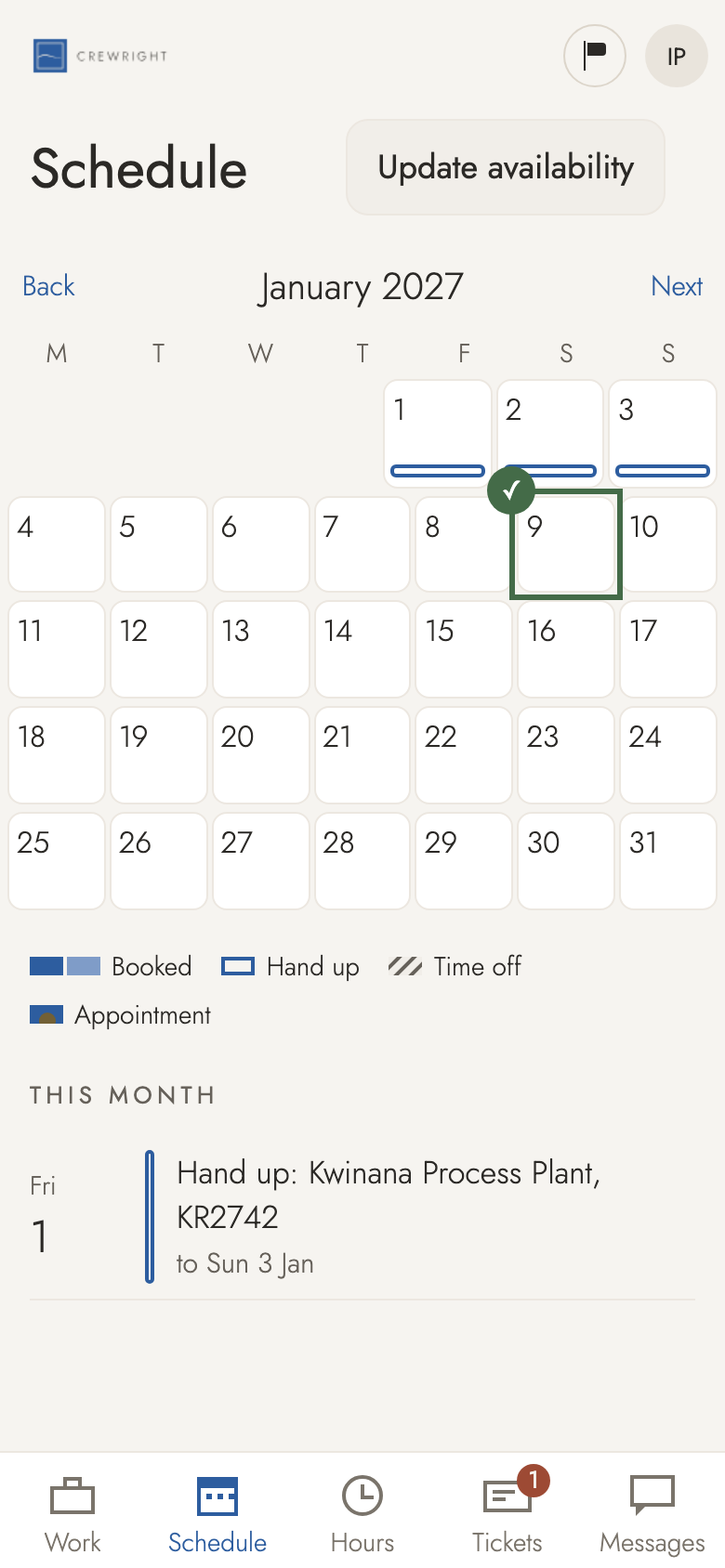
Remove time off
Booked time off you no longer need? Take it back in Schedule. Only days you booked yourself can be removed here; days the office put in, ask the office.
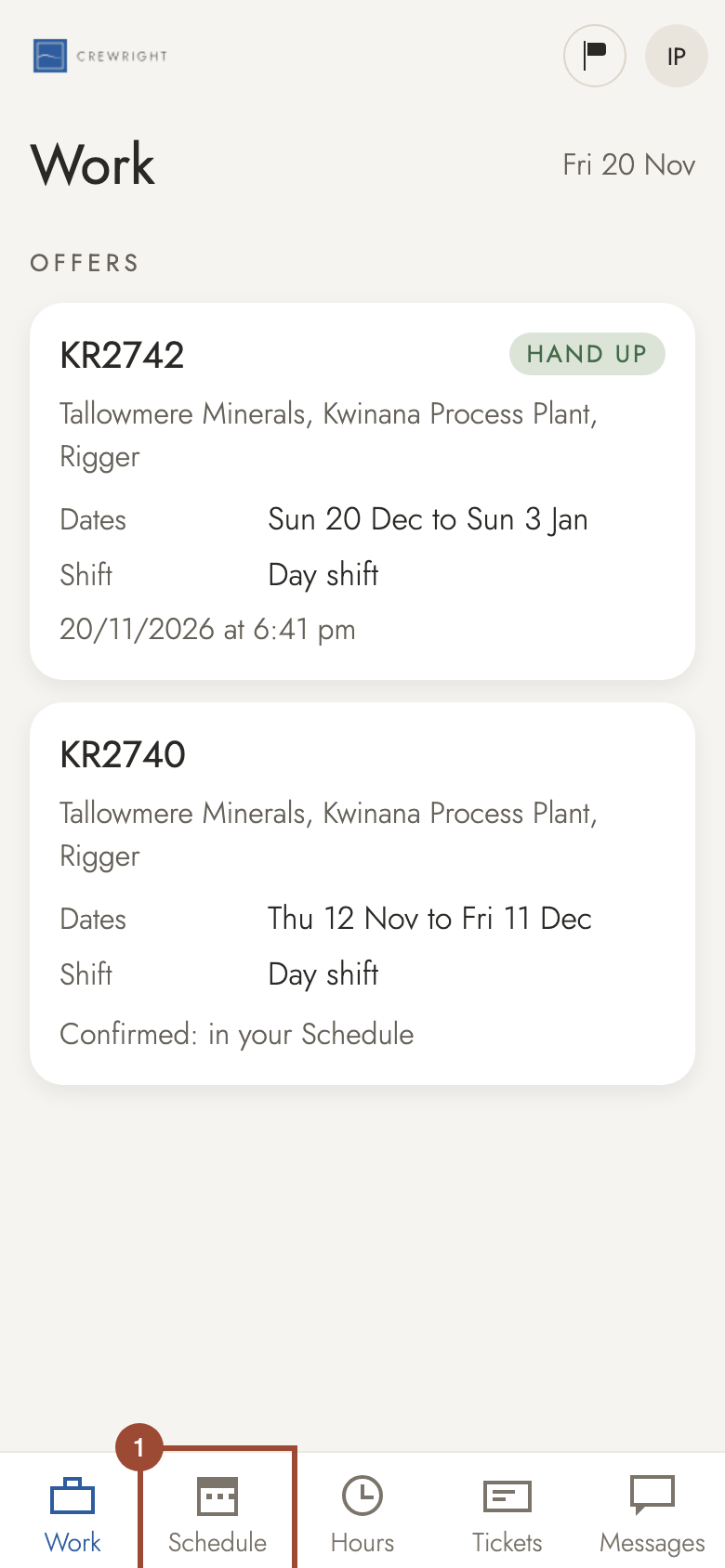
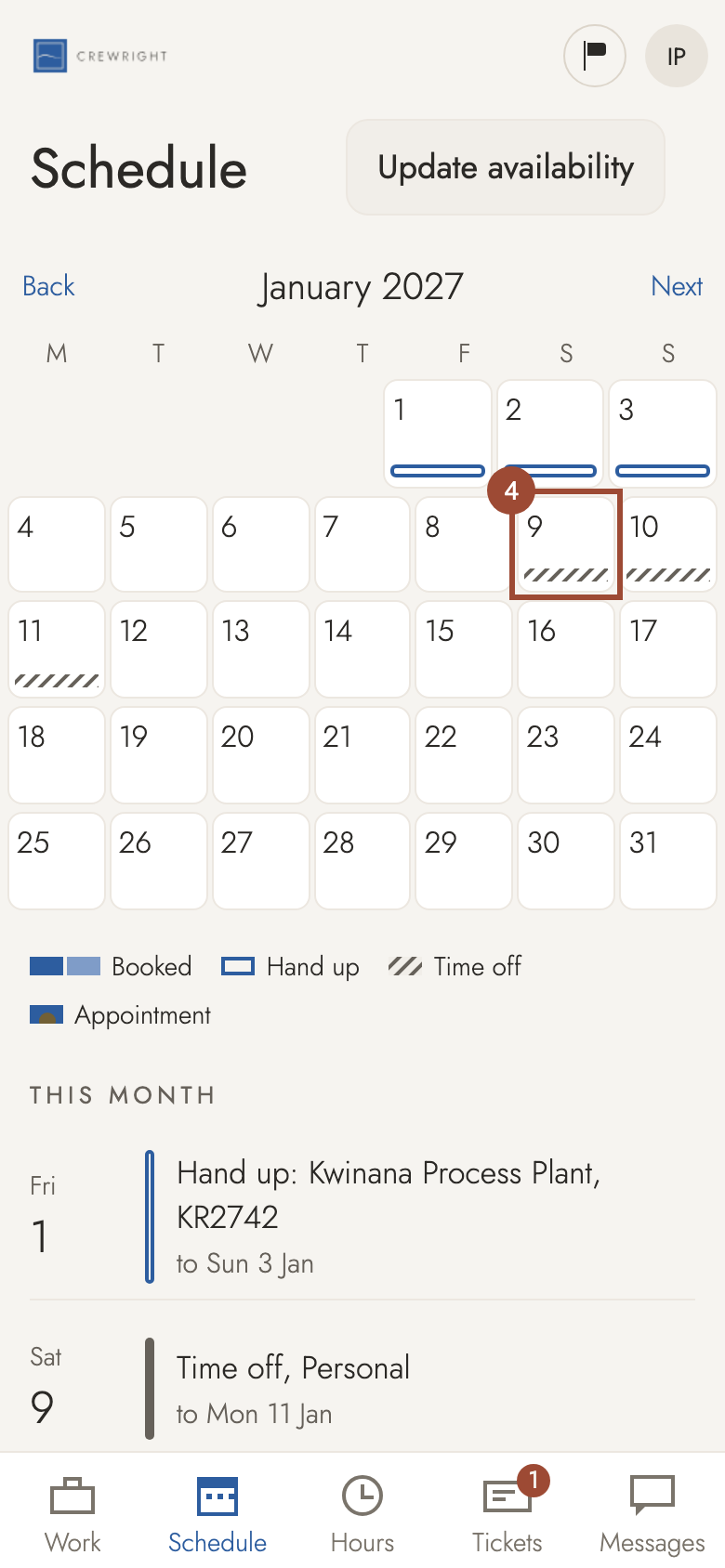
1. Open Schedule.
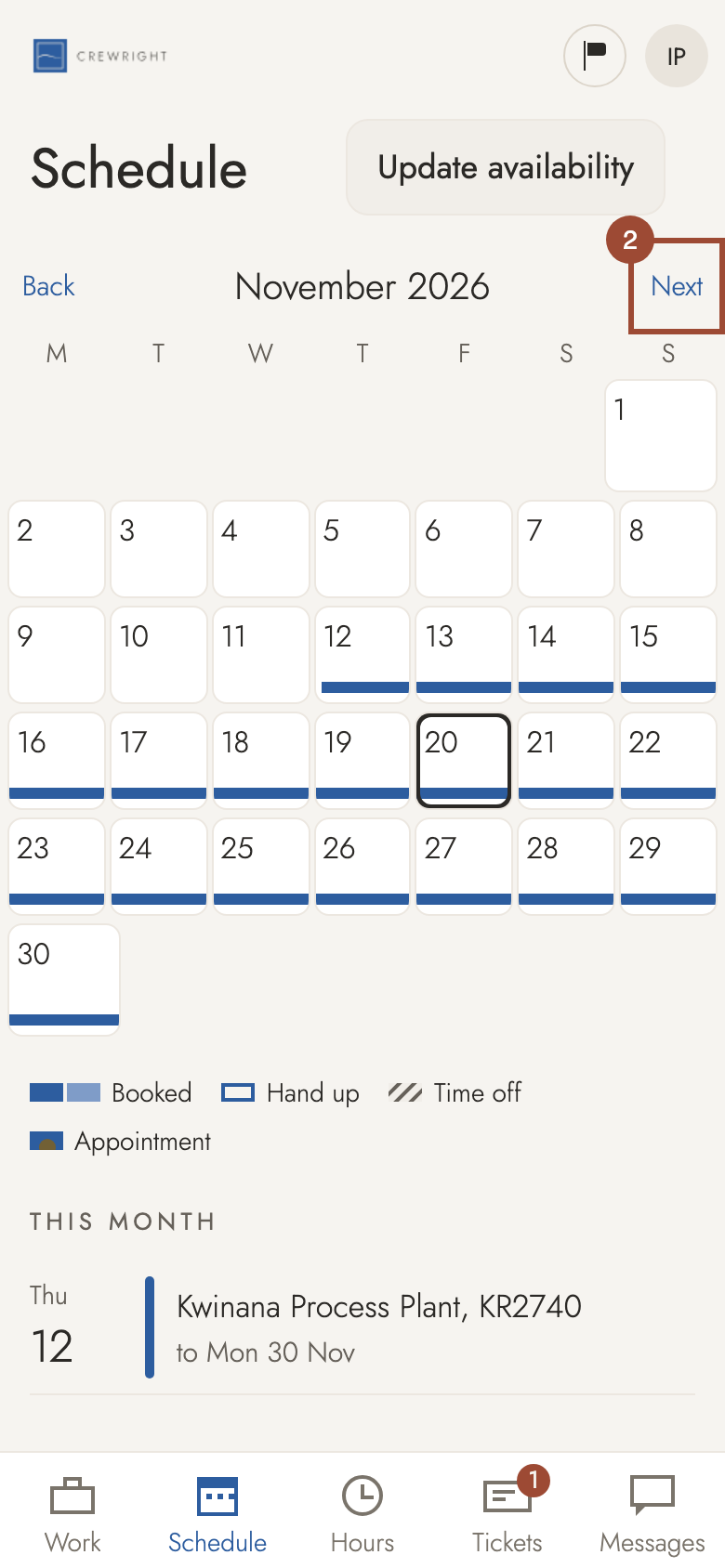
2. Go to the month with your time off.
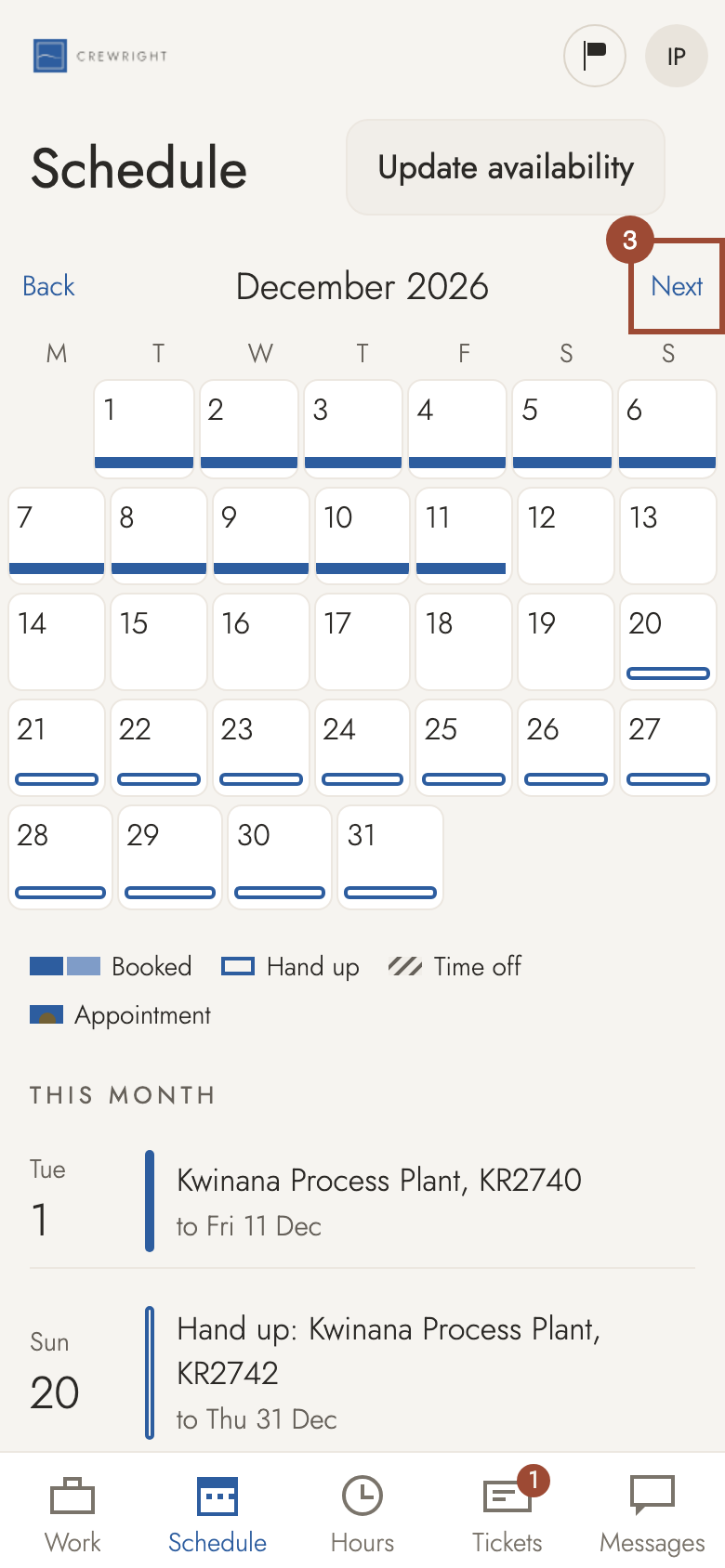
3. Go to the month with your time off.
4. Tap a day of it. Time off is hatched.
5. Press Remove. All the days booked together go.
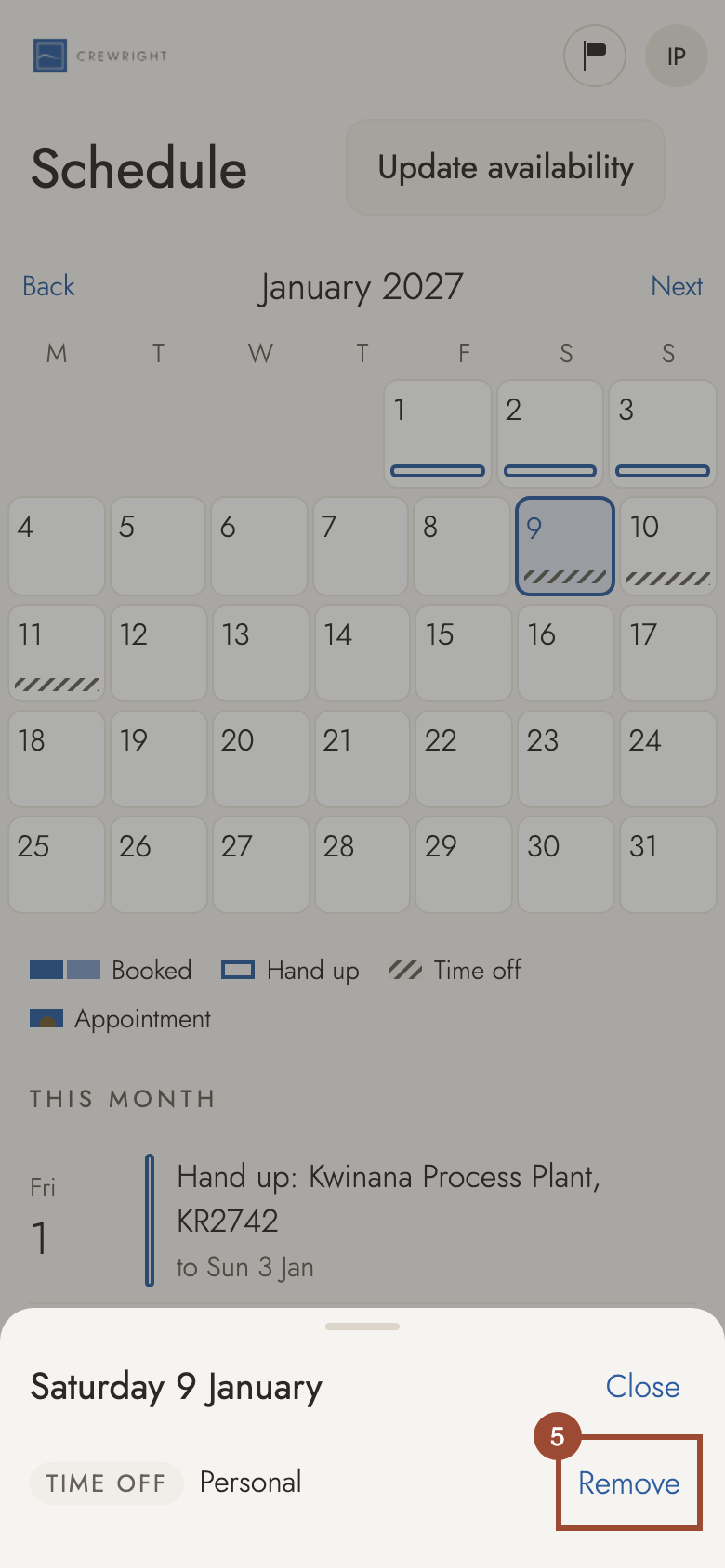
Done Removed: the days are clear again, and the office sees it straight away.