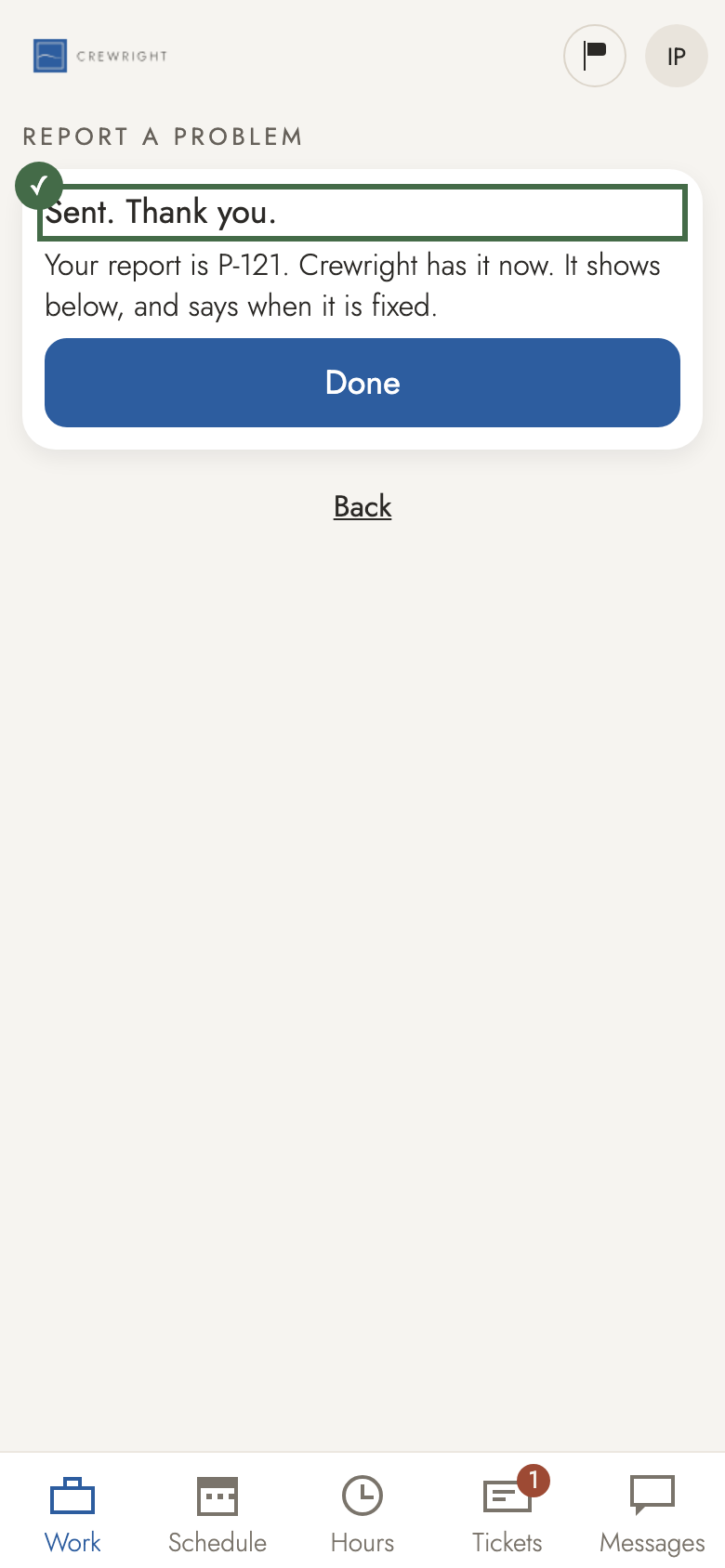
Report a problem
Something in the app did not work? Tell Crewright from the app. It takes one line.
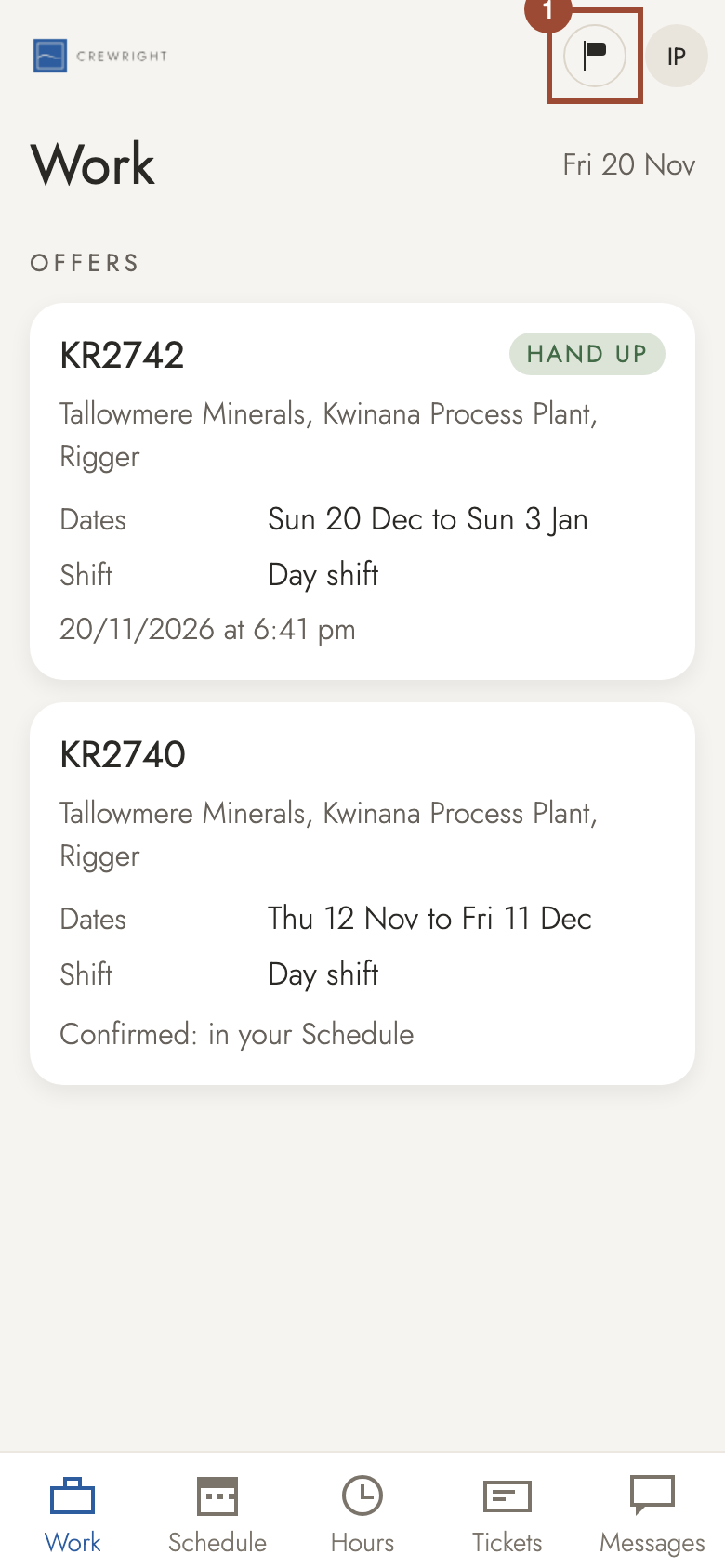
1. Tap the flag at the top. It is on every screen.
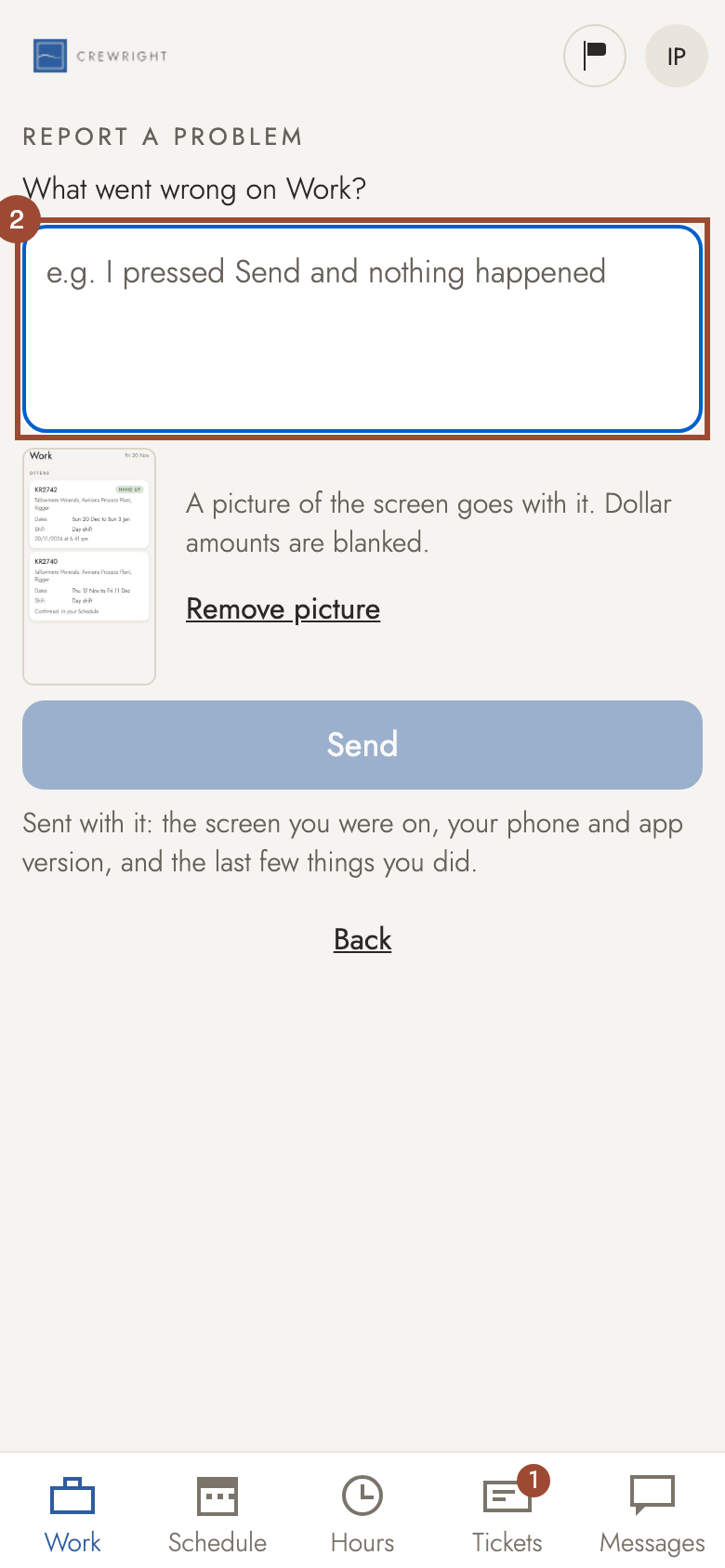
2. Say what went wrong, in a line: what you pressed and what happened.
3. A picture helps. In the app on your phone, take a screenshot first, then press Add a screenshot here; leave out anything showing your pay or medical details. (In a web browser, as pictured, a picture of the screen is added for you.)
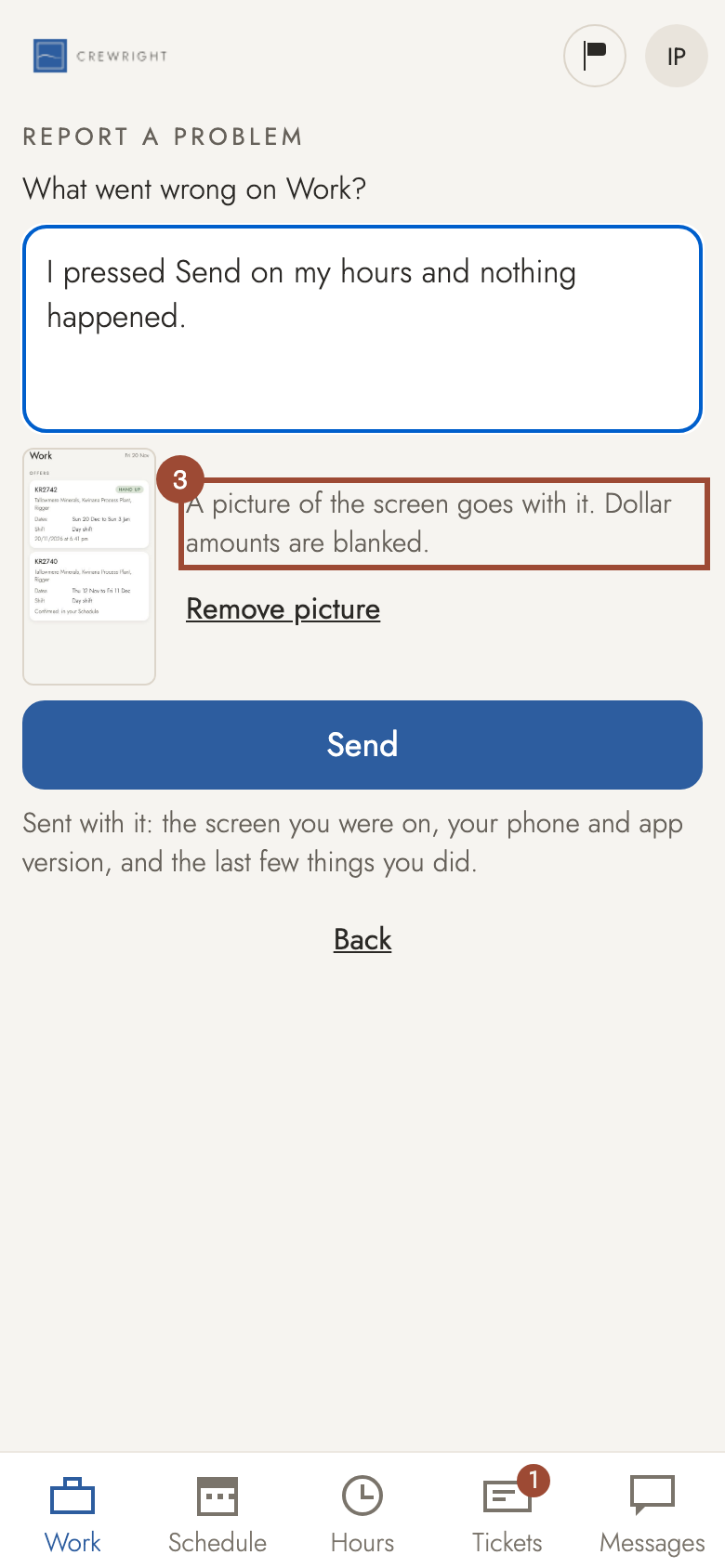
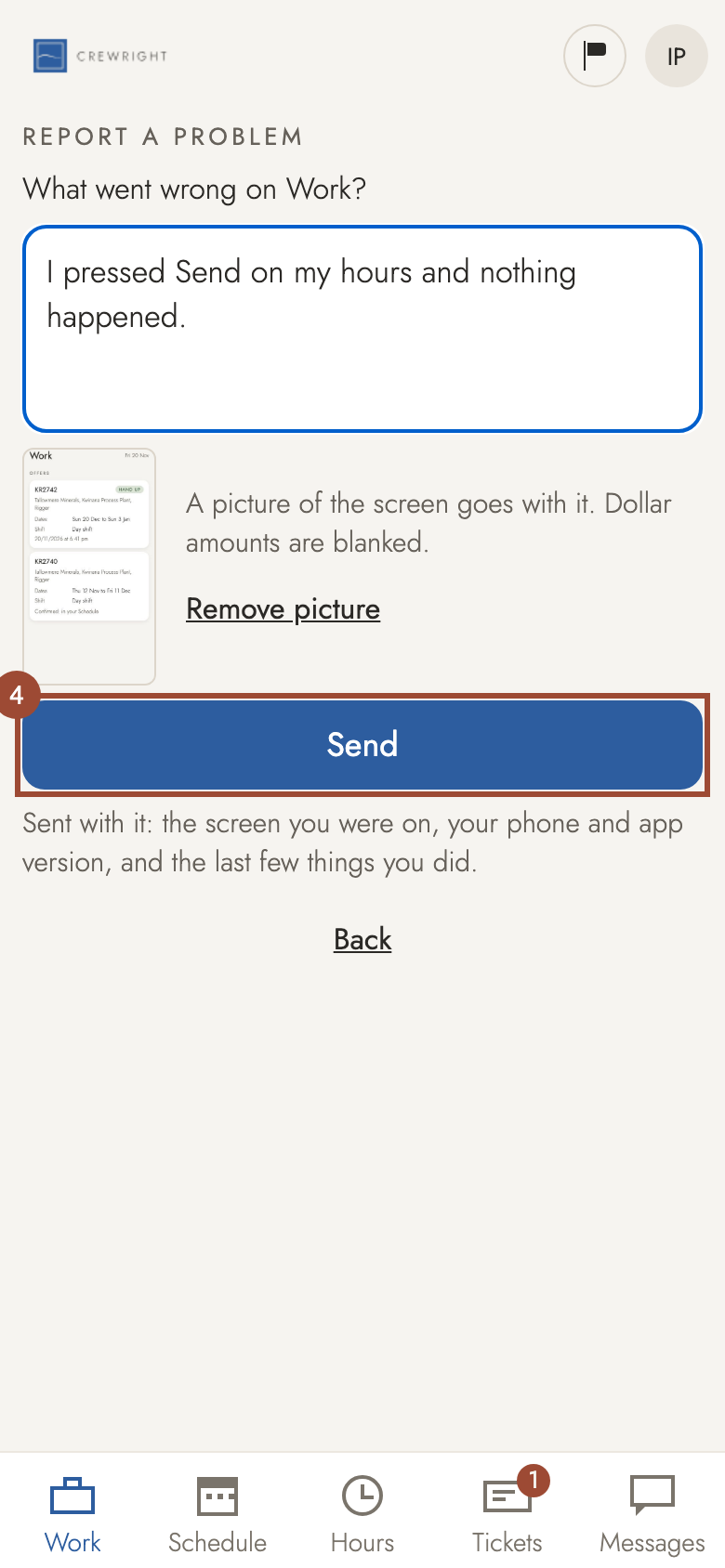
4. Press Send. The screen you were on and your phone and app version go with it.
Done Sent. Your report shows underneath, under My reports, and says when it is fixed.