Help · Coordinator
Review an order email
A client has emailed asking for people. The system has read the email; you check what it read, fix anything it could not, and accept. Nothing is made until you accept.
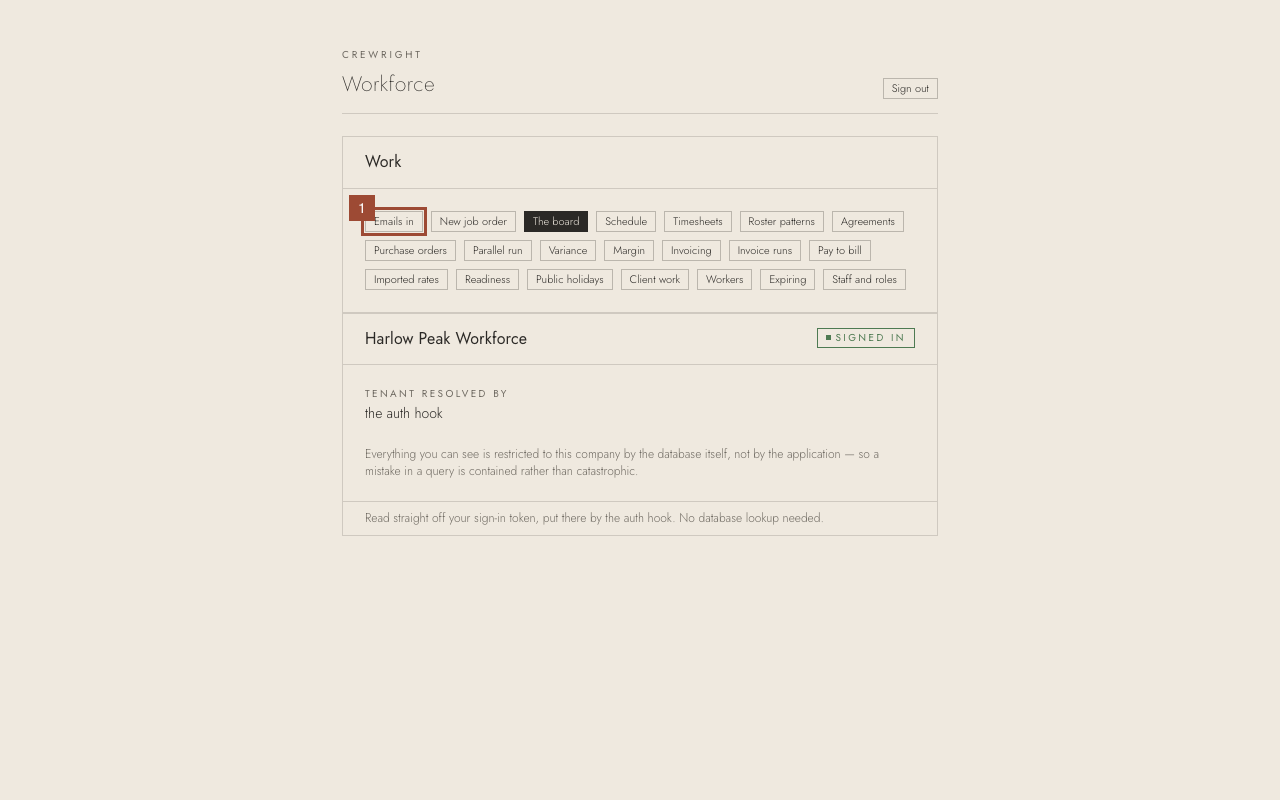
1. On the home page, open Emails in.
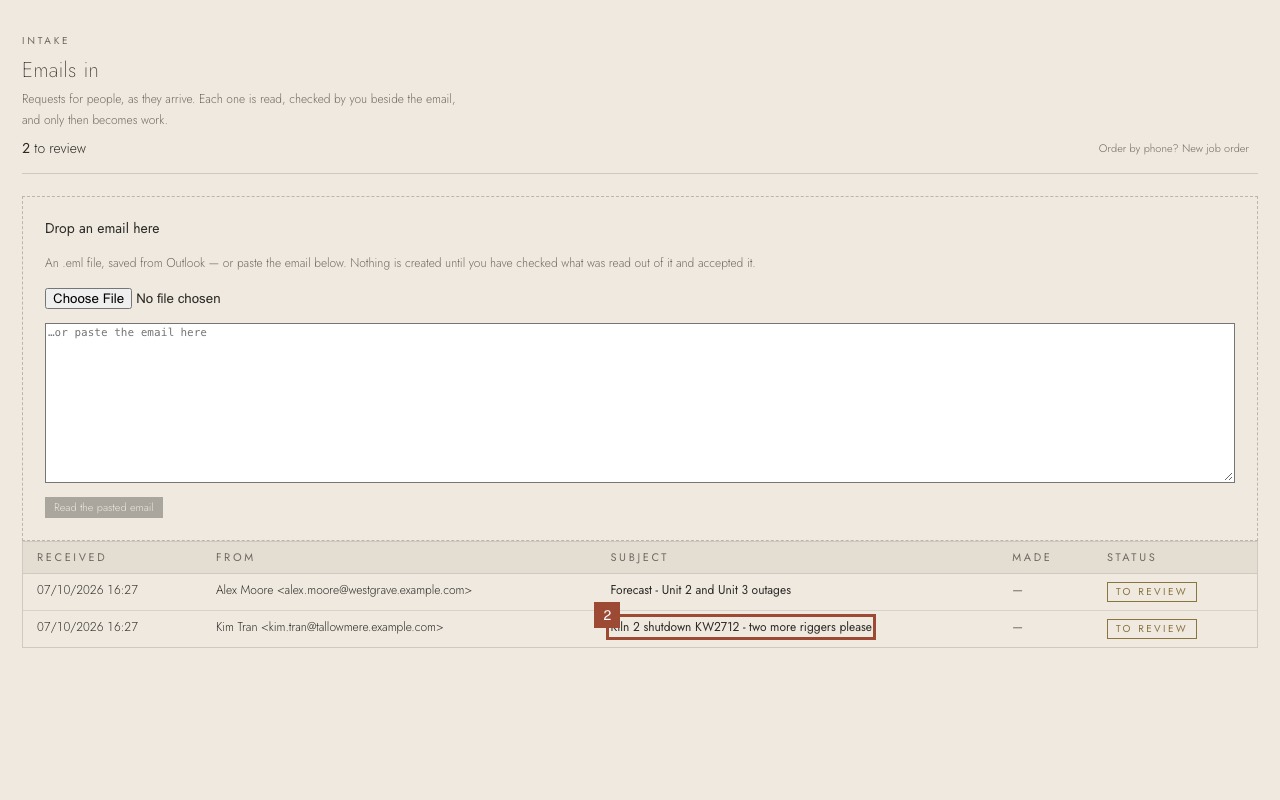
2. Open the email waiting to be reviewed.
3. Check the Client. It was recognised from the sender's address; choose another if it is wrong.
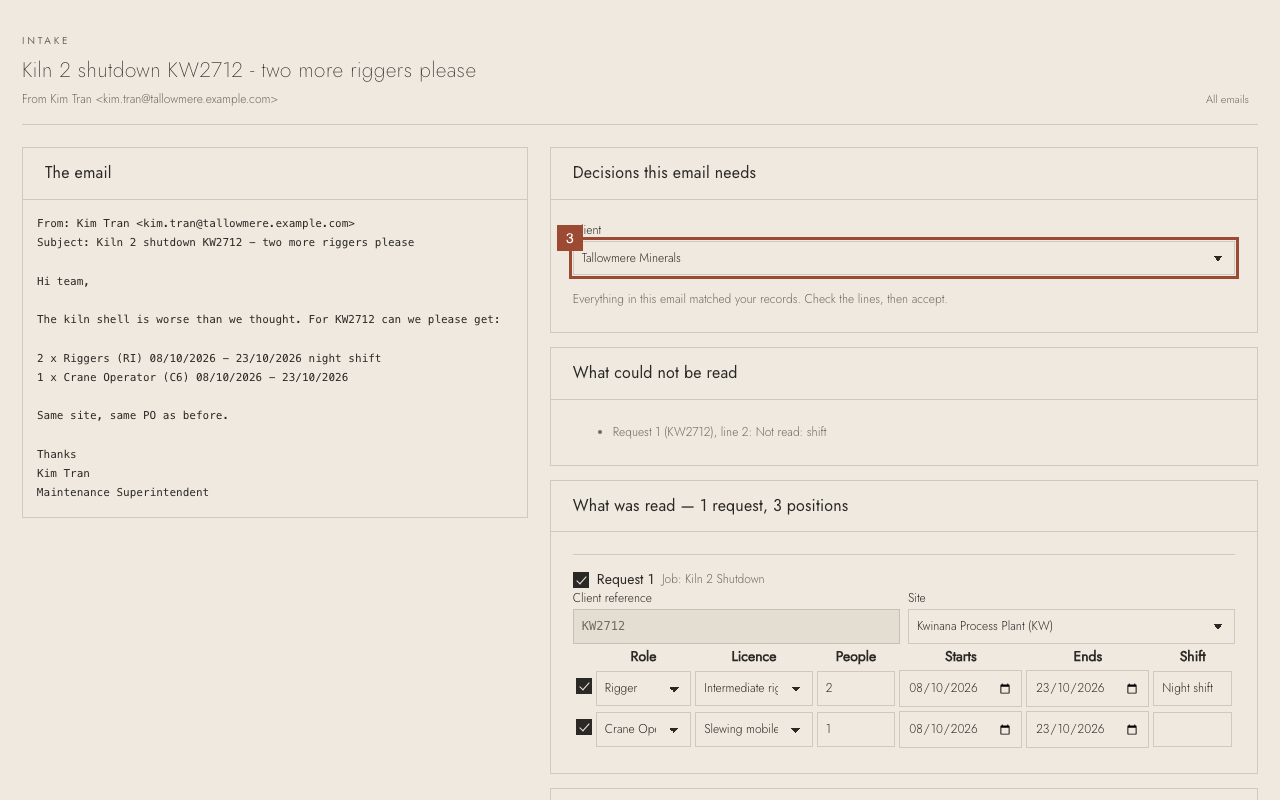
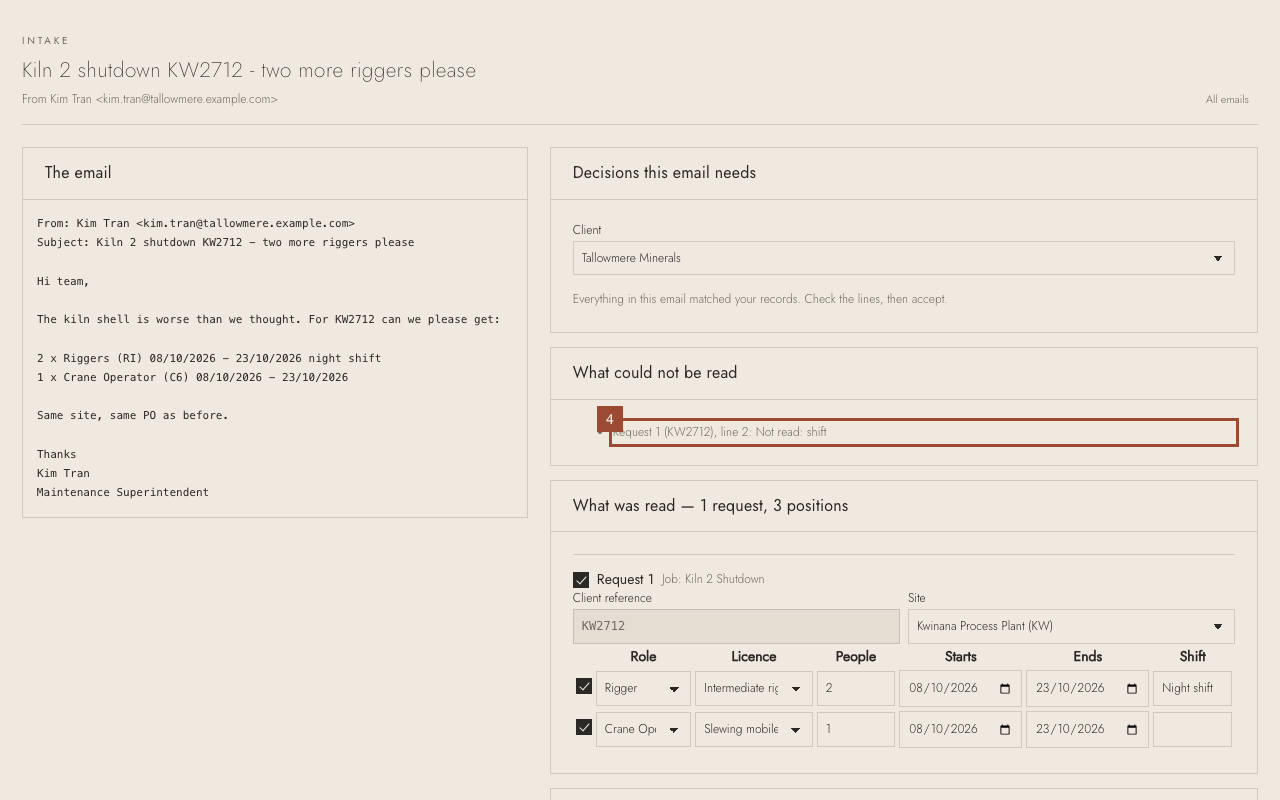
4. Read What could not be read. Here the email gives no shift for line 2.
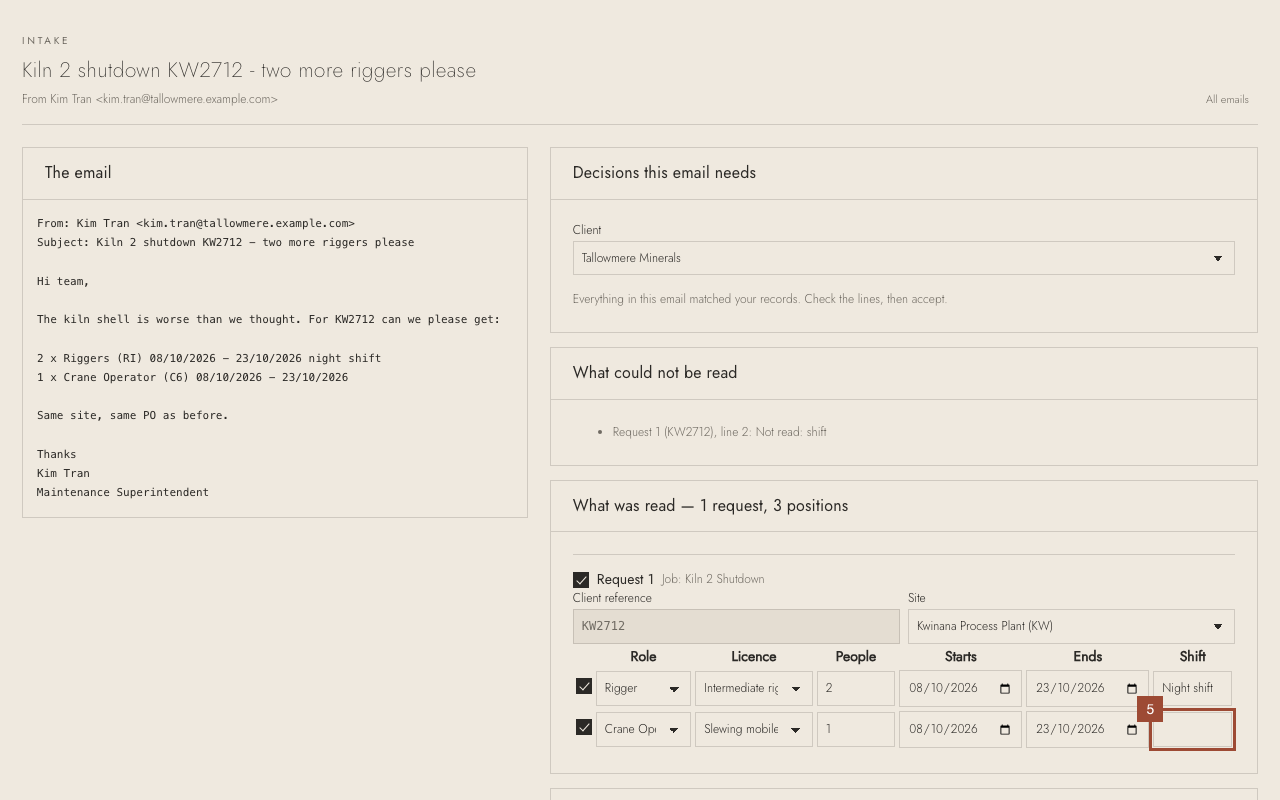
5. Fill it in on that line if you know it (here Day shift), or leave it blank.
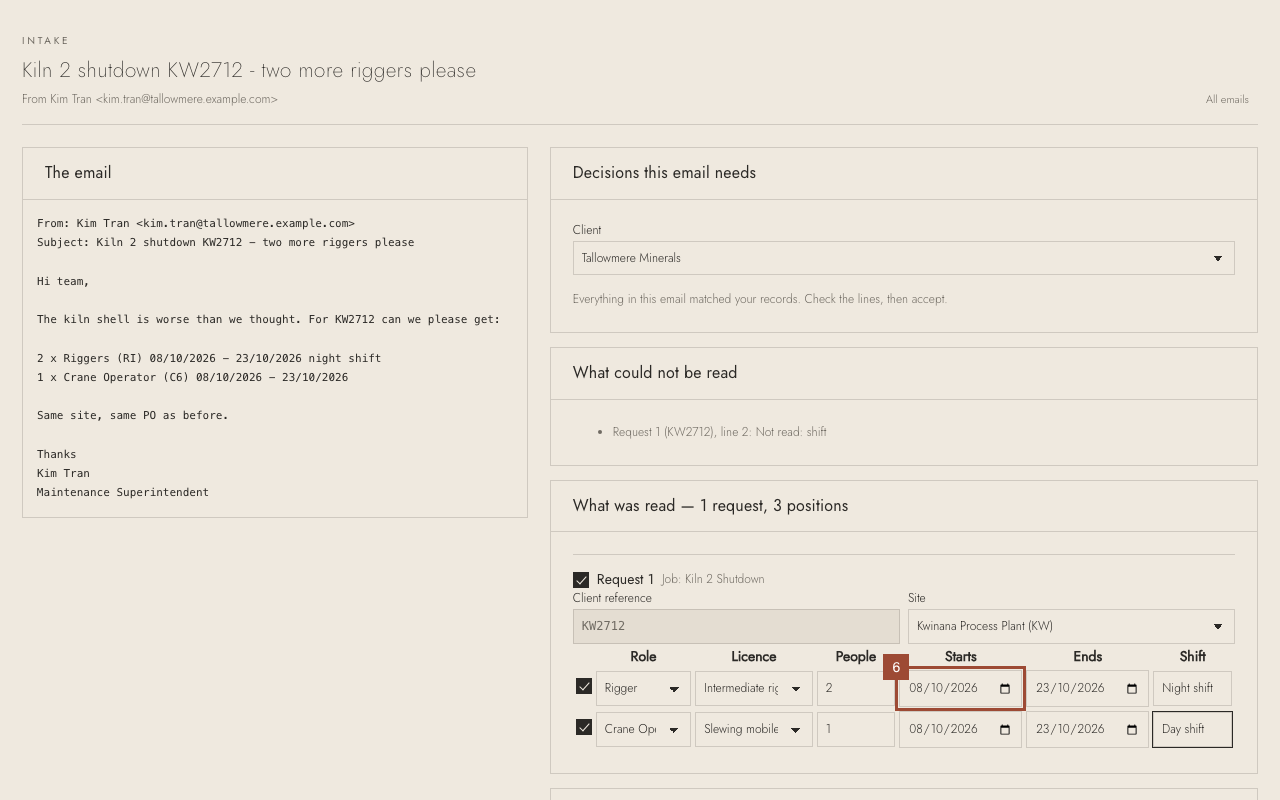
6. Check each line against the email on the left: role, licence, how many people, the dates.
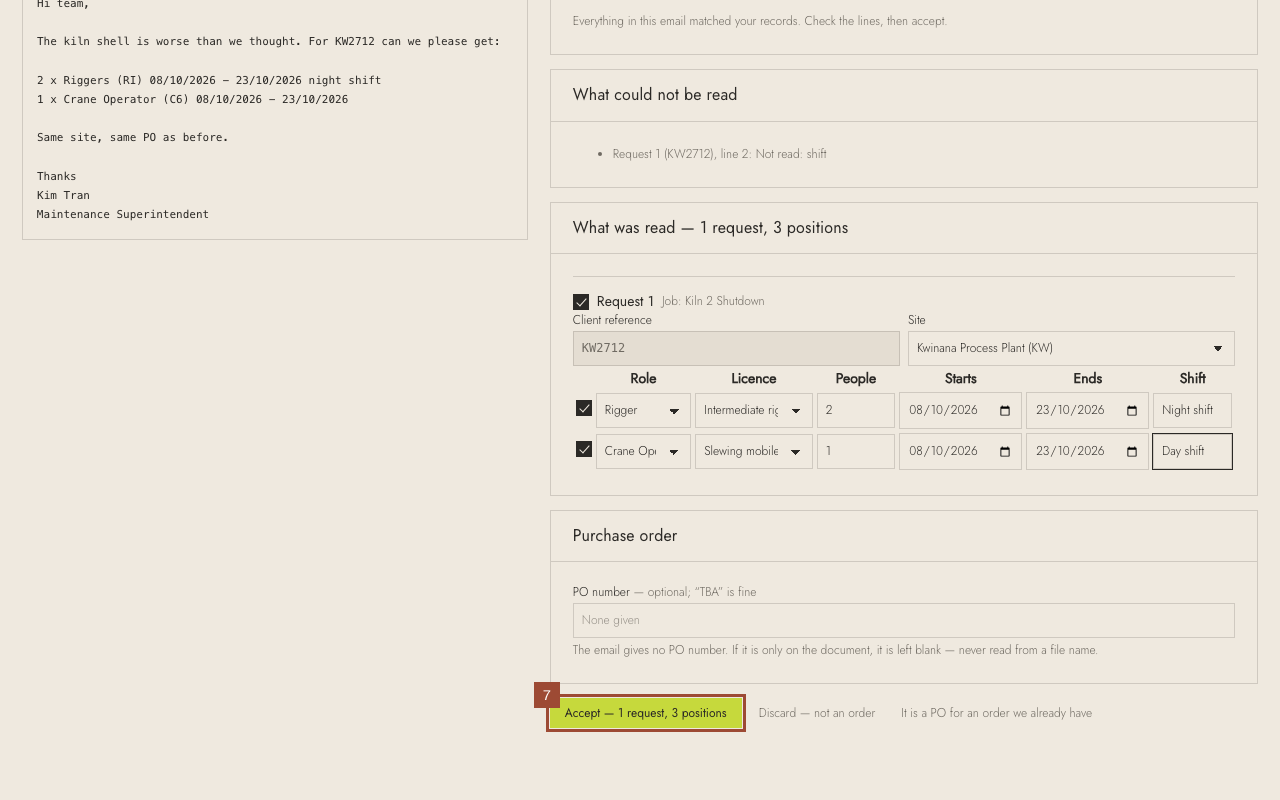
7. Press Accept. The order and its positions are made.
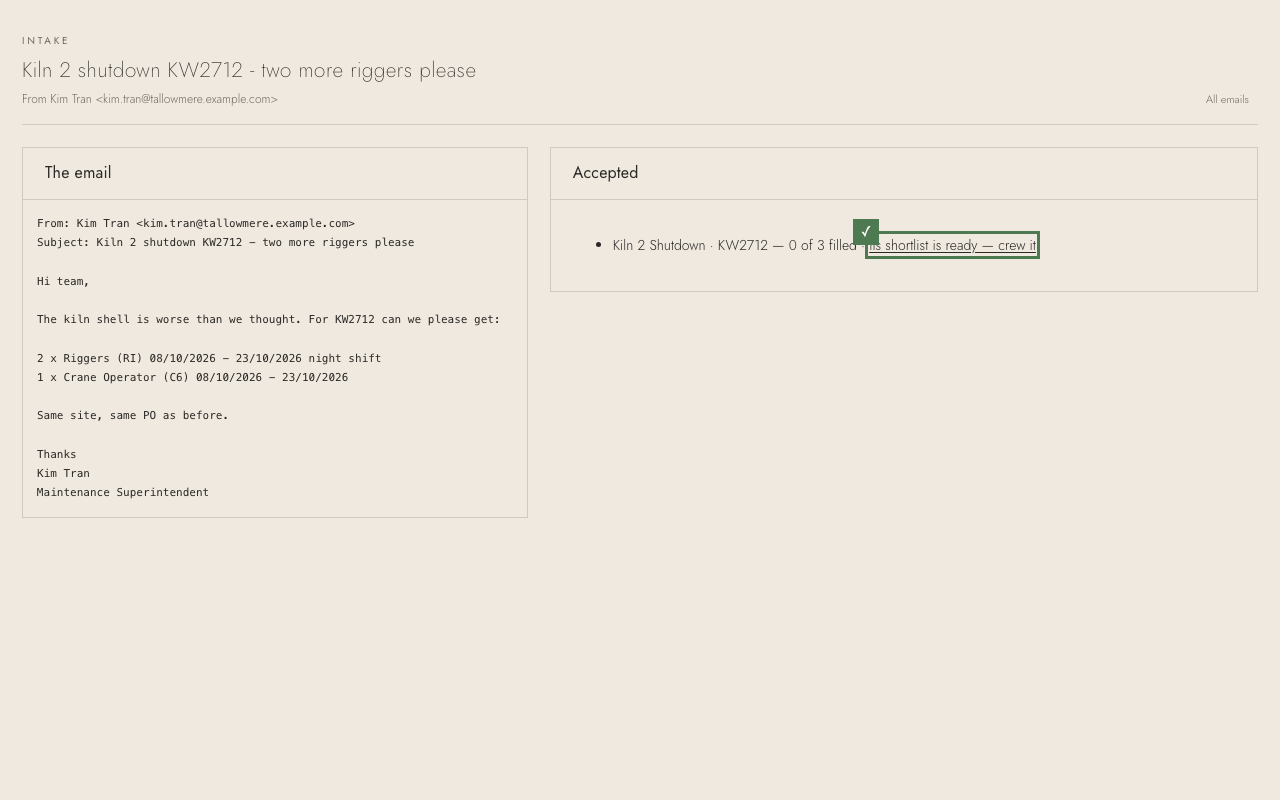
✓ Done. The order is made, and its shortlist is ready to offer the work.