Set what a client requires
Some clients want every person on their sites to hold certain tickets. Set them once on the client: every order for that client then checks them when you shortlist and place people.
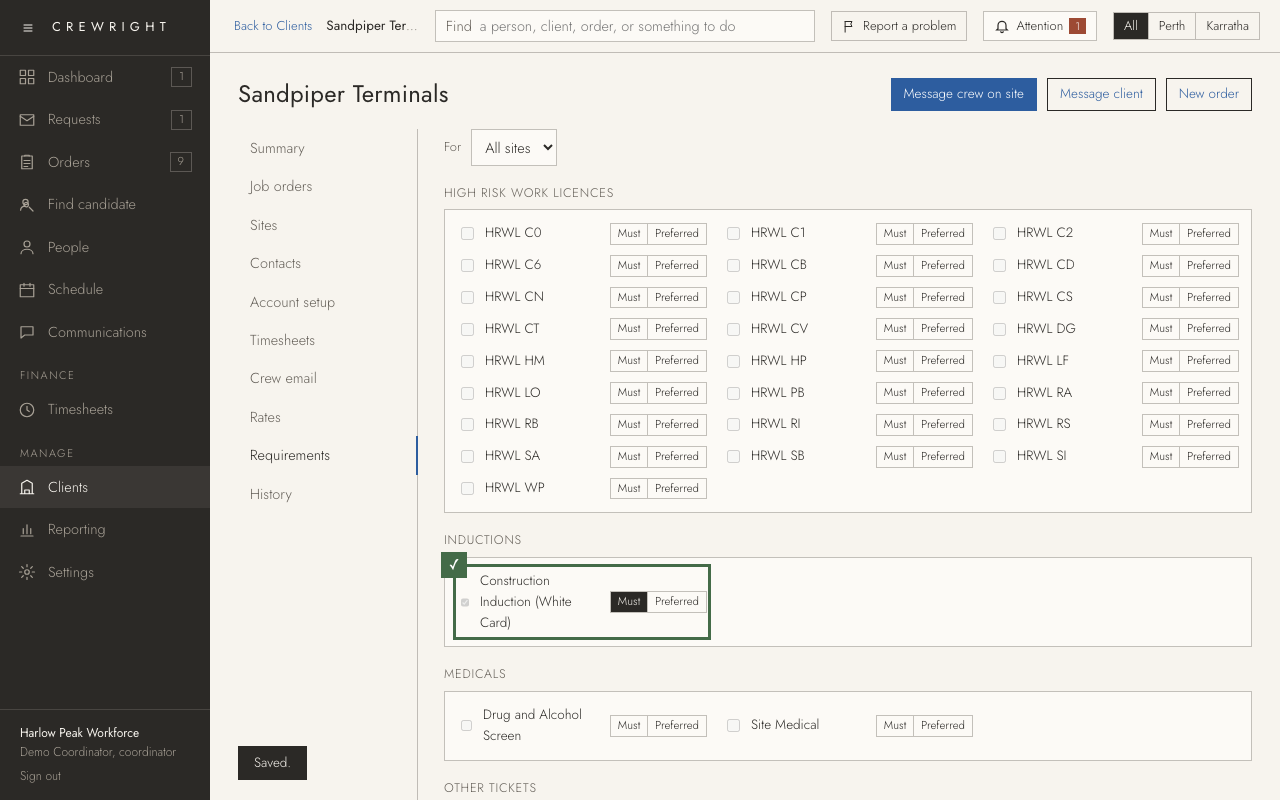
1. Open Clients in the menu on the left.
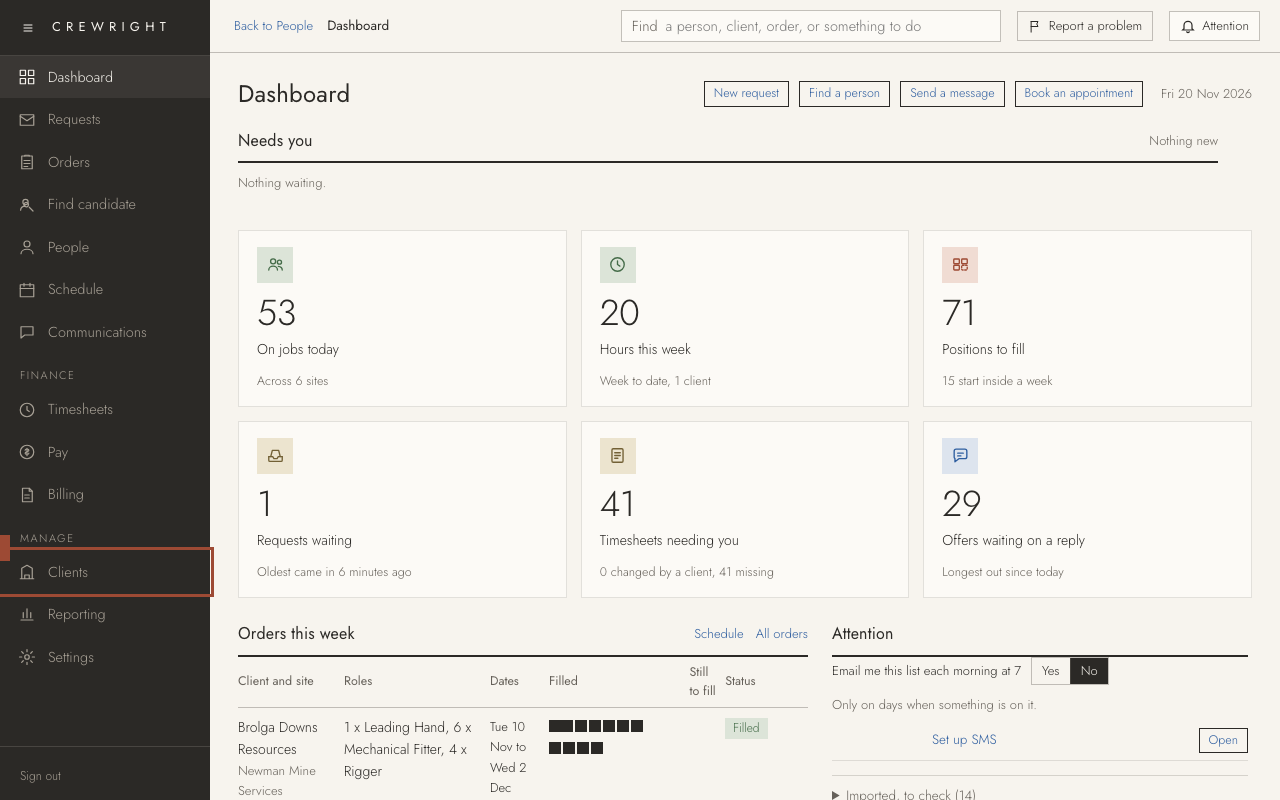
2. Open the client.
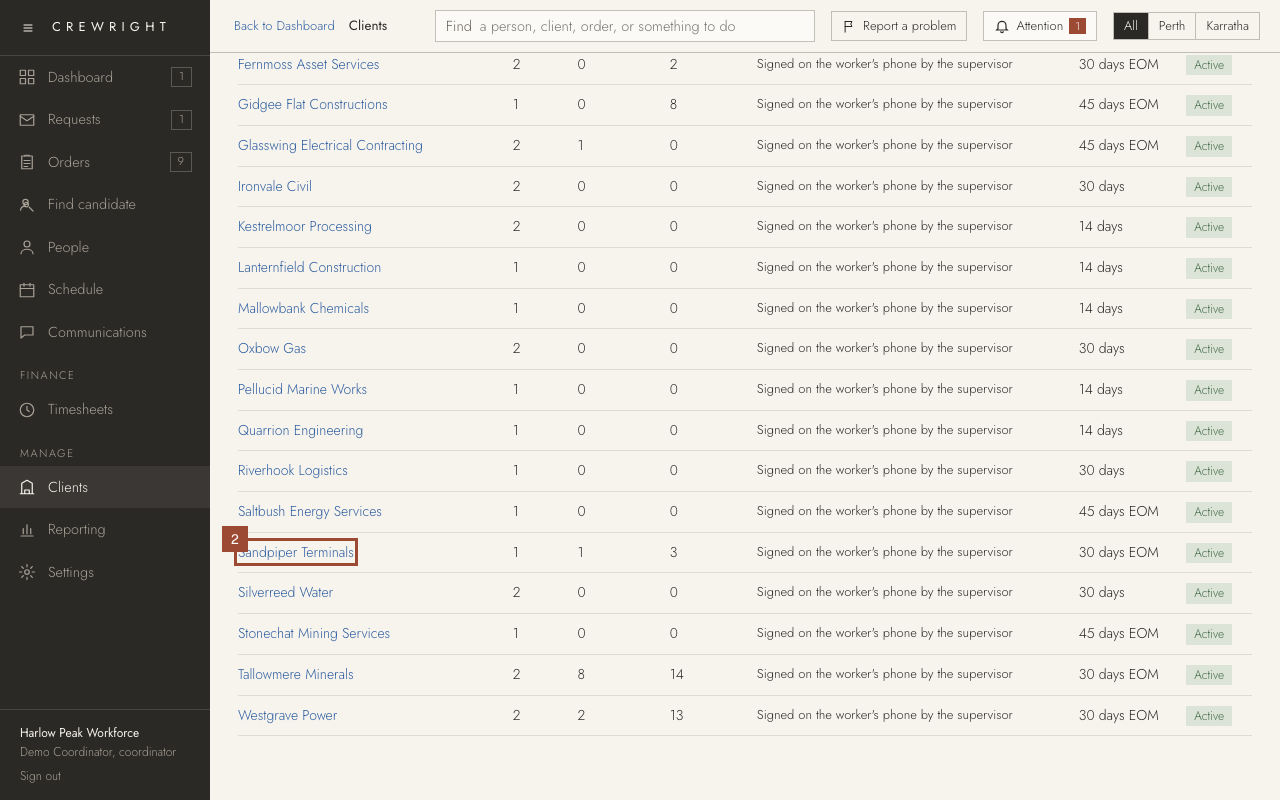
3. Open Requirements. Every ticket type is listed in its group.
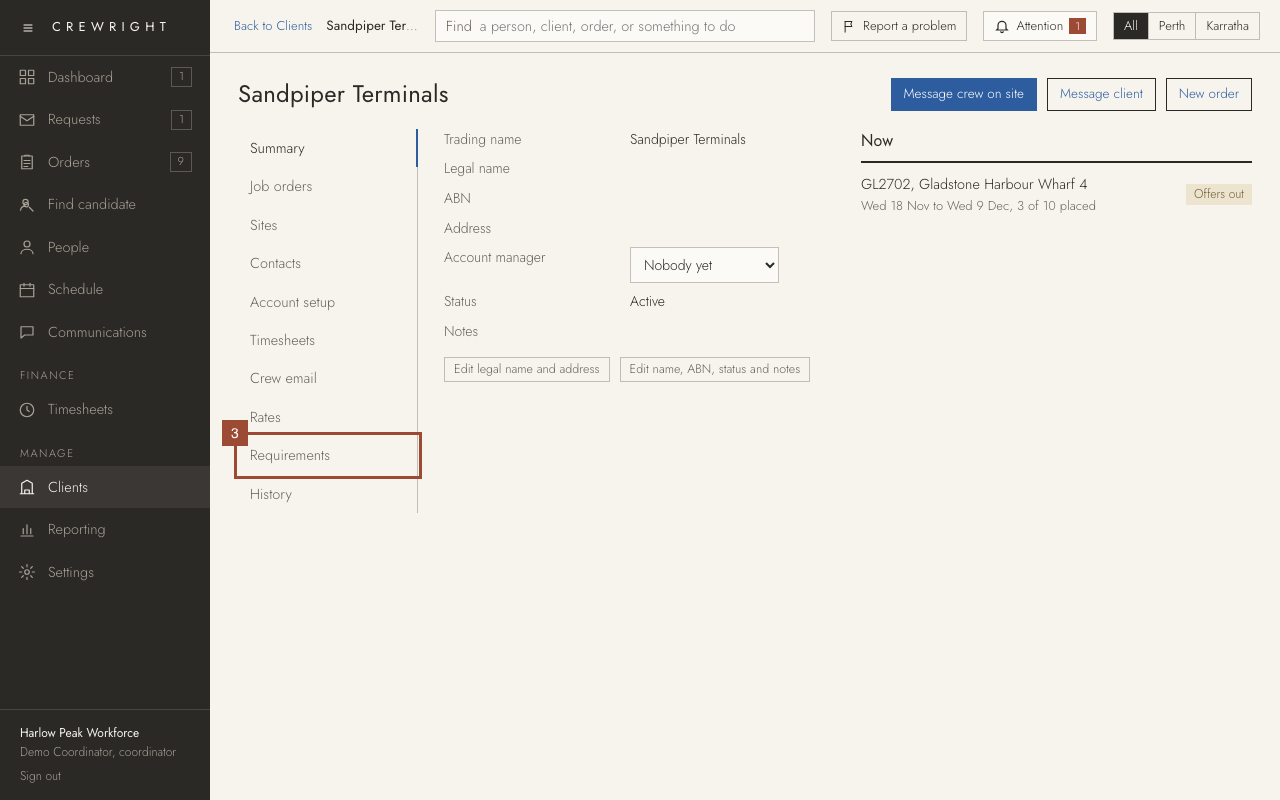
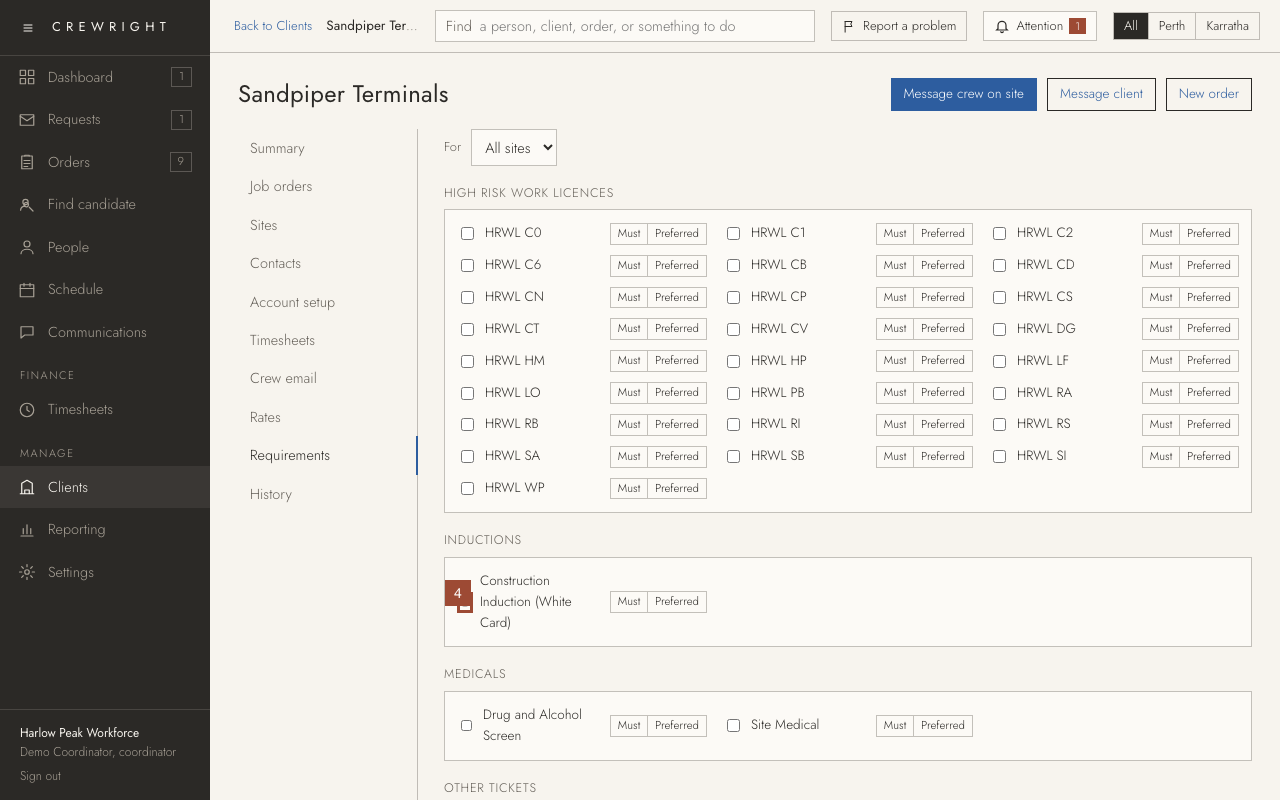
4. Tick a ticket to require it. It starts as Must: nobody without it can be placed with this client.
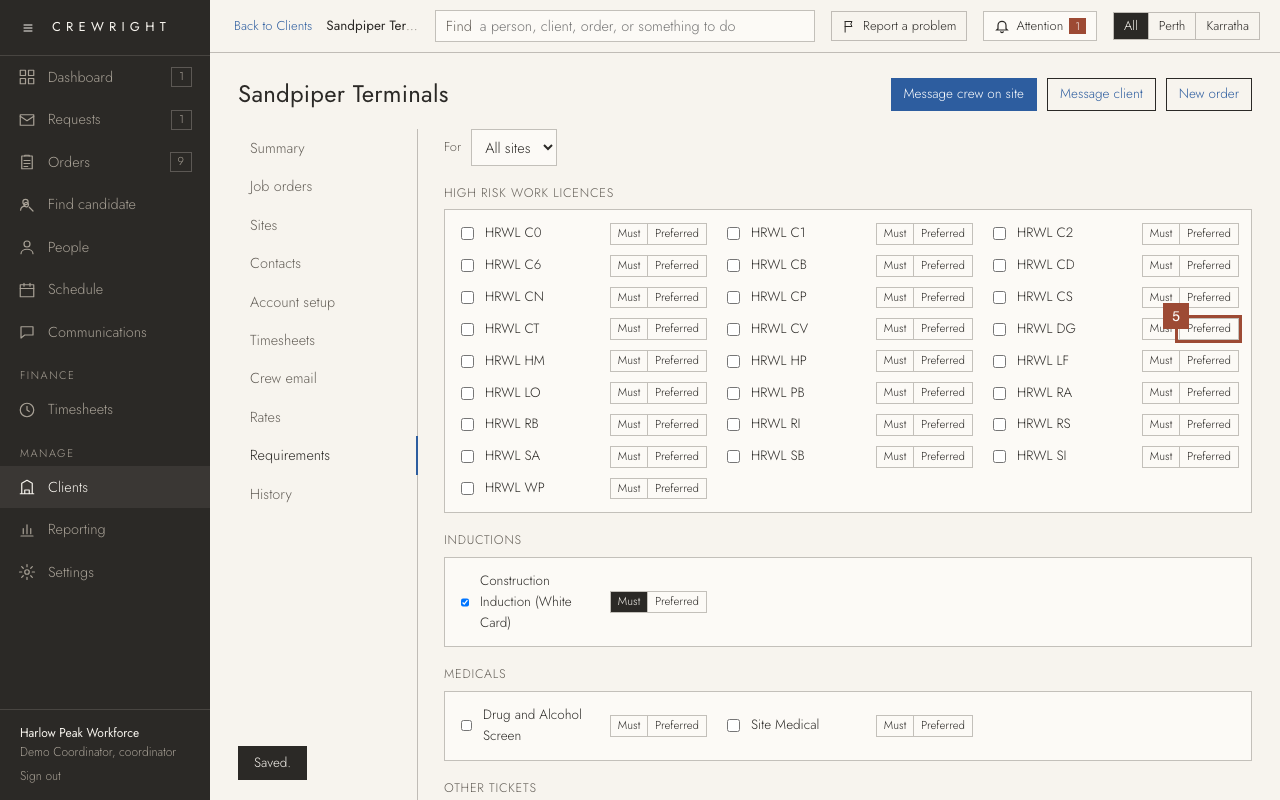
5. Press Preferred for a ticket that is good to have. People with it come first on the shortlist; people without it can still be placed.
6. These apply to All sites. If one site asks for more, choose it under For and tick that site's own.
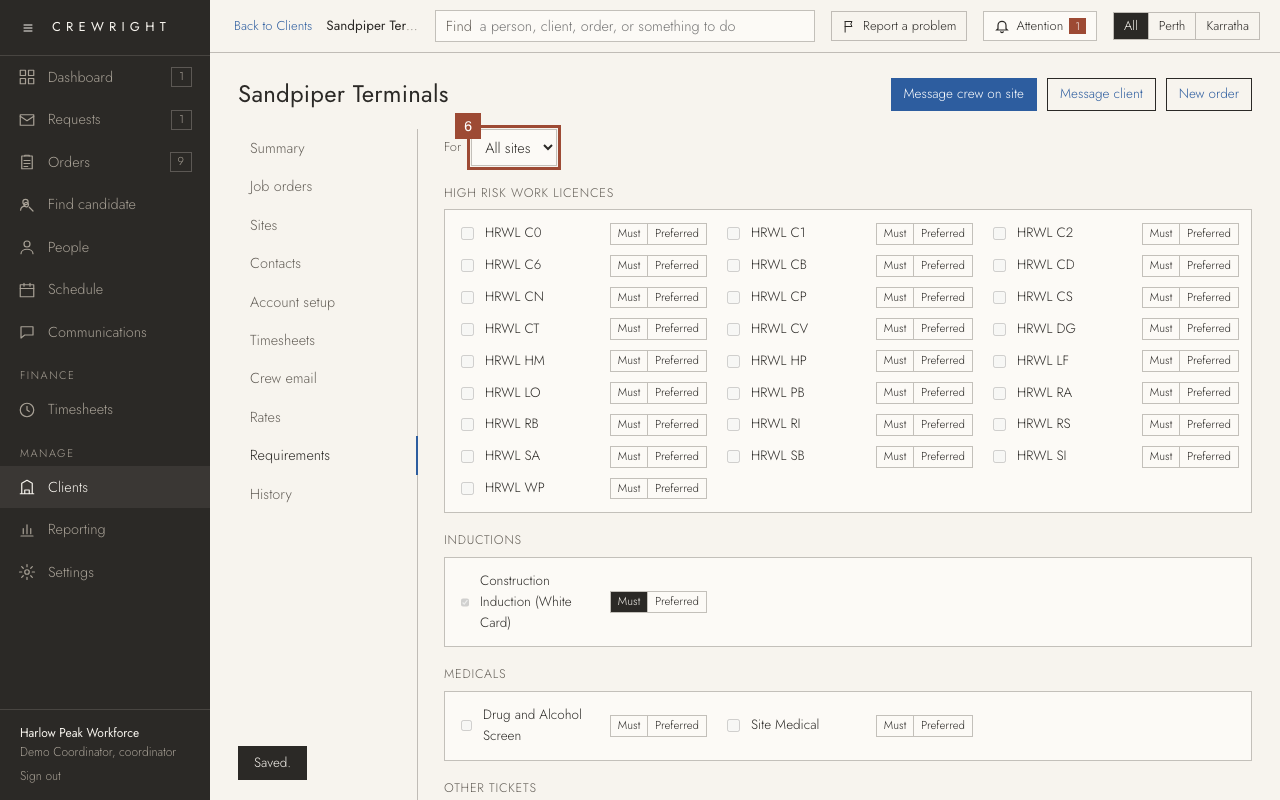
Done Done. It is saved as you tick. Untick a ticket to take the requirement off.