Help · Worker (the phone app)
Sign in by mobile
Open the link the office texted you (it ends in /crew). The first time, you sign in with your mobile number and a code sent to it by text. No password to remember.
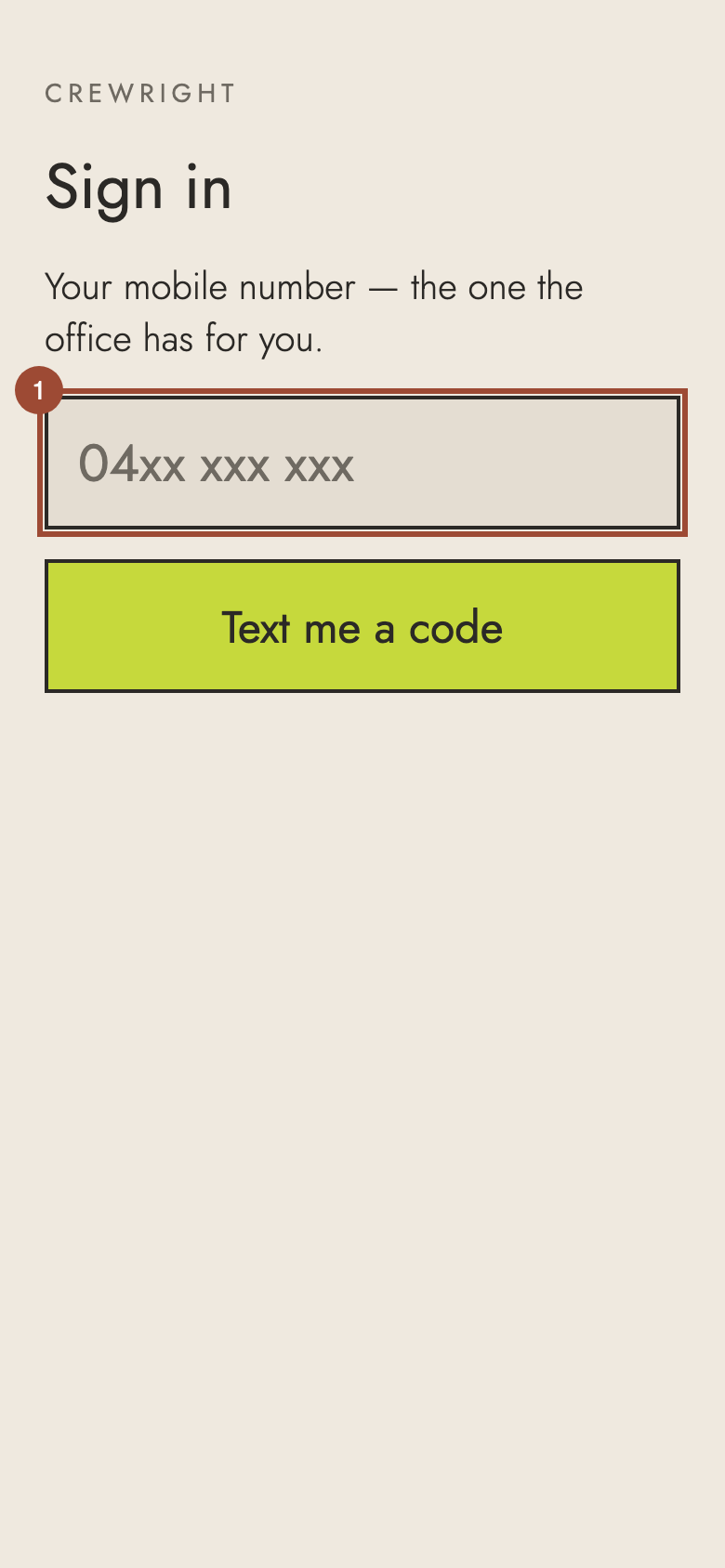
1. Type your mobile number: the one the office has for you.
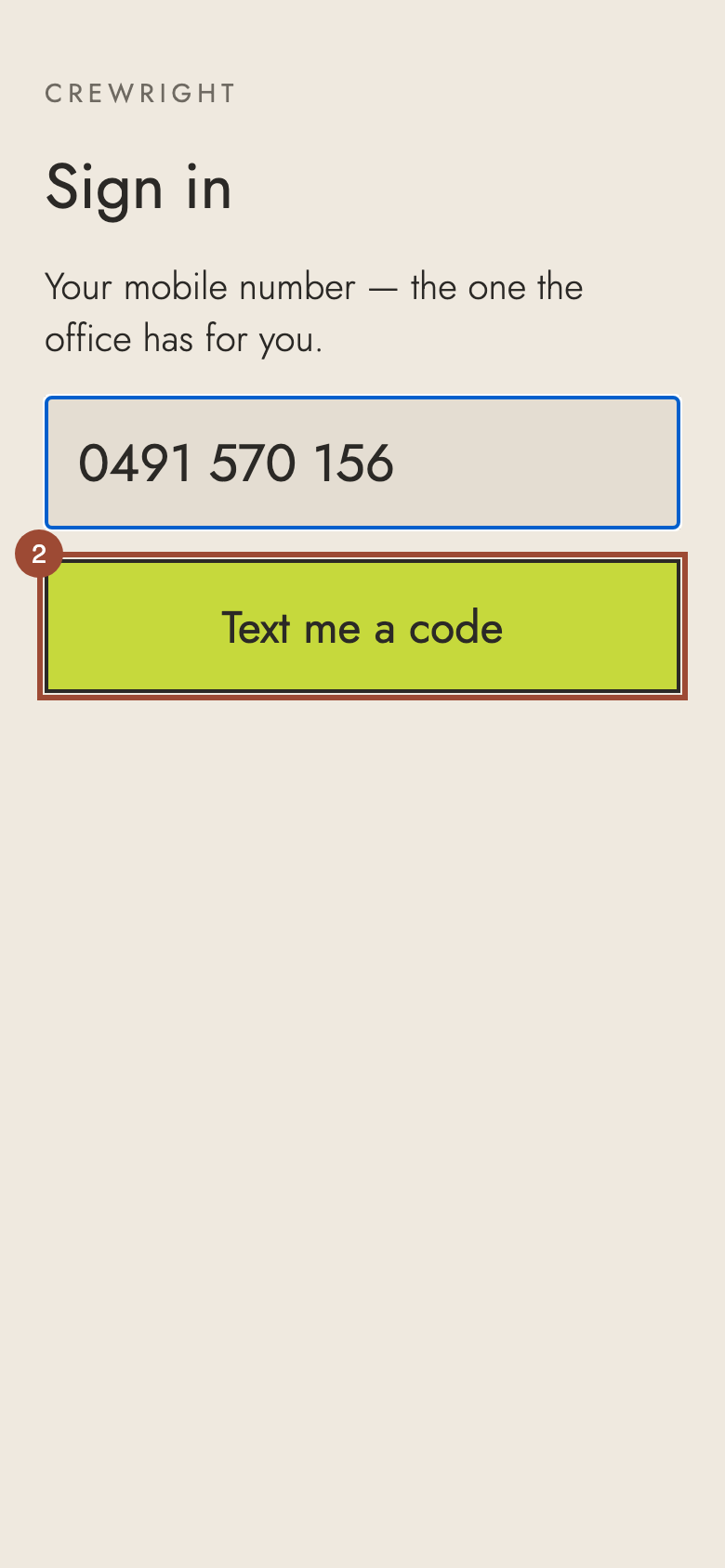
2. Press Text me a code. A six-digit code comes to your phone by text.
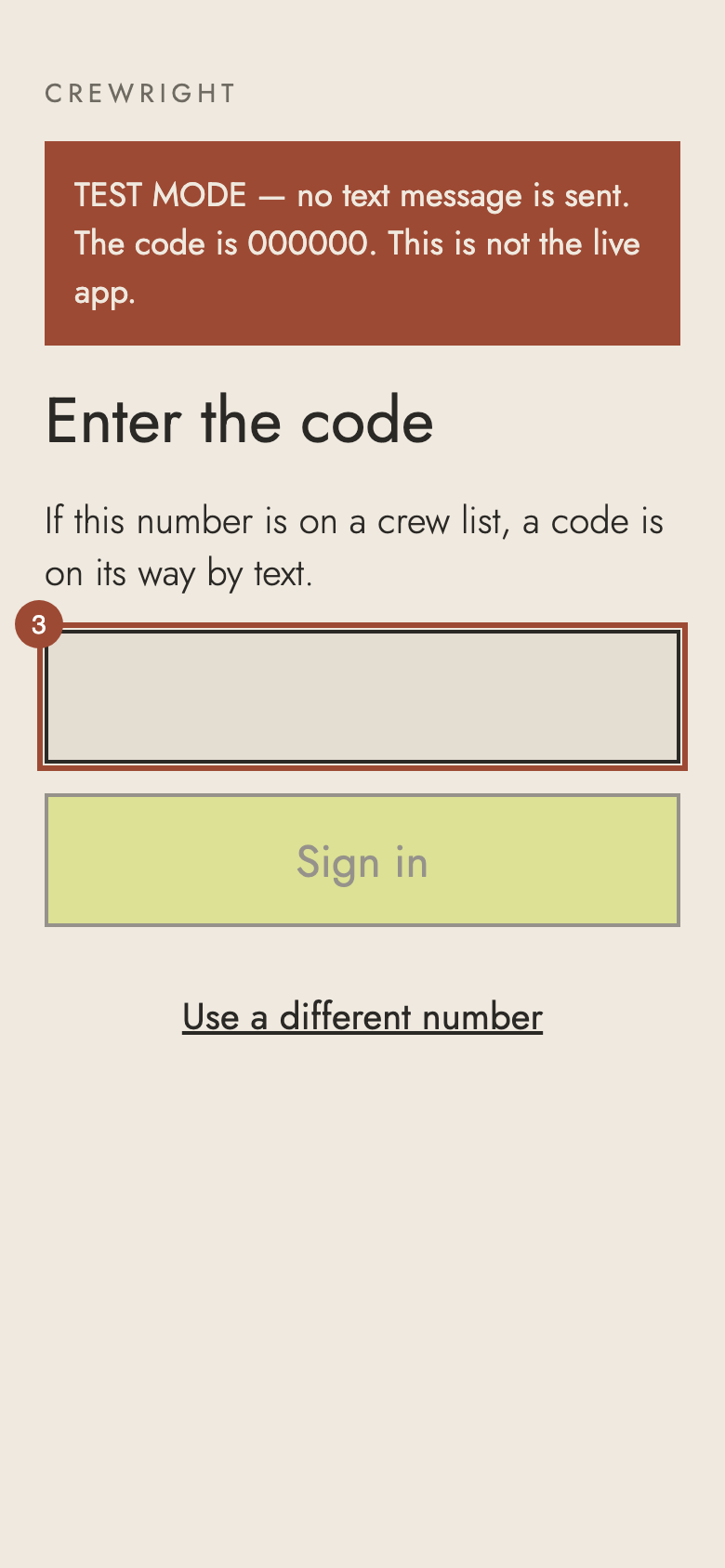
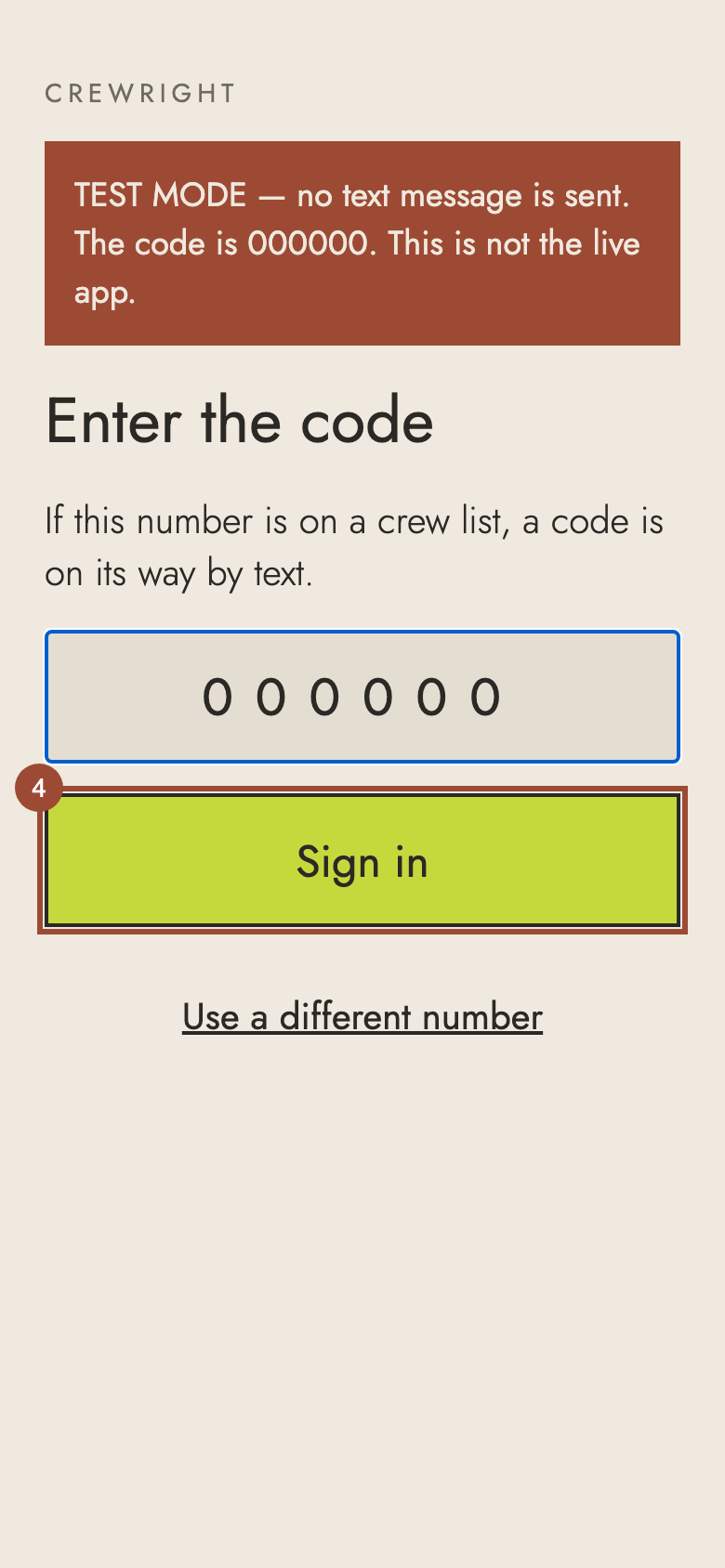
3. Type the code from the text. (These pictures were made in test mode, where no text is sent.)
4. Press Sign in.
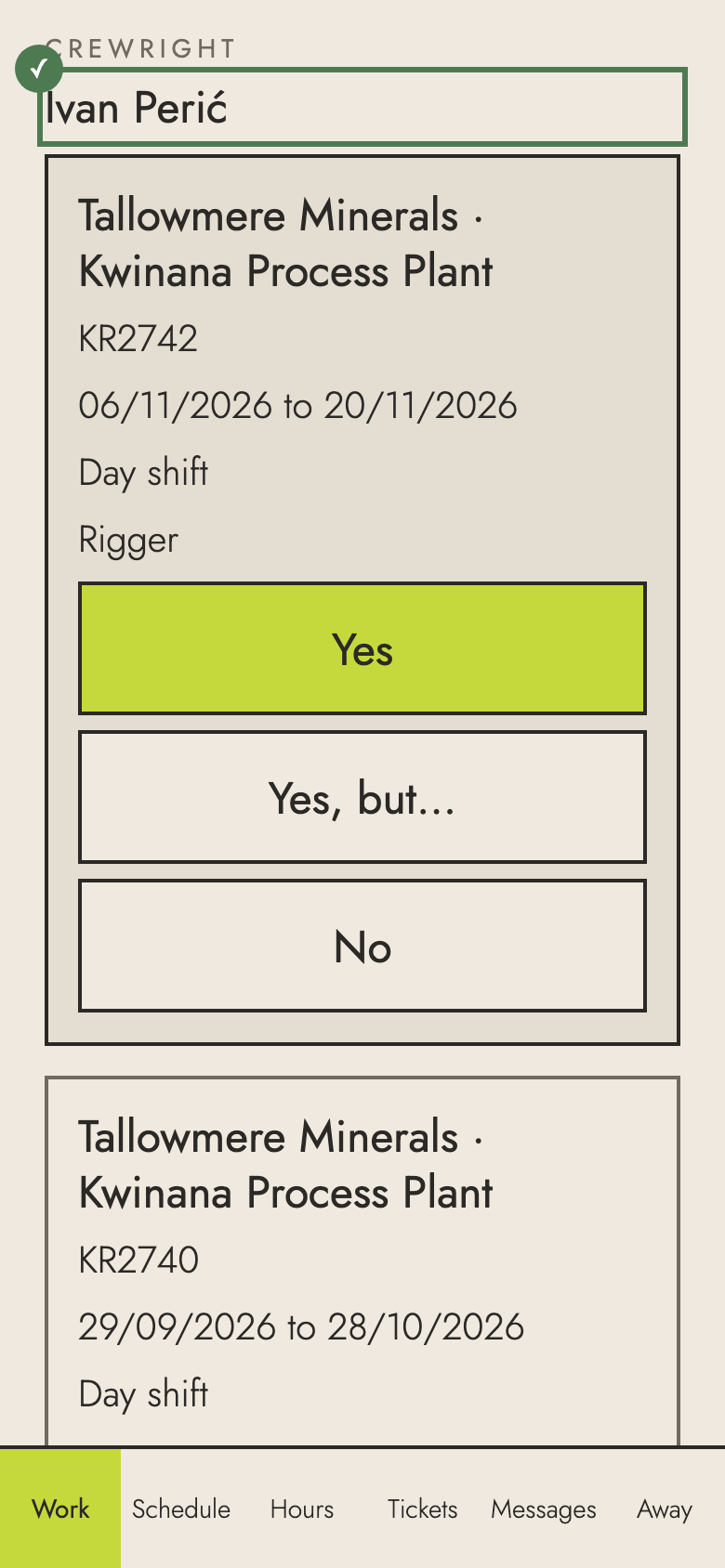
✓ You're in. The app keeps you signed in: next time it opens straight to your work.