Sign in to the console
The console is where orders, the board and timesheets live. Sign in with the email and password the office set up for you.
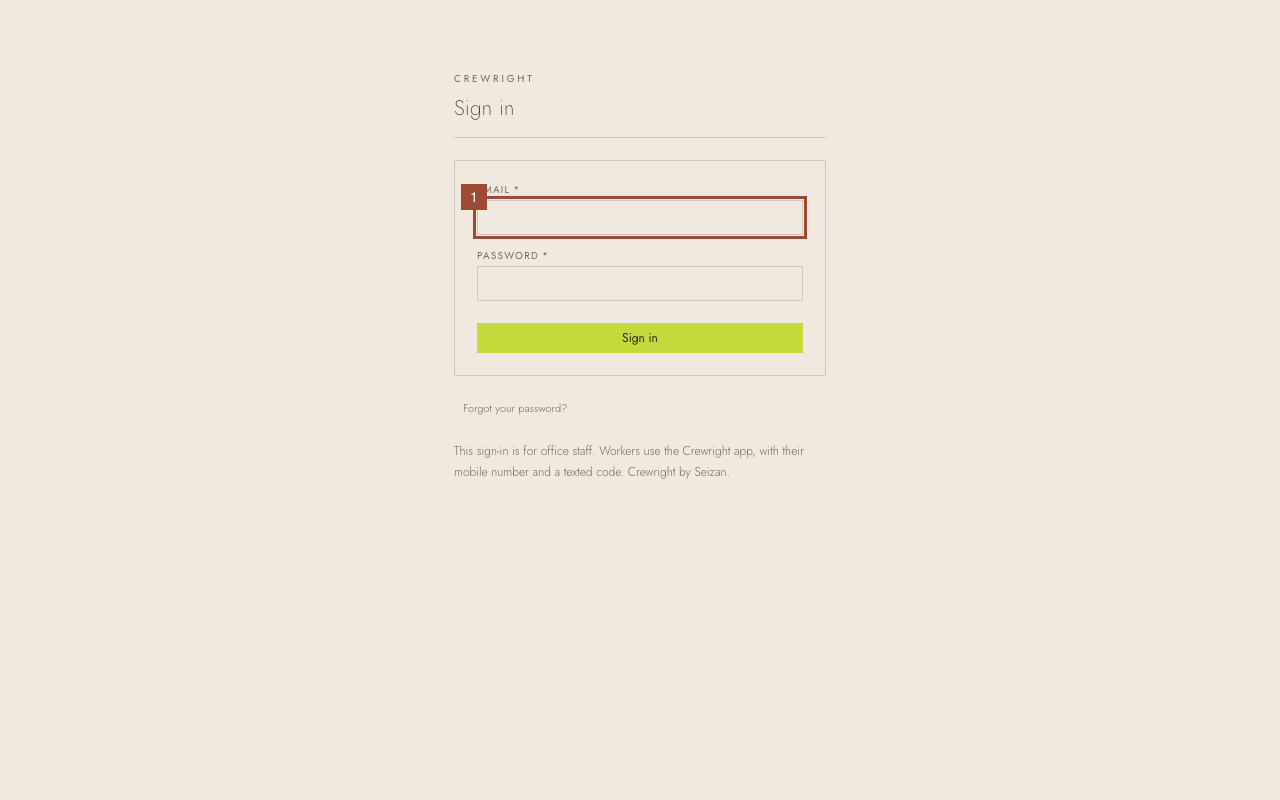
1. Type your email.
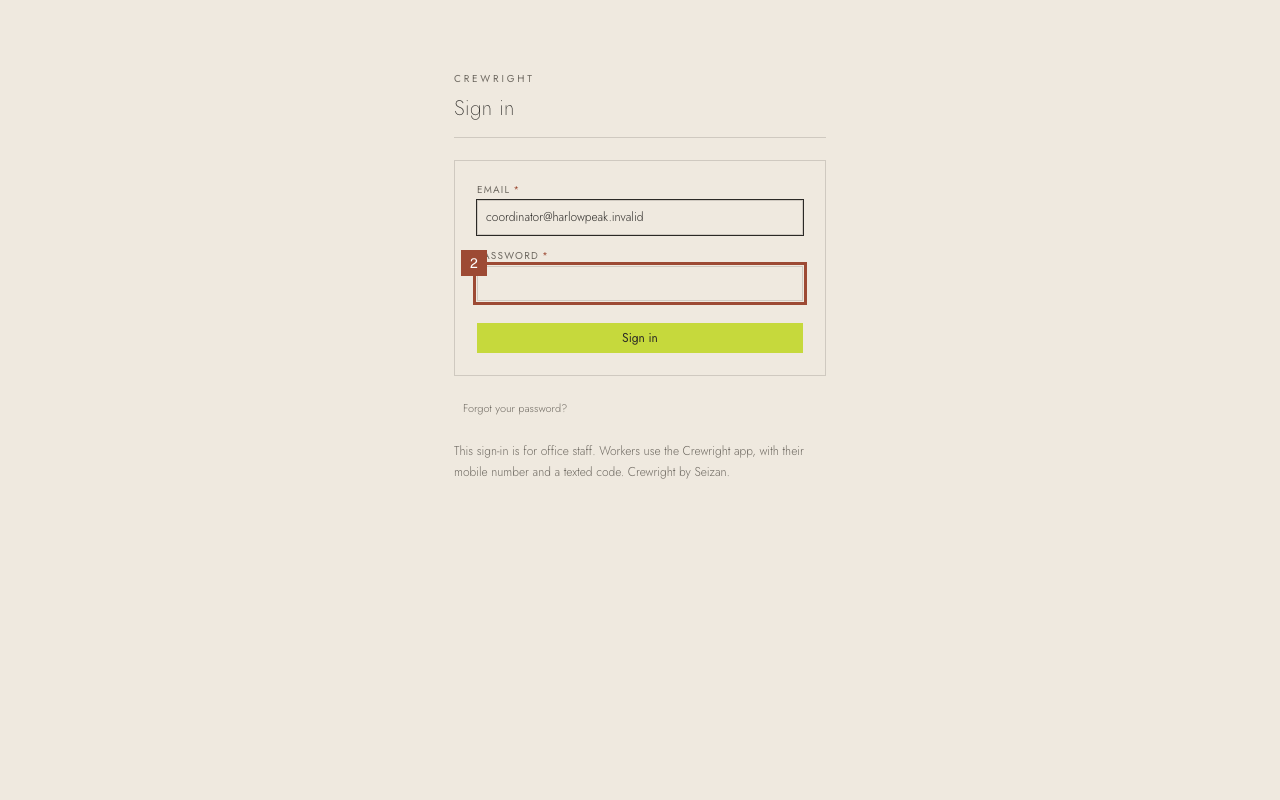
2. Type your password.
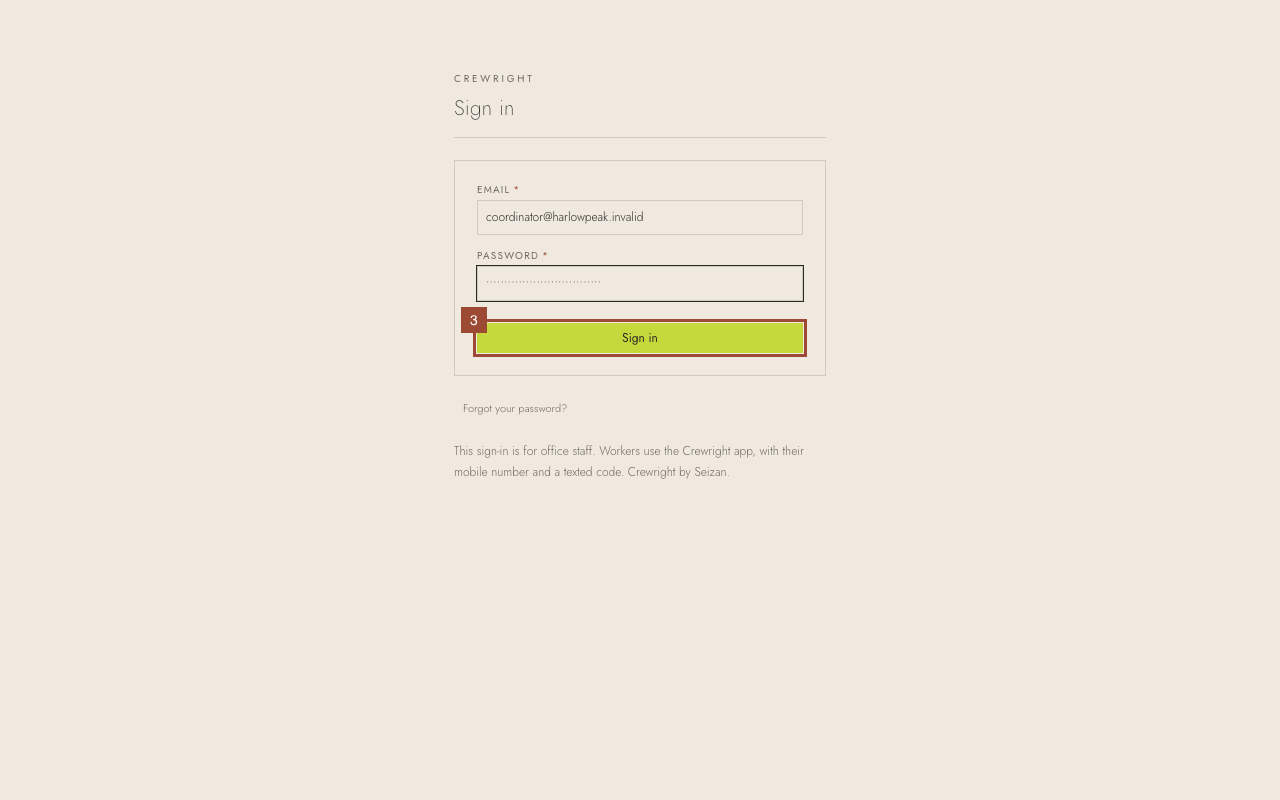
3. Press Sign in.
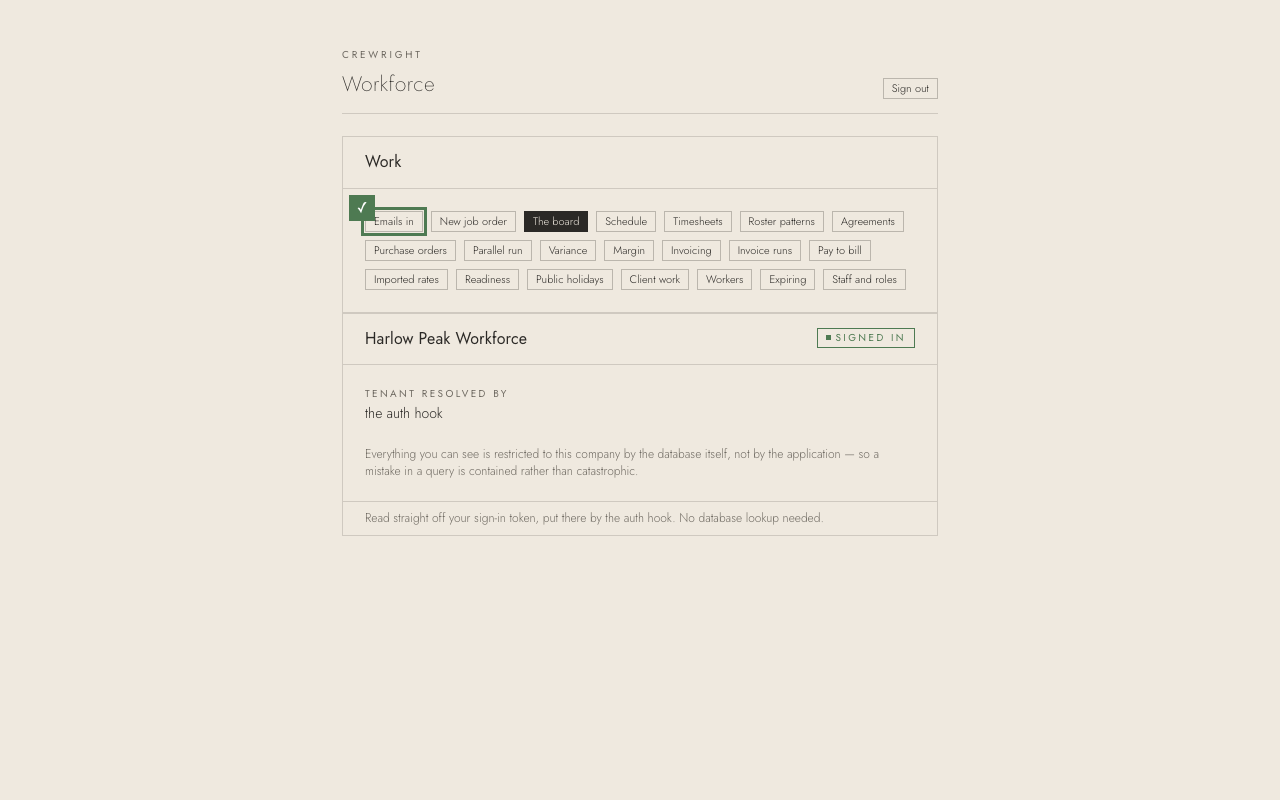
Done You are in, on the Dashboard: what needs you now. The menu on the left takes you to Requests, Orders, People, the Schedule, Communications and Timesheets; Pay and Billing are under Finance, and Clients, Reporting and Settings under Manage. What you see depends on your role.