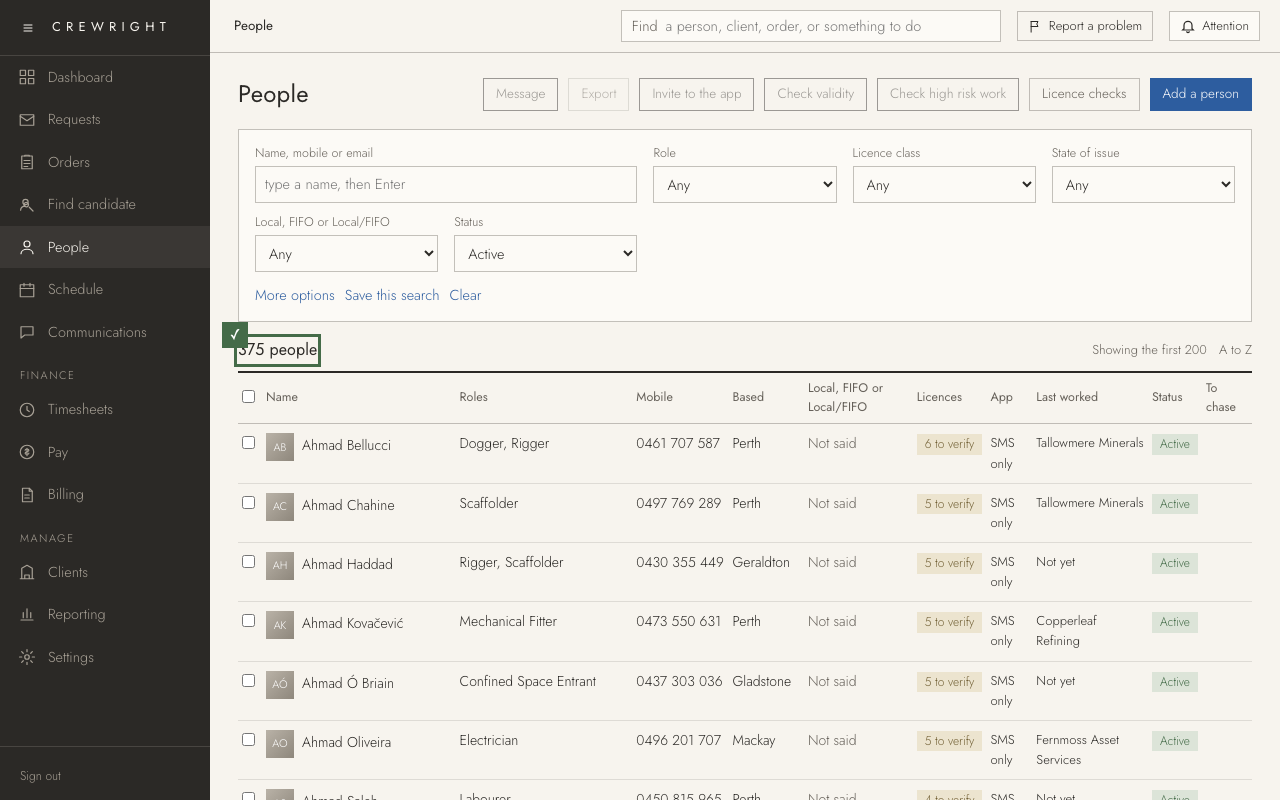
Unlock your screen
If nothing is touched for 30 minutes, Crewright locks the screen. You are not signed out: enter your password and you are back on the same page, with anything you had typed still there.
1. After 30 minutes with nothing touched, the screen is covered. Moving the mouse, typing or scrolling in any Crewright tab counts as activity, and a line at the foot of the screen warns you two minutes before.
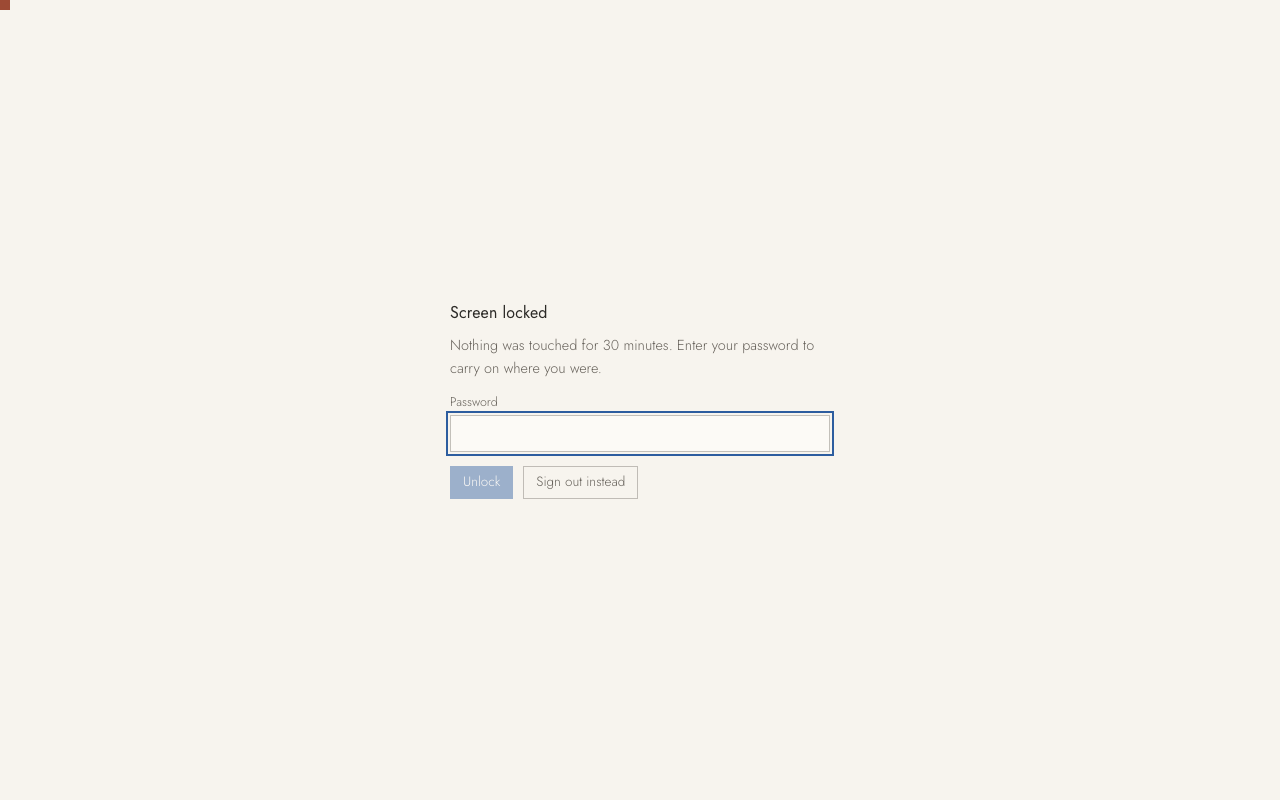
2. Type your Password. The code from your authenticator app is not asked for.
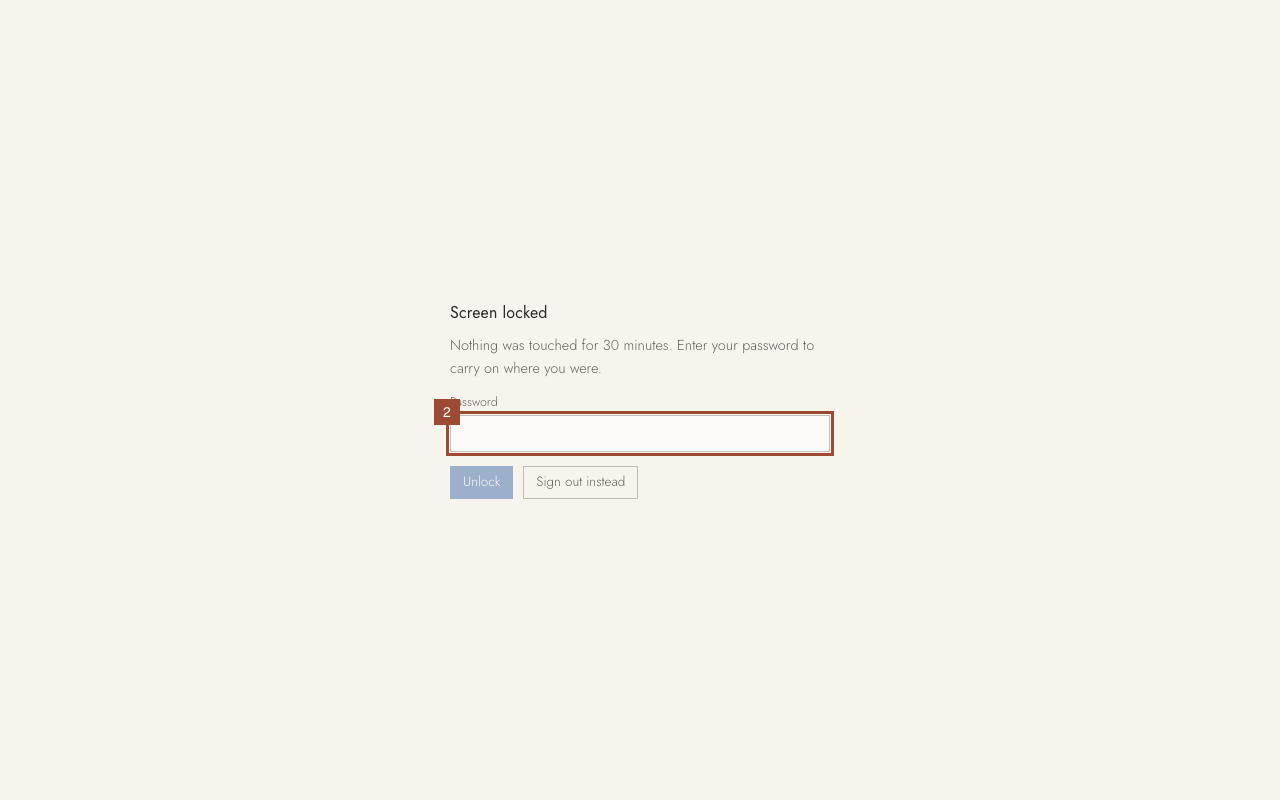
3. Press Unlock.
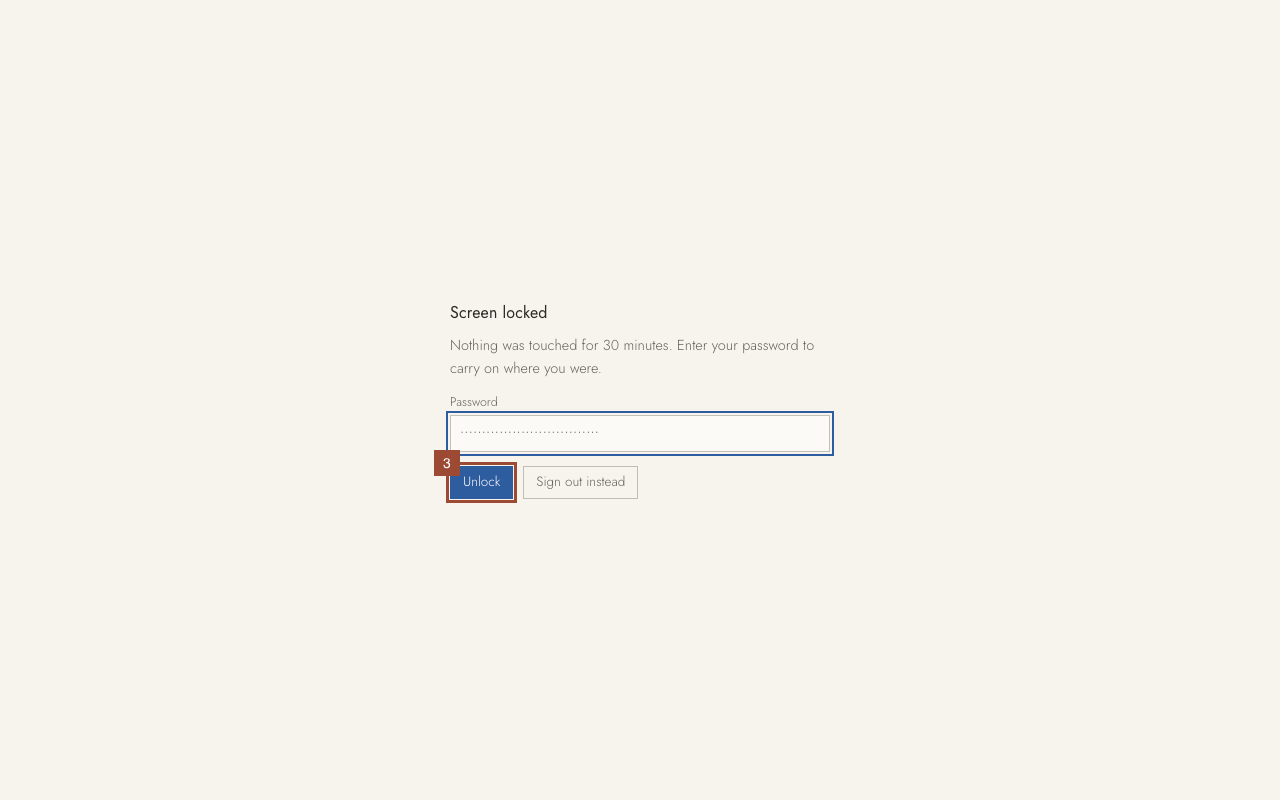
Done Done. You are on the page you were on, as you left it. Five wrong passwords lock it for 15 minutes. Sign out instead is there for when someone else needs the computer.